Unleash Creative Freedom: Fully Editable, Layered PSD Files for Precision Packaging Design
Elevate your product presentations with the **Matte Stand-Up Pouch Mockup**—a powerful, professional-grade PSD bundle designed for creators who demand flawless realism and seamless editing. This comprehensive mockup collection enables you to display your custom packaging designs with unmatched clarity, depth, and authenticity. Whether you’re a branding agency, a product designer, or an independent creator launching a new line, this tool gives you the flexibility and control to generate lifelike visuals that impress clients, boost conversions, and strengthen your brand image.
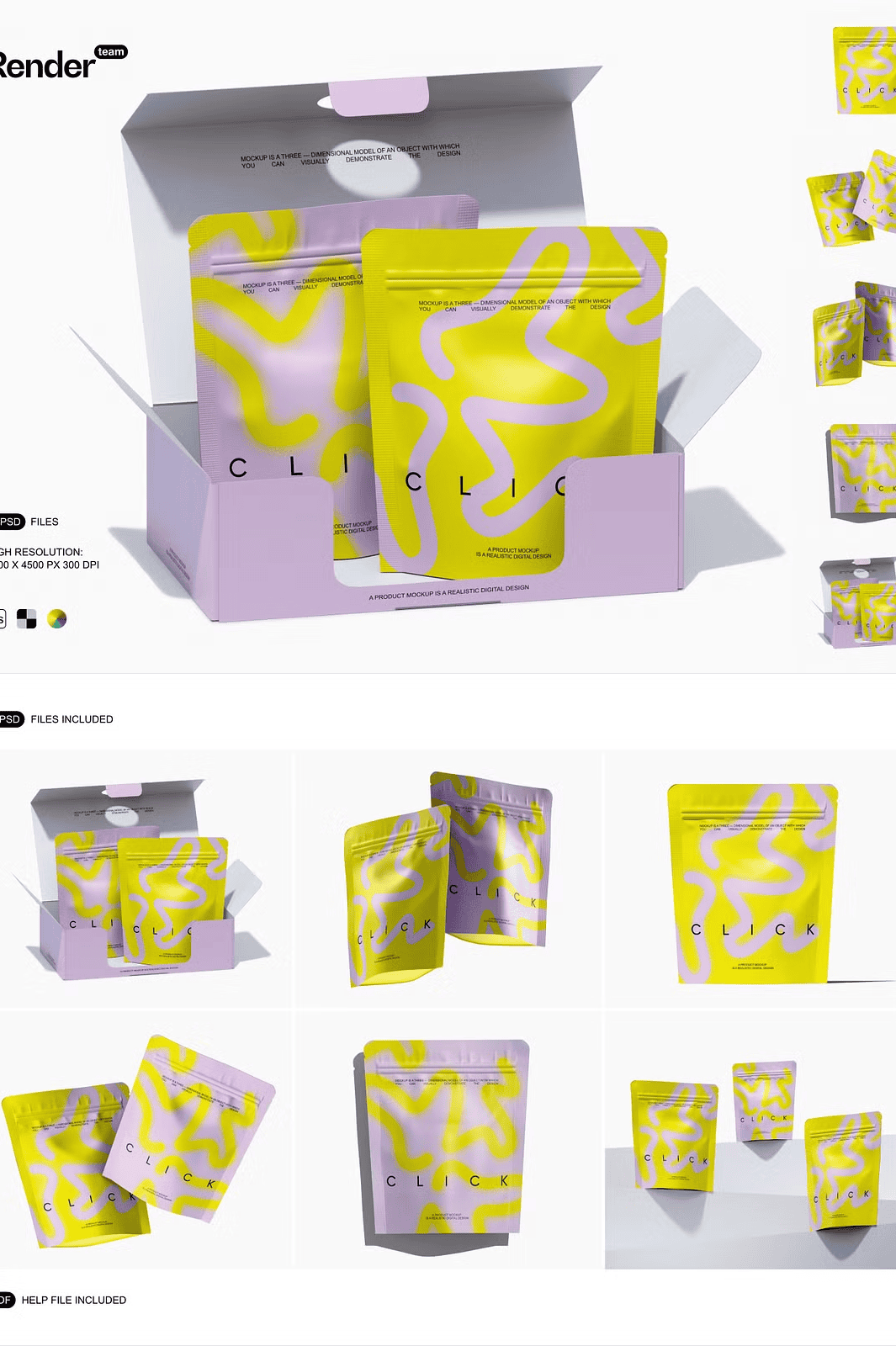
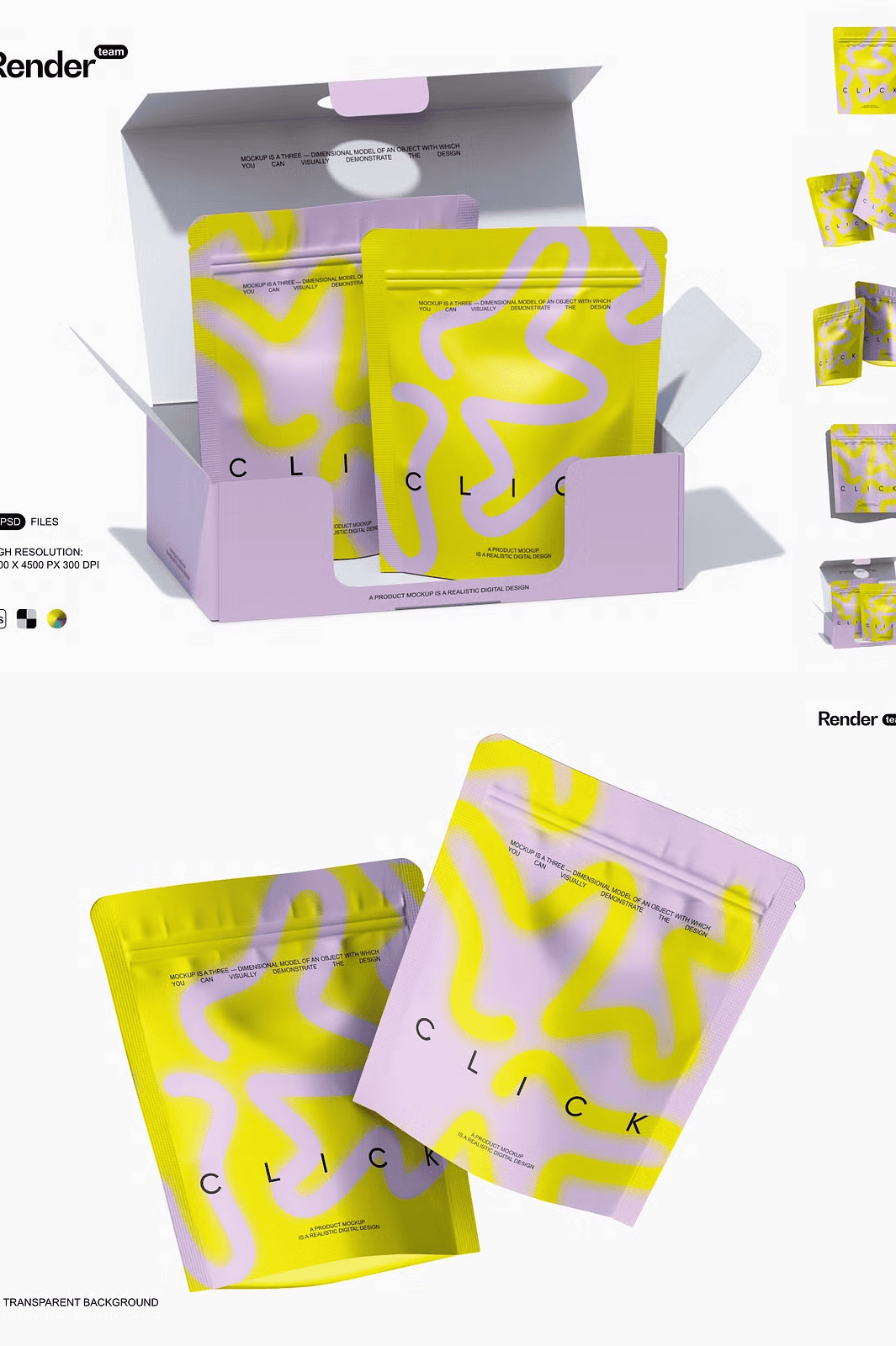
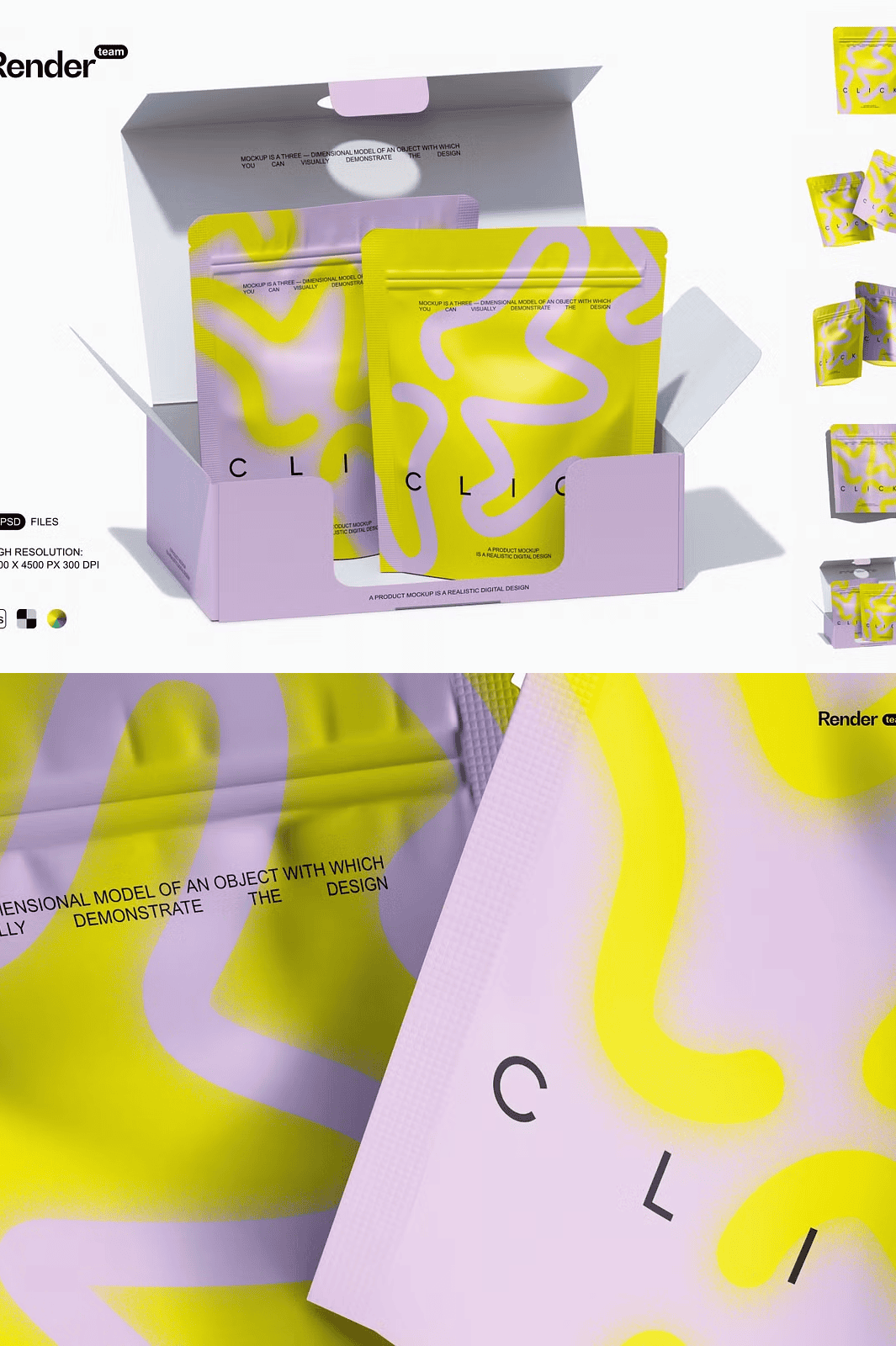
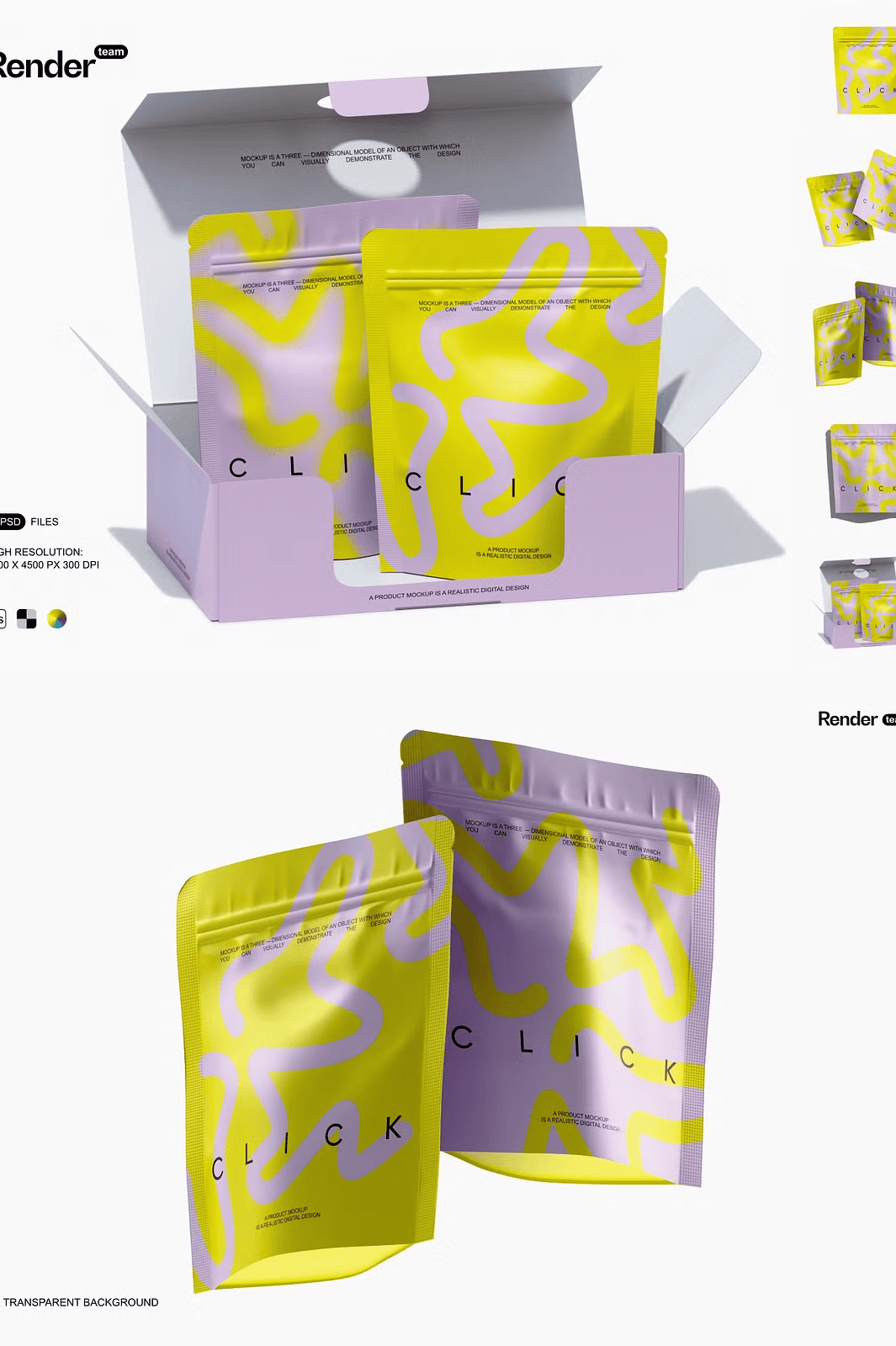
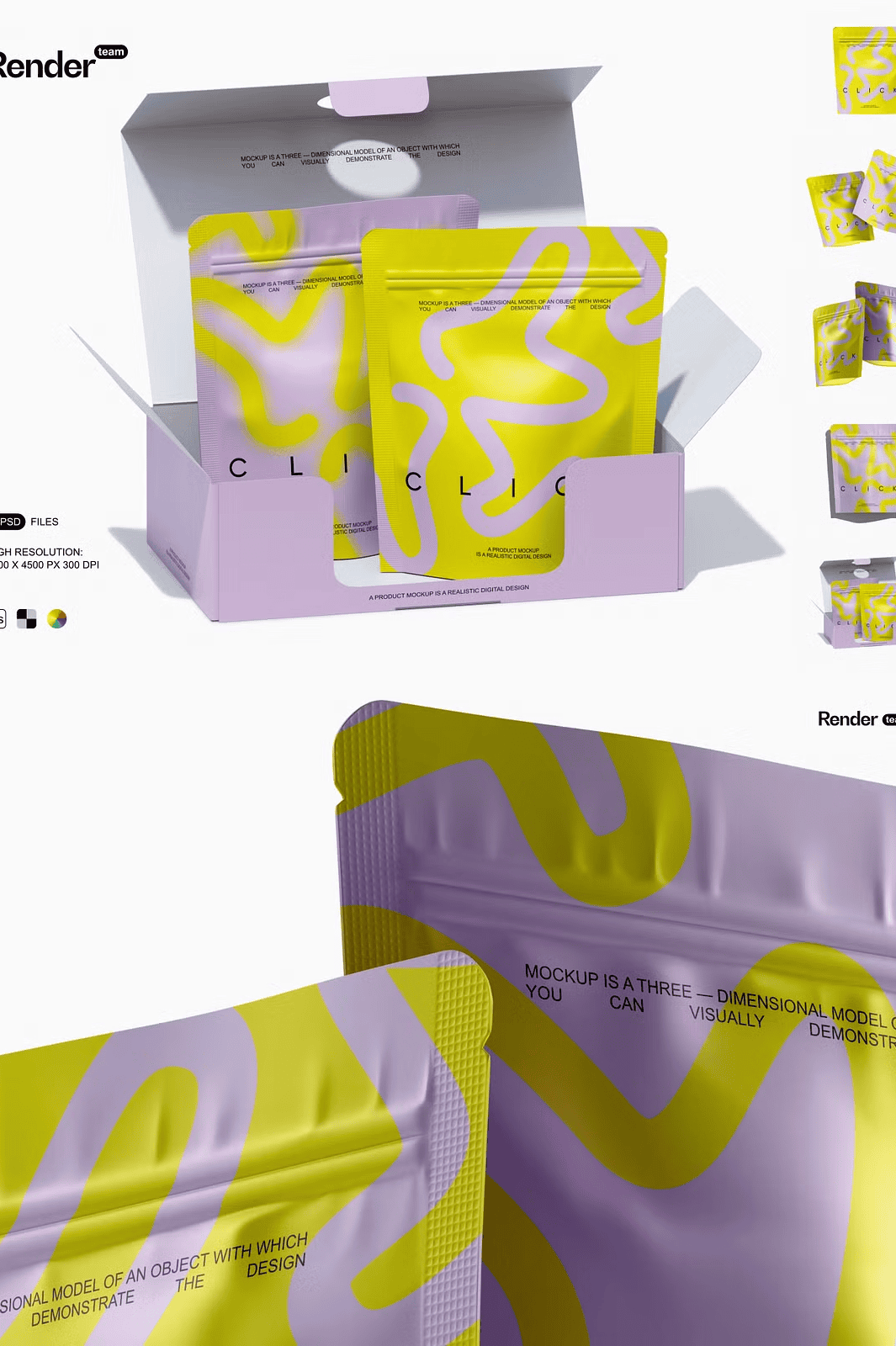
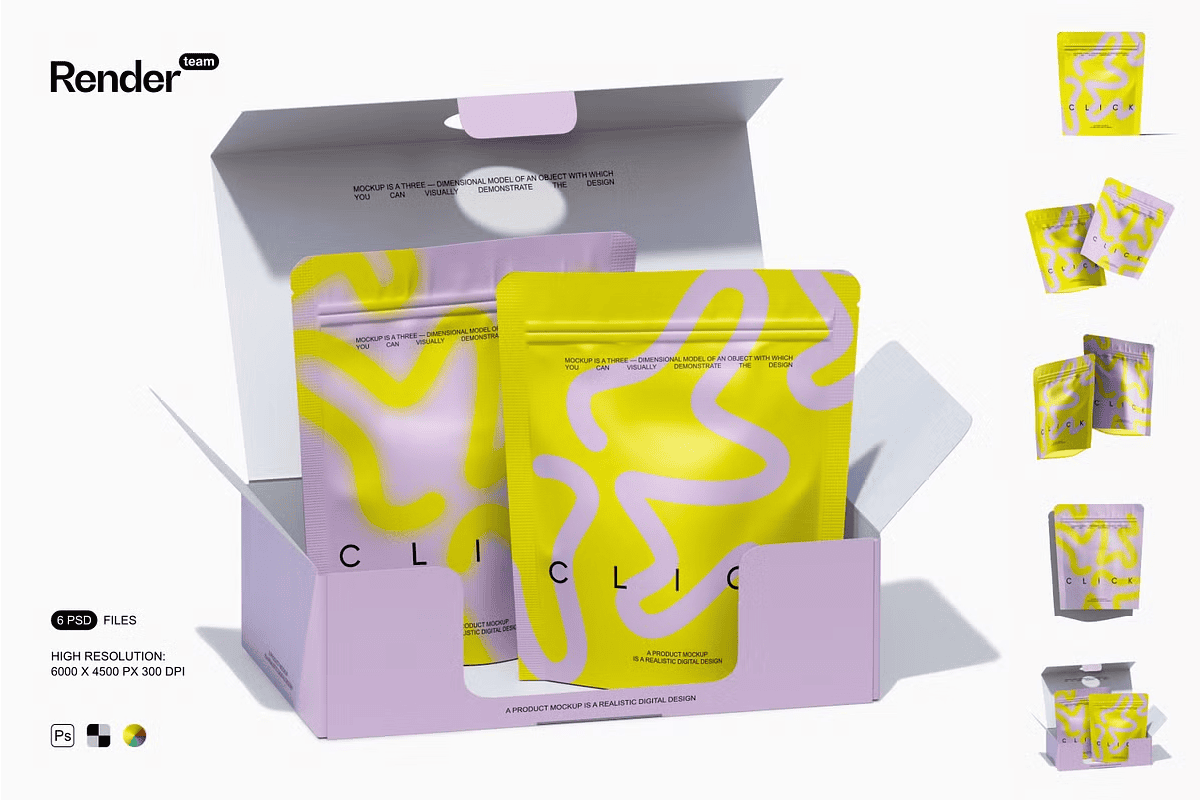
The bundle delivers **six distinct, high-resolution mockup scenes**, each meticulously crafted with natural lighting, subtle material textures, and realistic depth. Each scene features a matte-finish stand-up pouch placed in dynamic, lifestyle-inspired settings—on counters, in kitchens, or laid out for social media content. The use of **isolated objects and layers** ensures that every component—pouch, shadows, reflections, props—can be adjusted independently. This advanced layer organization empowers you to refine your composition in seconds, without affecting other elements.
### Edit Instantly with Smart Object Technology – No Guesswork, No Delays
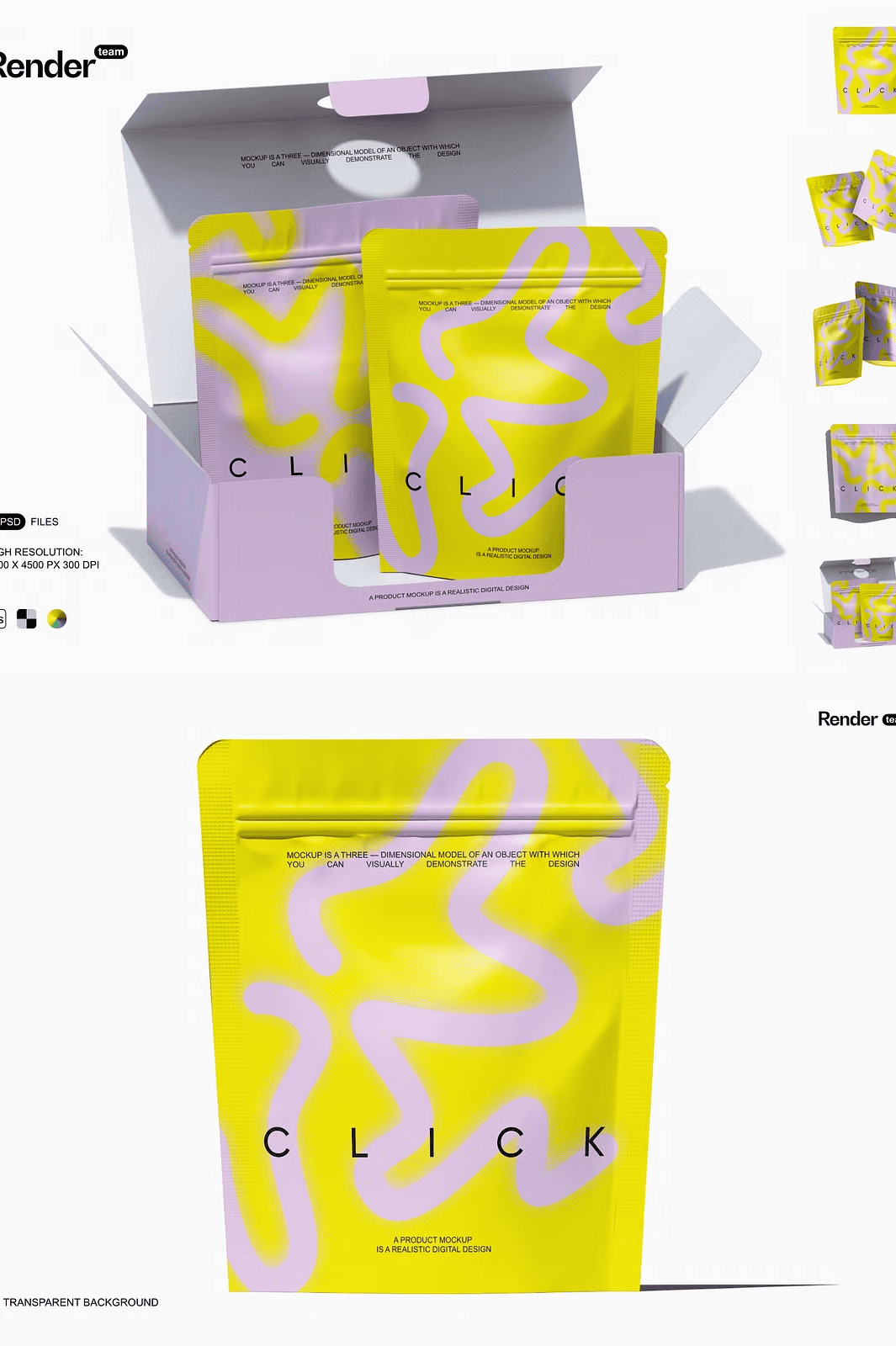
The core of this mockup is its **smart object integration**, allowing you to swap your design with a single double-click. Open the PSD file, locate the designated smart object layer, replace it with your artwork, and save—your design appears instantly, perfectly scaled, aligned, and lit. This drag-and-drop functionality eliminates the need for time-consuming manual resizing or perspective correction. The system maintains original resolution, ensuring your final output remains pristine for digital sharing or print production.
Shadows and reflections are **automatically calculated and placed on separate, editable layers**. You can adjust their opacity, softness, and spread to match any lighting condition—whether you’re simulating bright studio lights or ambient home lighting. The background and supporting props remain fully customizable, letting you change the environment to suit your target audience or campaign theme.
### Precision Detail Meets Real-World Quality – 6000×4500 px at 300 DPI
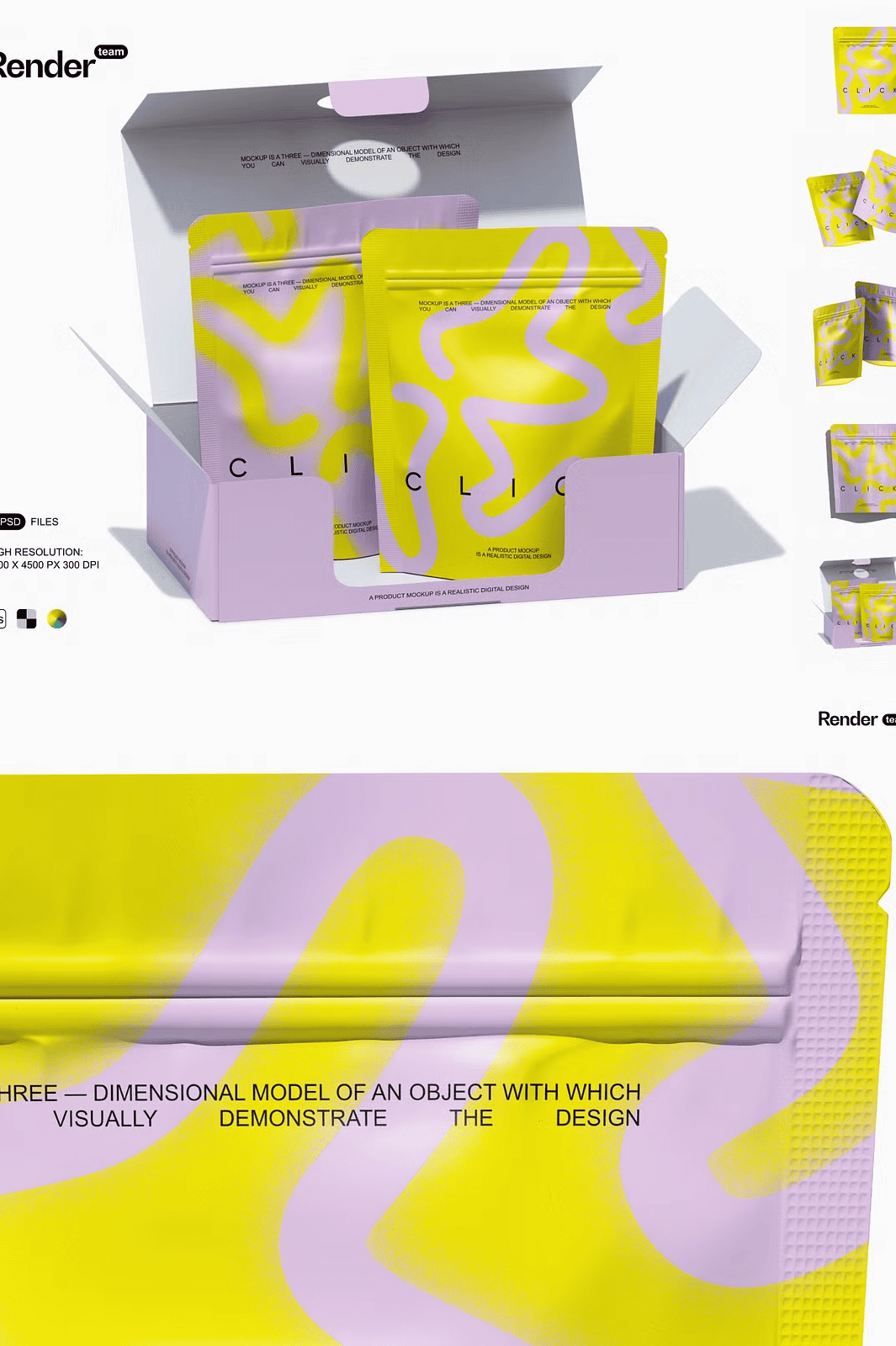
This mockup is engineered for excellence. Every scene is rendered at **ultra-high resolution (6000×4500 pixels, 300 dpi)**, meeting the highest standards for commercial print, premium website galleries, and large-format displays. The detailed textures—matte finish, fabric weave, natural folds—add tactile realism that sets your designs apart from generic template-based mockups.
All assets are **cleanly structured with clearly named layers and folders**, making navigation quick and intuitive. Whether you’re new to Photoshop or a seasoned pro, you can locate and edit any element in seconds. The inclusion of a **PDF help file** provides step-by-step visual instructions, covering everything from installing and using the mockup to exporting final images for web or print.
### Perfect for Any Industry – From Coffee to Cosmetics and Beyond
This mockup bundle is ideal for a wide range of industries and applications:
– ✅ **Coffee & Tea Brands** – Showcase premium packaging for specialty blends with a clean, modern aesthetic.
– ✅ **Bakery & Snack Companies** – Present delicious, tempting product visuals without real photos.
– ✅ **Cosmetic & Skincare Developers** – Highlight eco-friendly, minimalist packaging for natural beauty lines.
– ✅ **E-Commerce Sellers** – Generate high-converting product images for Amazon, Shopify, and marketplaces.
– ✅ **Marketing Agencies** – Deliver polished client presentations with professional, ready-to-use visuals.
### Compatibility & Usage: Designed for Adobe Photoshop, Not Other Tools
This resource is built exclusively for **Adobe Photoshop (Creative Cloud recommended)**. It is **not compatible** with Canva, Procreate, Figma, or other non-Photoshop platforms. The smart object features and layered structure require full Photoshop functionality to work properly.
For users who don’t own Photoshop, we recommend using **Photopea.com**—a free, browser-based tool that fully supports PSD editing with no installation. You can open, edit, and export your mockup directly in your browser with the same level of control.
> **Important Note:** The product does **not include** any design templates, fonts, or stock photos used in the preview images. All visual elements are for demonstration purposes only and are not part of the download.
### Ready to Bring Your Packaging to Life? Get Instant Access Today
Stop relying on low-quality placeholders or generic mockups that don’t reflect your brand’s quality. The Matte Stand-Up Pouch Mockup gives you the tools to create industry-standard visuals—fast, easy, and professionally polished.
Don’t wait. Enhance your portfolio, supercharge your campaigns, and showcase your designs with confidence.