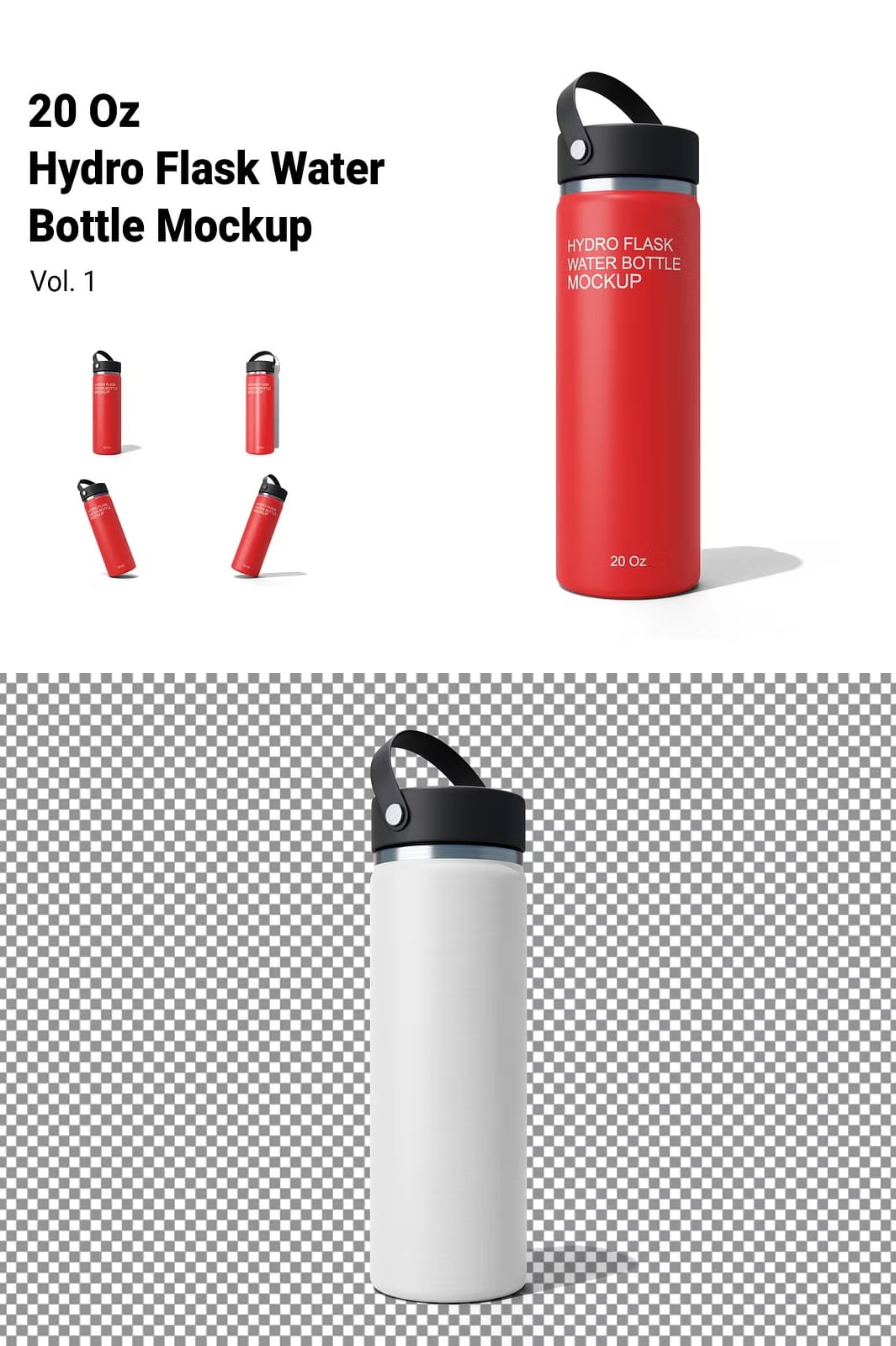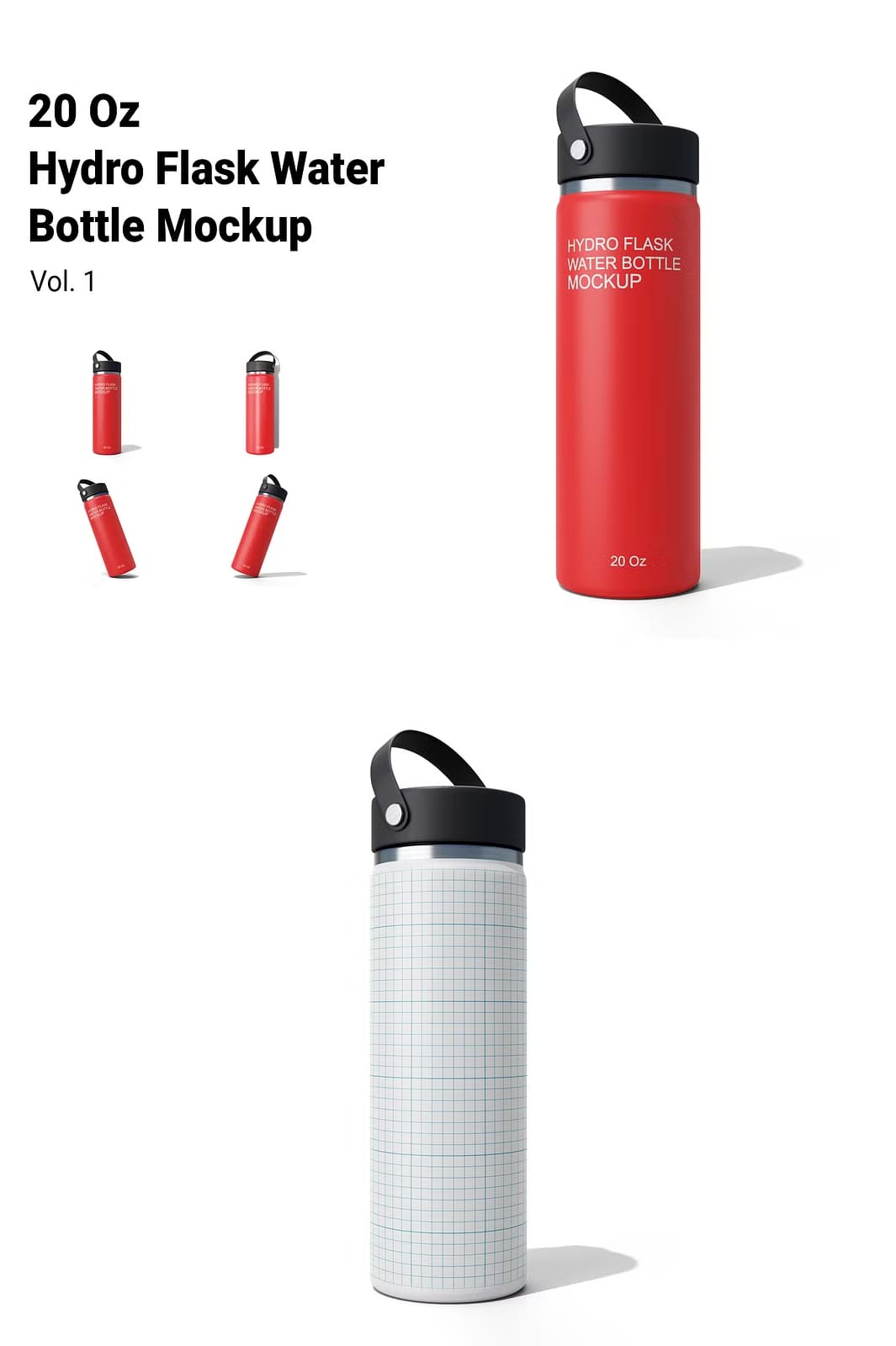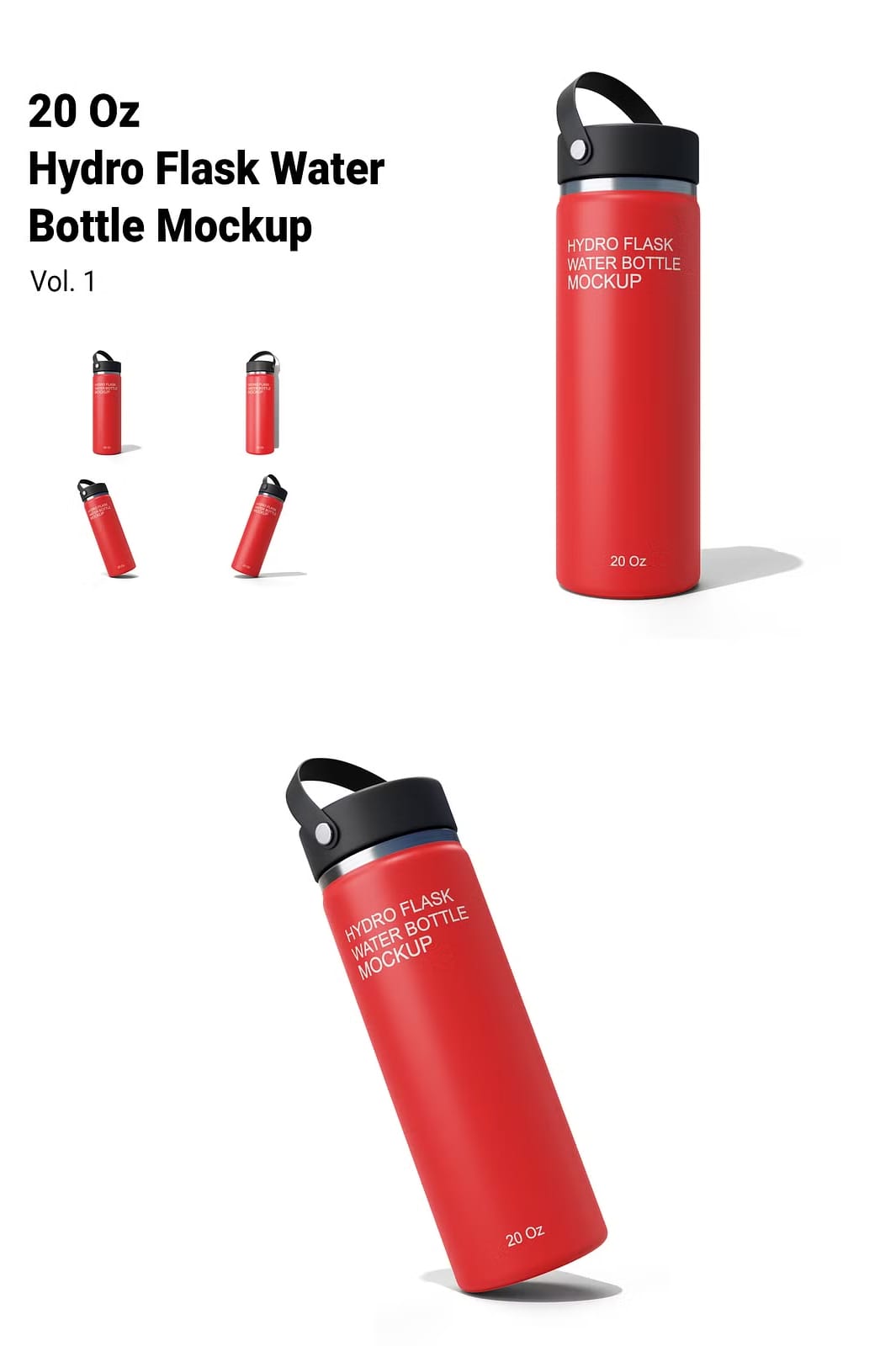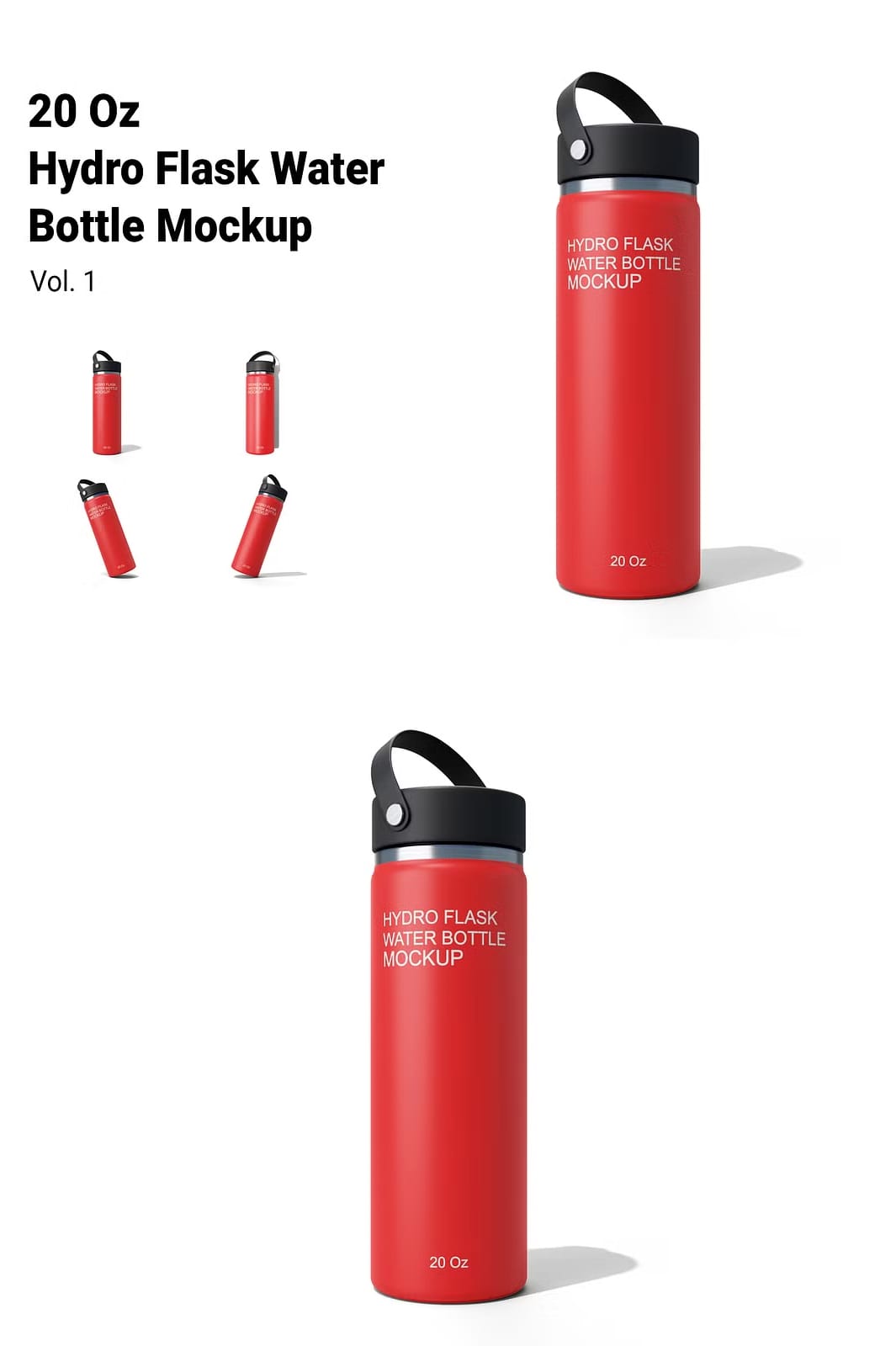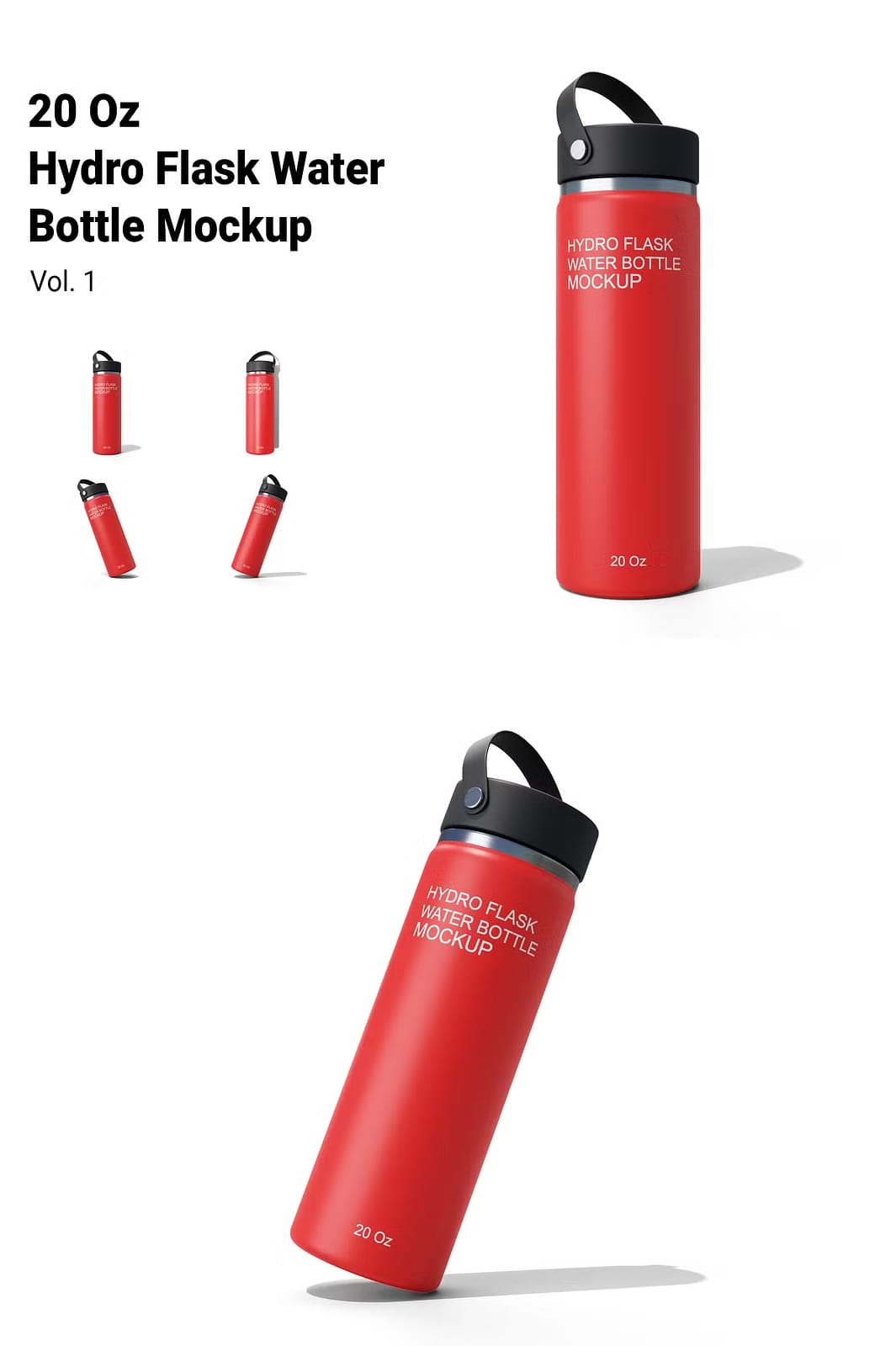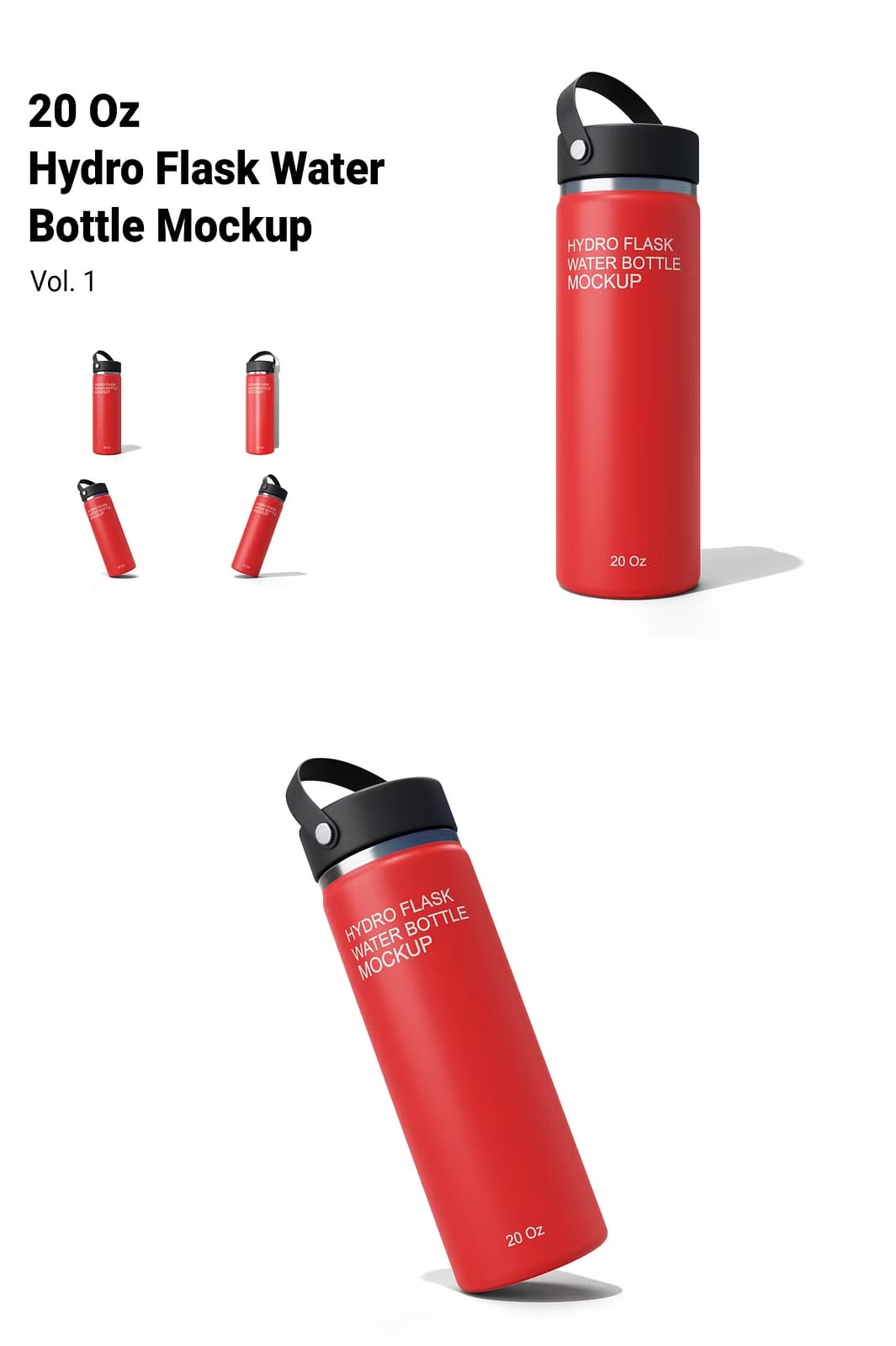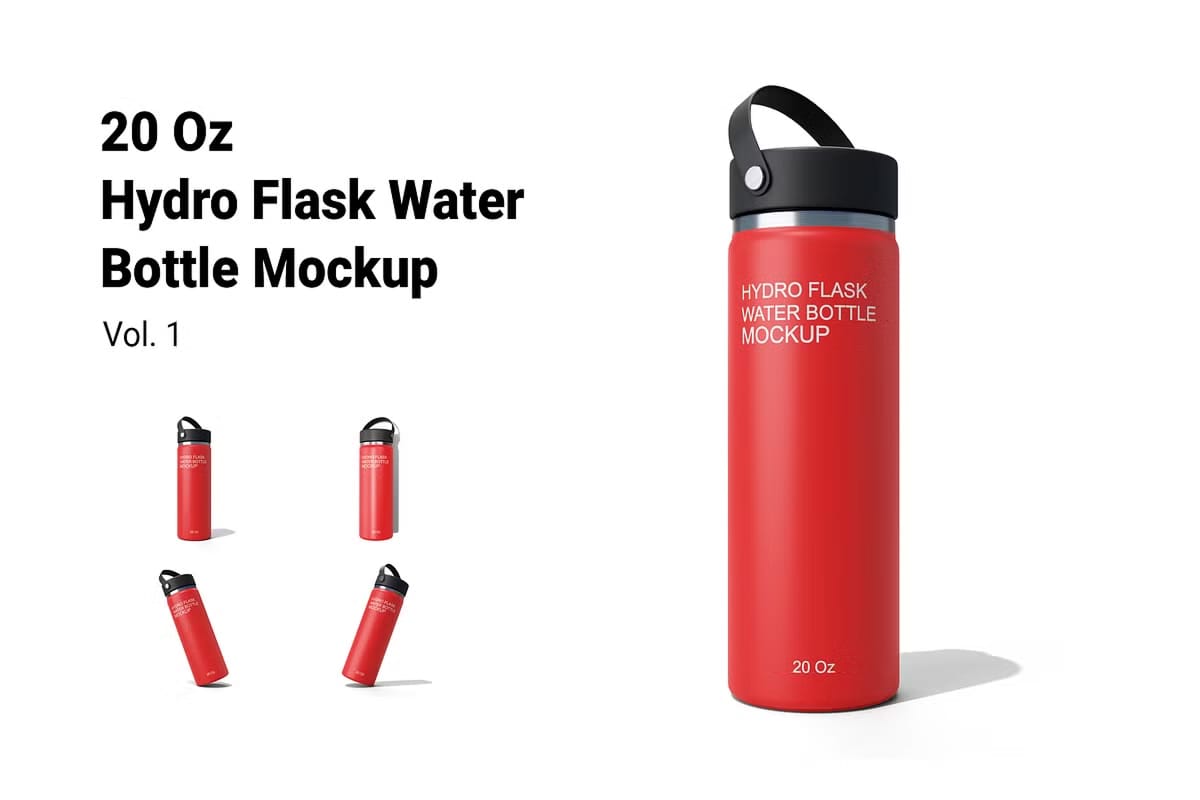
Elevate your design presentations with our Hydro Flask Bottle Mockup Vol. 2. This exceptional mockup set is designed to help you showcase your artwork in a professional and visually appealing manner. With its high-quality features and customizable options, you can create stunning presentations that capture attention and impress your audience.
Key Features of the Mockup Set
This mockup bundle includes everything you need to effectively present your designs:
- 4 PSD Files: The set includes four high-resolution PSD files, each designed to provide a realistic representation of your Hydro Flask bottle designs.
- Smart Object Functionality: Each mockup utilizes smart object layers, allowing you to easily insert your designs. Simply double-click the smart object layer, place your artwork, and save to see your design applied instantly.
- Organized Layers: Enjoy a user-friendly experience with well-organized layers that make it easy to navigate and customize your mockups.
- High Resolution: Each mockup is created at a resolution of 5000×4000 pixels and 300 DPI, ensuring your designs look sharp and professional.
- Customizable Color and Background: Tailor the colors and backgrounds to match your branding or design aesthetic, giving you complete control over the presentation.
- Help File Included: A comprehensive help file is included to guide you through the customization process, ensuring you can make the most of your mockups.
Why Choose Our Hydro Flask Bottle Mockup?
Our Hydro Flask Bottle Mockup Vol. 2 is perfect for designers, marketers, and businesses looking to showcase their branding or product designs effectively. The realistic presentation allows potential customers to visualize your designs in a real-world context, enhancing their appeal and increasing engagement.
How to Use the Mockup
Using our Hydro Flask Bottle Mockup is simple and straightforward. Follow these steps to get started:
- Open the desired PSD file in Adobe Photoshop.
- Locate the smart object layer designated for your design.
- Double-click the smart object layer to open it in a new window.
- Insert your design into the smart object, ensuring it fits perfectly.
- Save the changes and return to the main mockup file to see your design applied.
Download the Hydro Flask Bottle Mockup Vol. 2
Ready to showcase your designs with style? Click the button below to download the Hydro Flask Bottle Mockup Vol. 2 and start creating stunning presentations today!
Transform your design presentations with our high-quality mockups and make a lasting impression on your audience!