Create Stunning Badge Presentations with Fully Layered, High-Resolution PSD File
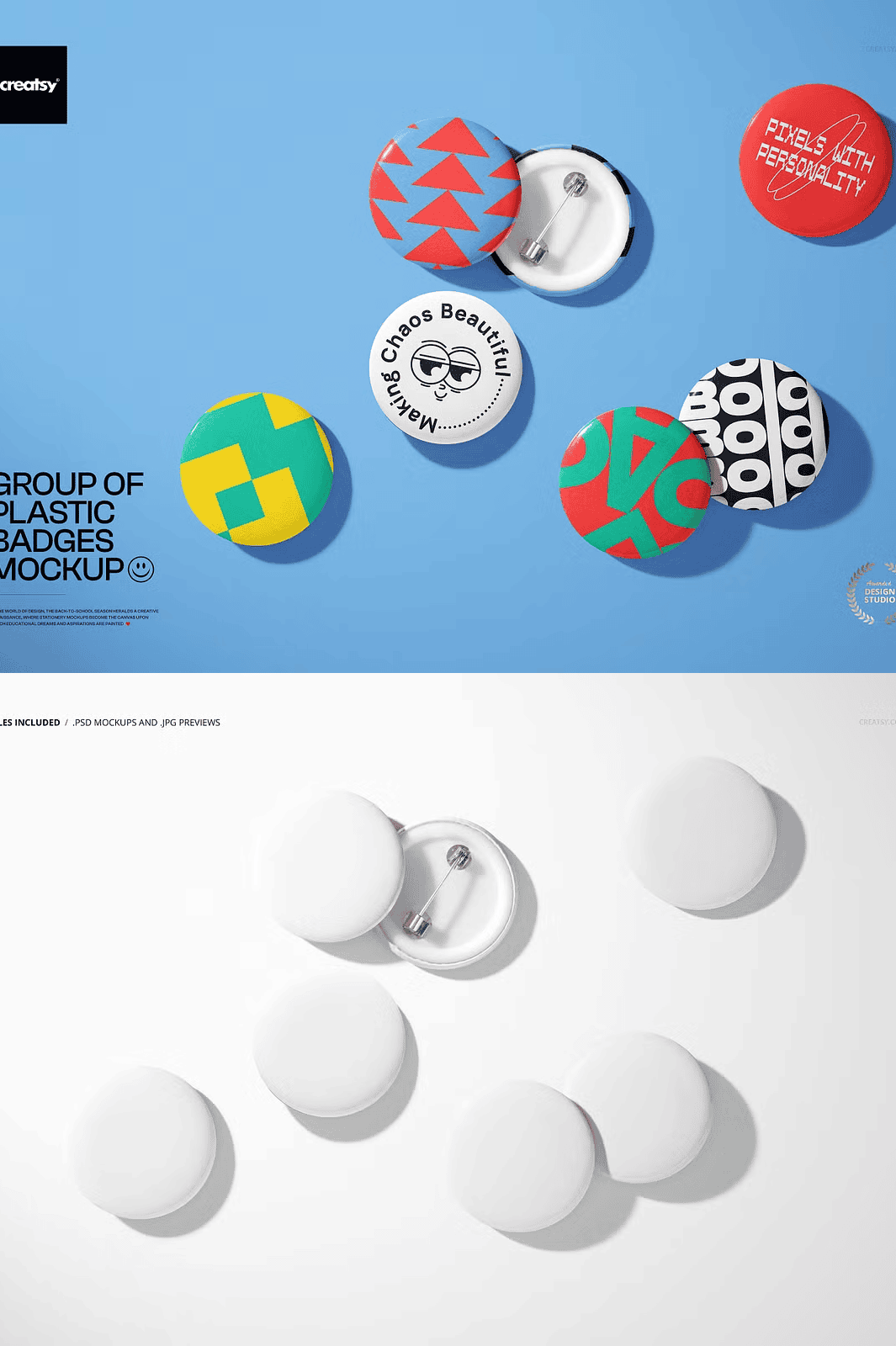
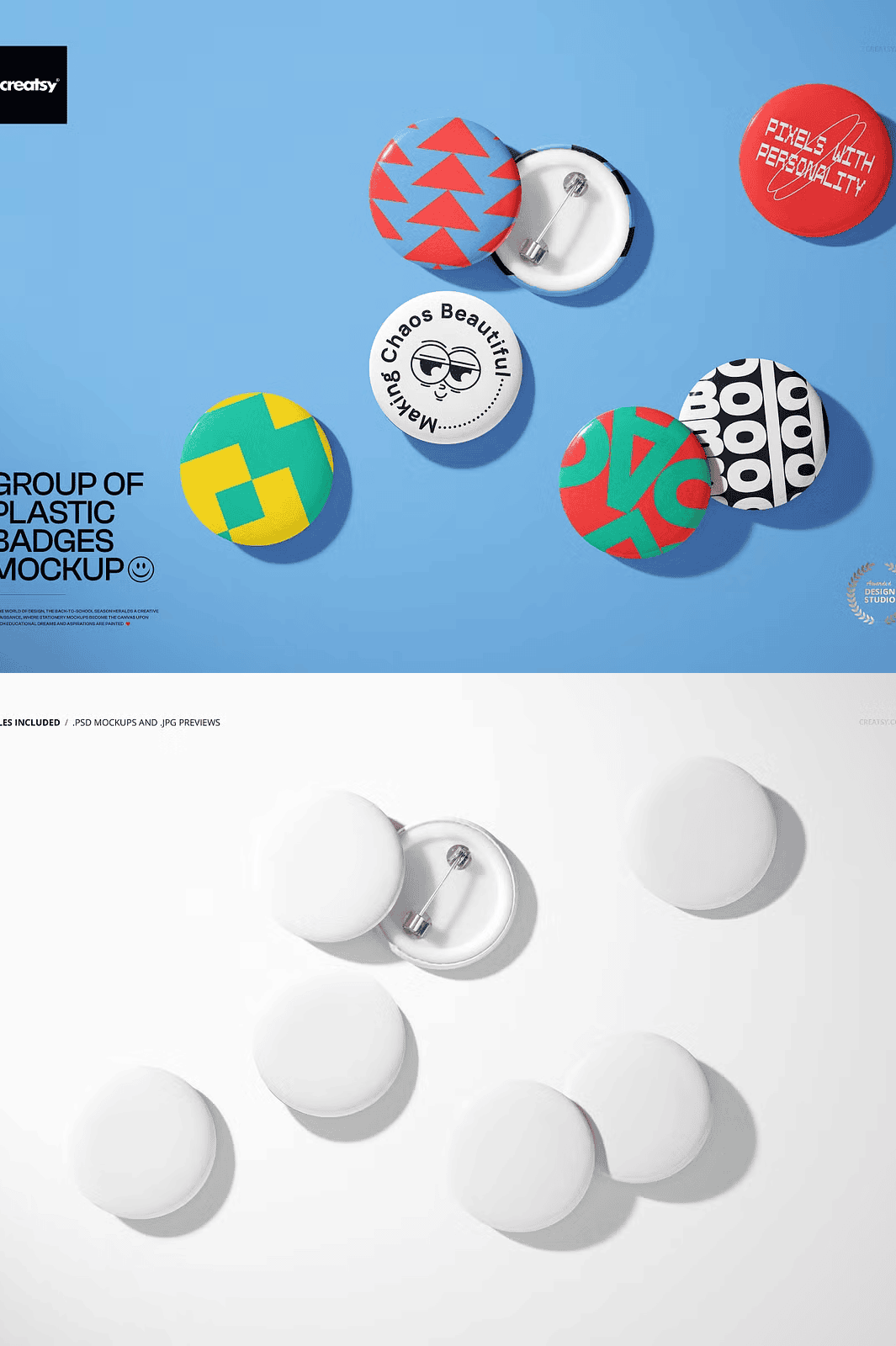
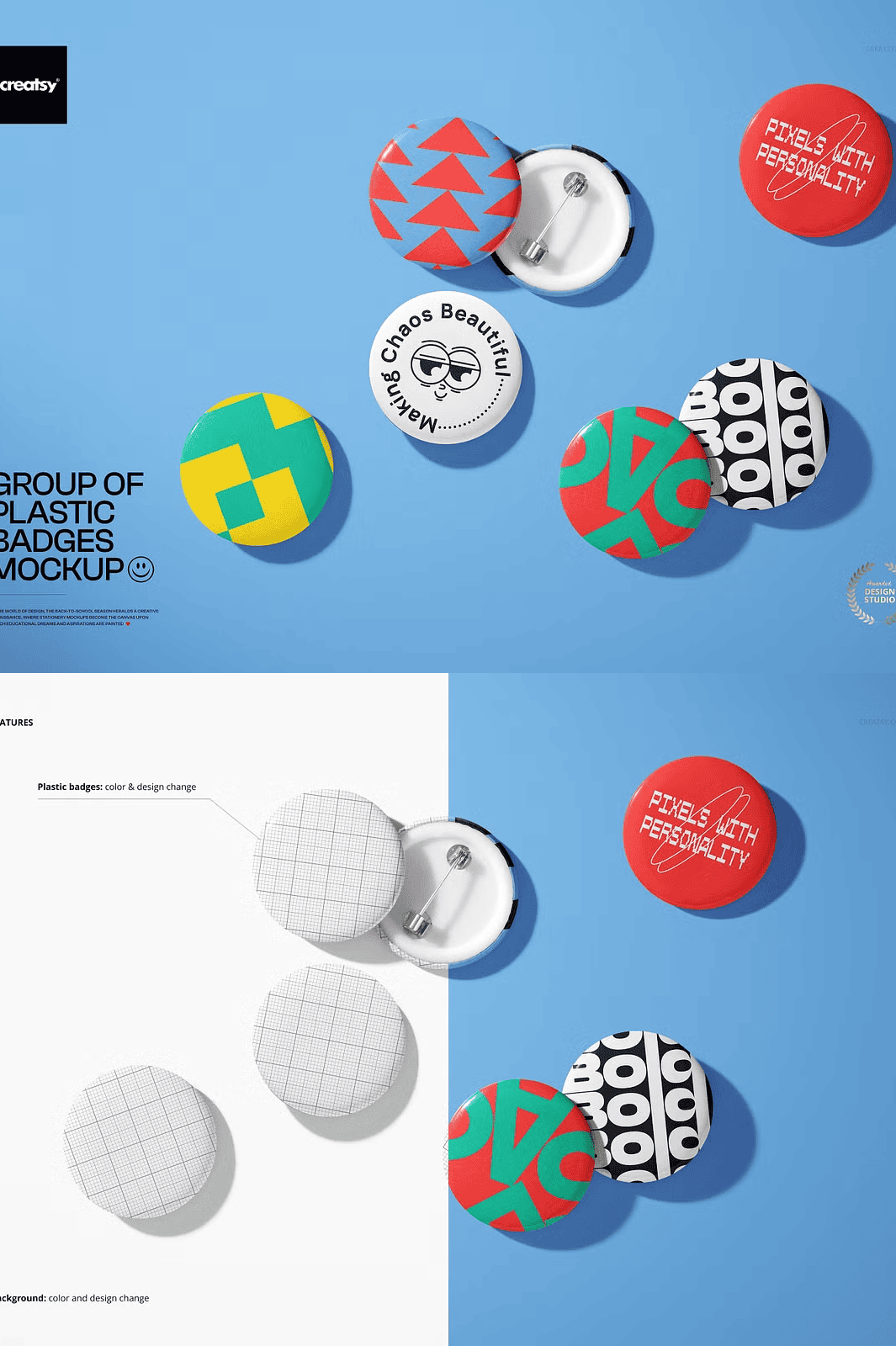
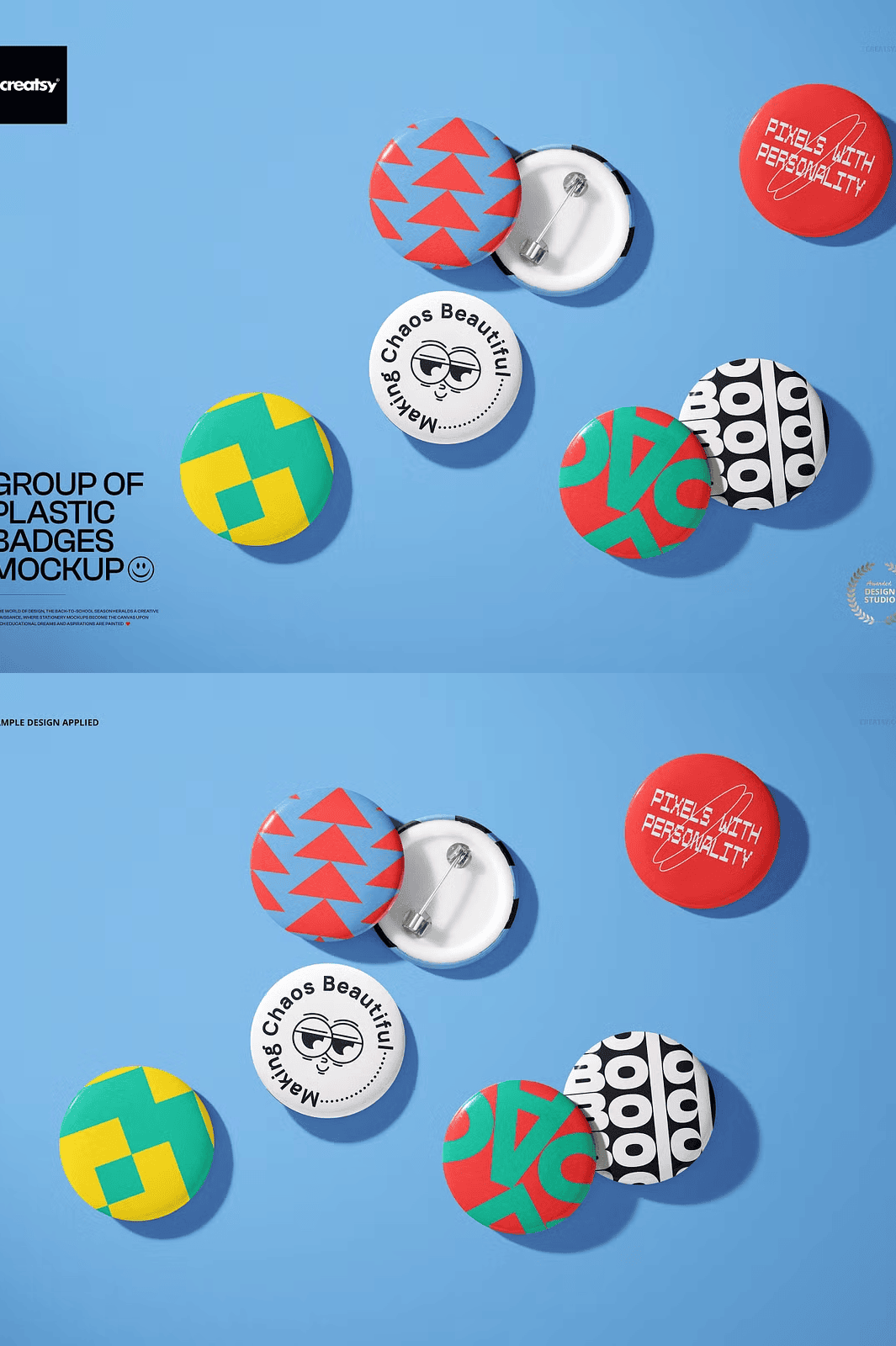
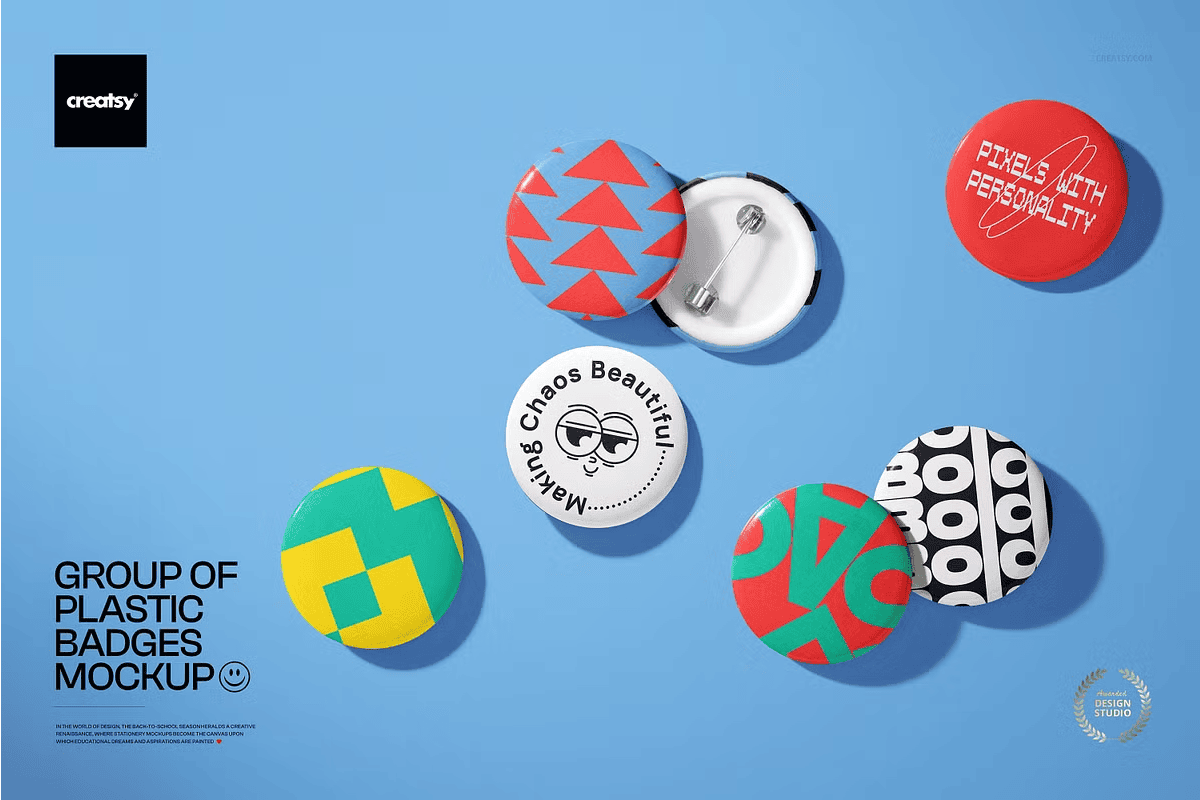
Take your branding visuals to the next level with the **Group of Plastic Badges Mockup**—a versatile, high-fidelity PSD resource built for designers, marketers, and entrepreneurs who demand precision and professionalism. This single, comprehensive .psd file delivers six lifelike plastic badges arranged in a natural, dynamic group—perfect for illustrating corporate passes, event credentials, member IDs, or product labels in a photorealistic setting.
Designed with **6000×4000 pixels at 300 dpi**, this mockup meets the standards for high-end print, digital marketing, and portfolio presentations. The resolution ensures your designs remain crisp and detailed when scaled, whether used for social media, e-commerce, or printed materials. Every aspect of the mockup is optimized for realism, from the subtle sheen of the plastic surface to the precise depth of field and soft ambient shadows.
### Seamless Editing with Smart Layers & Organized Structure
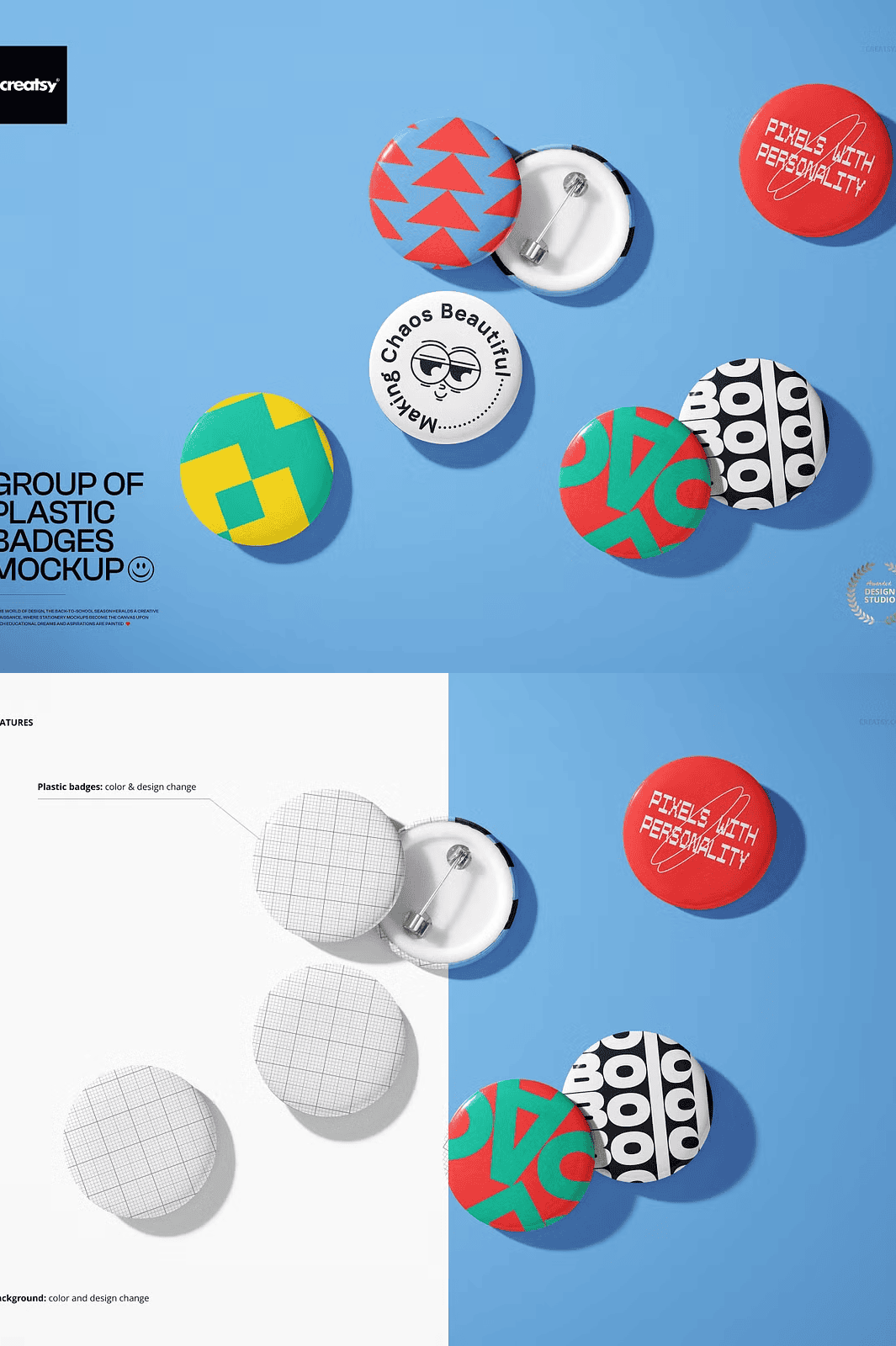
The mockup features a **clean, well-organized layer system** with clearly labeled folders and groups: *Background, Badge Layer Group, Shadow Layers, Reflection Elements, and Props*. Each badge is on a separate smart object layer, allowing you to instantly replace your artwork by double-clicking the layer, inserting your design, and saving—no manual adjustments needed.
Use smart layers to customize colors, textures, and gradients effortlessly. The shadows and reflections are already baked into independent layers, so you can tweak their opacity, size, and blur radius to match your desired lighting condition—studio, office, or outdoor event setting.
### Compatible Across Platforms: Work in Photoshop or Free Online via Photopea
This mockup works flawlessly with **Adobe Photoshop CC (Creative Cloud)** and is fully compatible with **Photopea.com**—a free, browser-based alternative that supports advanced PSD editing without requiring software installation.
Whether you’re on a desktop, laptop, or tablet with limited storage, you can access, edit, and export your designs instantly through your browser. The file is optimized for speed and performance, ensuring a smooth editing experience even on older systems.
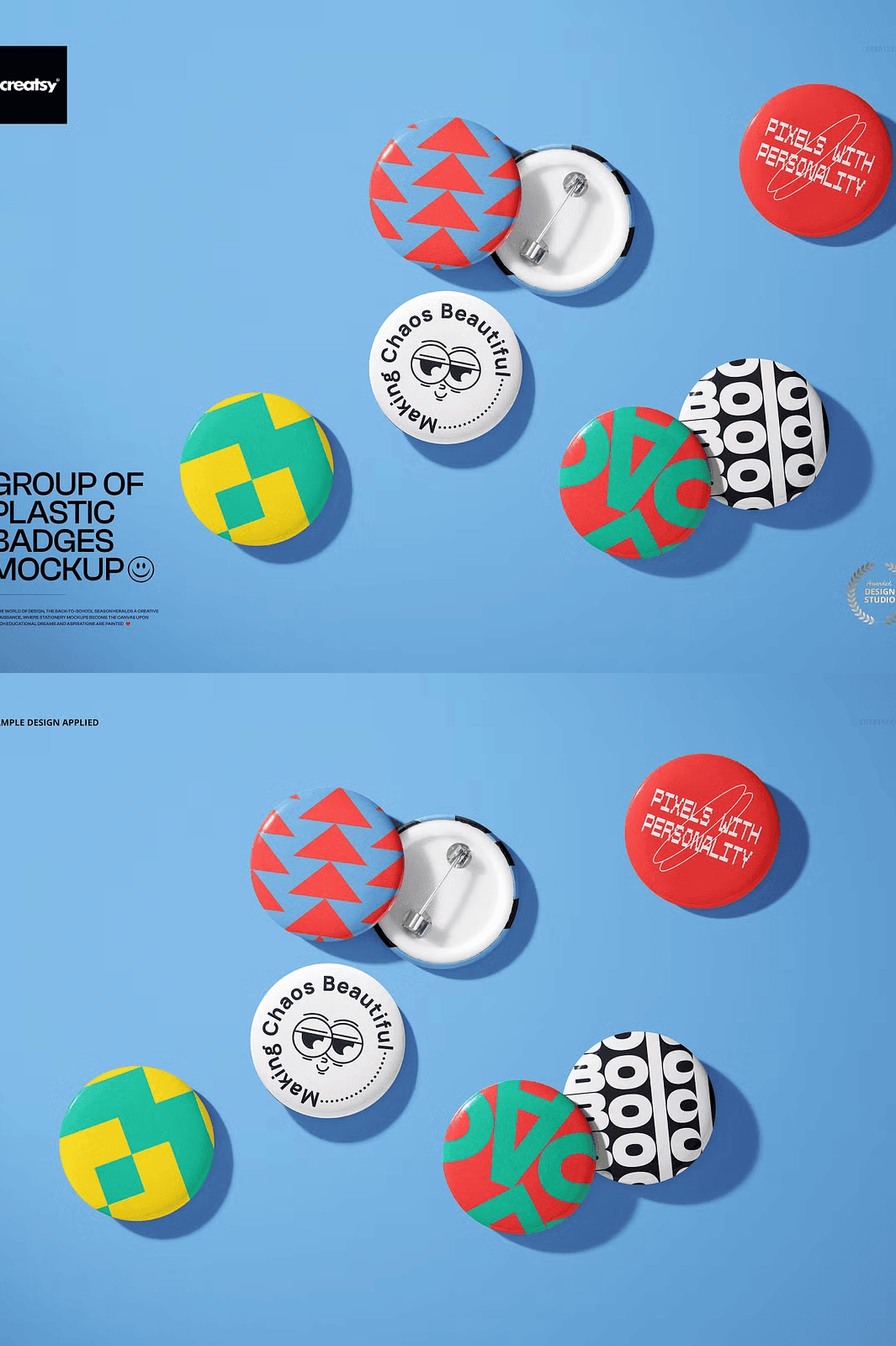
> **Note:** The product does **not include** any design files, fonts, or image assets used in the preview. These are for demonstration only and are not part of the download.
### Ideal for a Wide Range of Applications
This mockup is perfect for:
– ✅ **Corporate Events & Conferences** – Display branded employee or guest badges with a polished, professional look.
– ✅ **Membership & Loyalty Programs** – Showcase exclusive membership cards with premium realism.
– ✅ **Product Launches** – Present product badges for crowdfunding, retail, or limited-edition releases.
– ✅ **School & University Identity** – Design student, staff, and guest access badges for campus events.
– ✅ **Marketing & Digital Campaigns** – Create engaging visuals for Instagram, LinkedIn, websites, and email newsletters.
### Ready for Immediate Use – No Templates, No Limits
No templates? No problem. This is a true **editable design asset**—not a pre-rendered image. You control every detail, from the badge shape and color to its positioning in the scene. Use real-world lighting conditions and custom backgrounds to create tailored visuals that align with your brand identity.
The mockup comes with **no restrictions on commercial or personal use**, making it ideal for freelancers, agencies, and small businesses alike. Use it to impress clients, elevate your portfolio, or speed up your workflow with reusable, high-quality visuals.
### Download Your Mockup Instantly – Click the Button Below
Stop settling for generic image placeholders. With the **Group of Plastic Badges Mockup**, you have everything you need to create convincing, brand-aligned visuals—fast, easily, and professionally.
Click below to get instant access and start designing today.