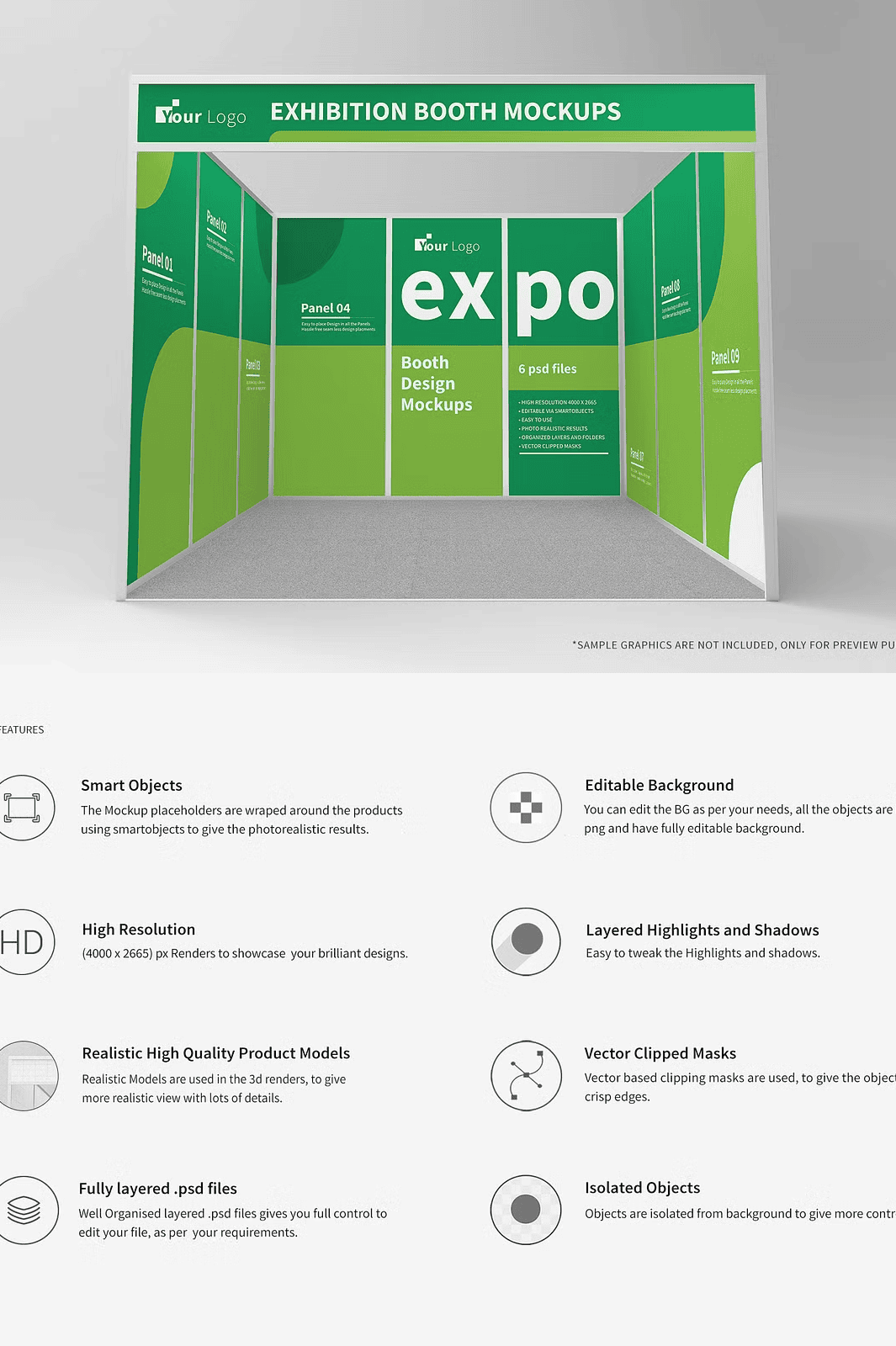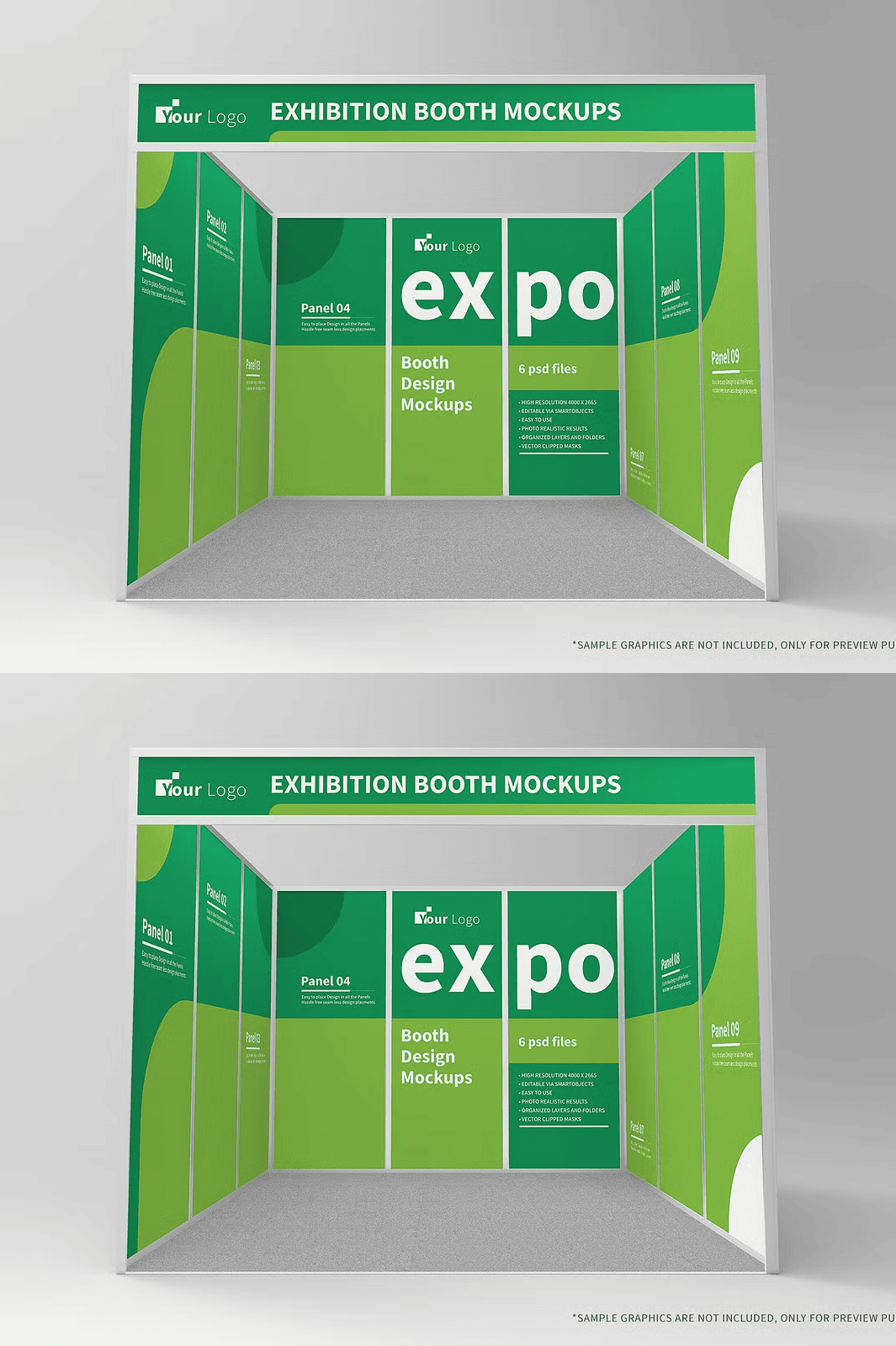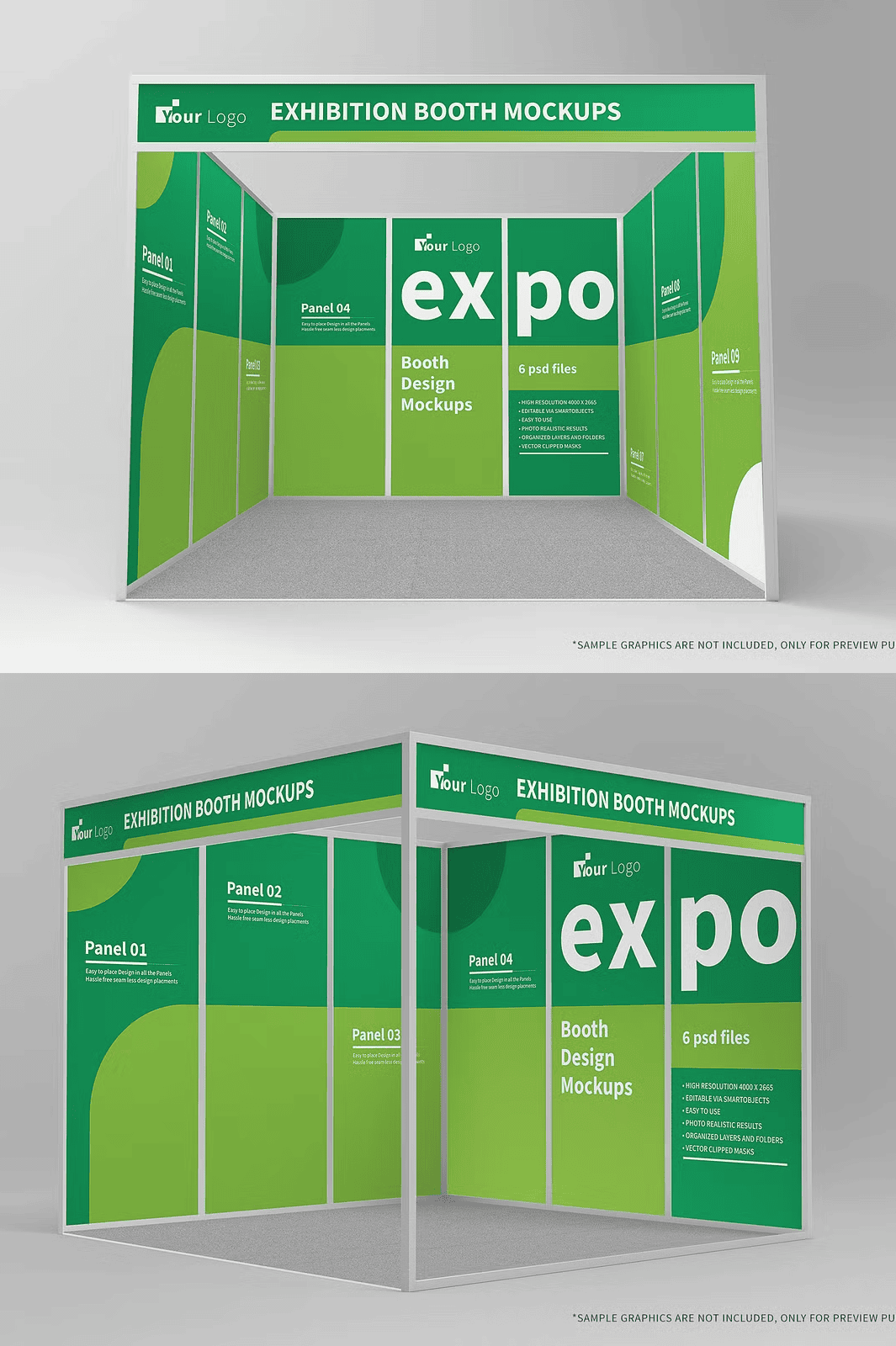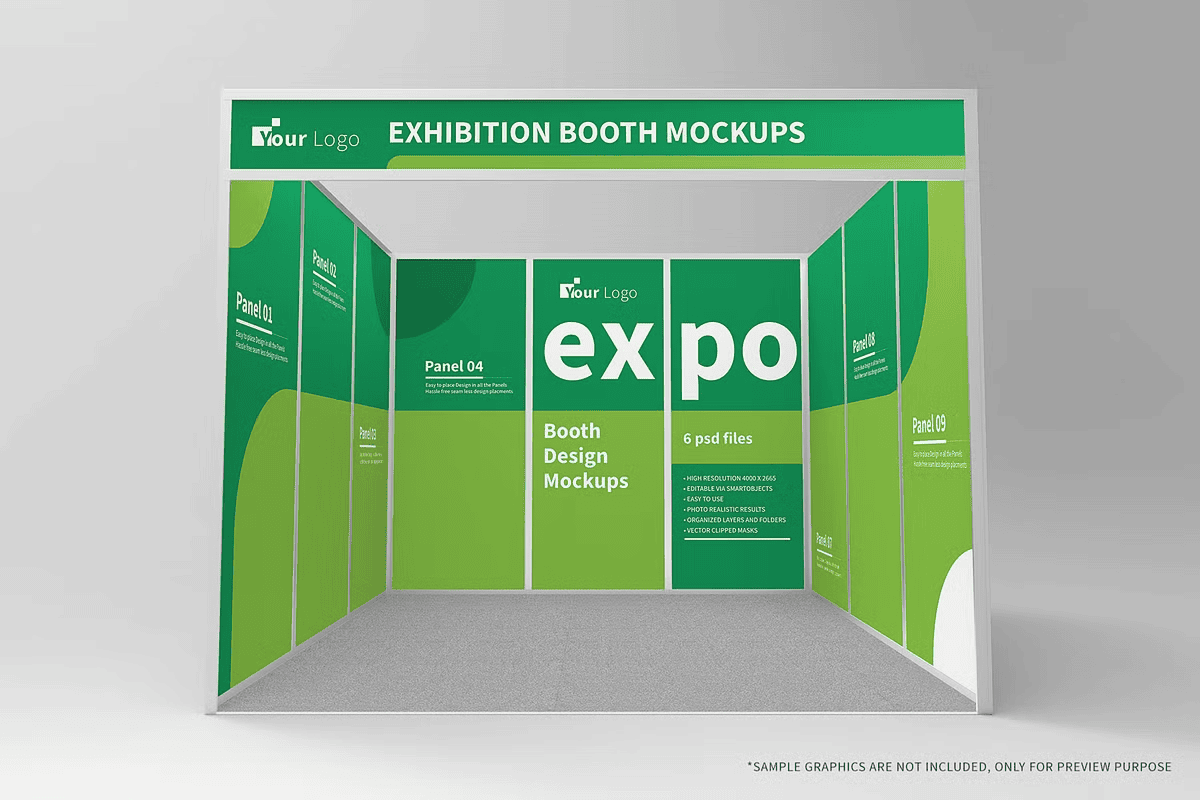
Supercharge your exhibition strategy with the **Exhibition Tradeshow Booth Mockup**—a collection of six advanced, high-resolution PSD templates engineered to transform your brand’s visual presence at trade shows, industry expos, and corporate events. This comprehensive mockup suite delivers lifelike, photorealistic renderings that enable you to showcase your booth design with unmatched realism and precision. Craft confident pitch decks, client presentations, and marketing collateral that stand out in crowded exhibition halls.
Six Fully Customizable Mockup Scenes for Maximum Presentation Flexibility
Each of the six PSD files presents a unique booth configuration, allowing you to visualize your brand in diverse trade show environments—whether it’s a compact corner stand, a spacious island layout, or a modern minimalist setup. All designs are optimized for seamless integration into any presentation workflow. Use smart object layers to insert your logos, branding elements, signage, or product displays with one click. The layered structure ensures every component remains editable, so you can adapt the design to match your specific event, theme, or brand identity without starting from scratch.
Photorealistic 3D Renders with High-Resolution Textures and Precision Detailing
Powered by high-fidelity 3D renders at a resolution of **4500 × 2665 pixels**, every mockup delivers industry-grade clarity and depth. Advanced lighting, dynamic shadow mapping, and realistic material textures simulate real-world conditions with surgical accuracy. The use of high-resolution surface detailing—such as fabric weaves, metallic finishes, and reflective panels—ensures your design appears polished and professional across digital and print media. These renders are built to showcase every intricate detail of your branding, from logo placement to material transitions, ensuring your design is presented at its absolute best.
Smart Object Integration for Effortless Design Workflow
Harness the full power of **Adobe Photoshop smart objects** to streamline your workflow. Replace placeholder content with your own artwork in seconds—no complex masking or layer manipulation required. The smart object layers are non-destructive, meaning your original file remains intact while allowing for rapid iterations. Whether you’re testing different logo placements, changing color schemes, or updating product visuals, you can make edits instantly and preview results in real time. This dynamic system significantly reduces production time and allows for rapid client approvals.
Advanced Layer Organization with Separated Shadow & Highlight Controls
Every mockup is meticulously organized into clearly labeled layers and folders, providing instant navigation and zero confusion. The separation of shadow and highlight layers gives you full control over lighting effects. Adjust intensity, angle, and color to match specific venue lighting or mood boards. Whether you’re creating a warm, inviting booth for a lifestyle brand or a sharp, high-tech look for a tech expo, you can fine-tune the atmosphere with precision. This level of control ensures visual consistency across all your presentations.
Cross-Platform Compatibility and Professional-Grade Export Ready
Designed to work with **Adobe Photoshop CS6 and all newer versions**, this mockup suite ensures broad accessibility—no need to upgrade your software to take advantage of its features. All textures and assets are embedded with lossless quality, and files are optimized for fast loading and stable performance. After customization, export your final mockup at print-ready resolution or web-optimized formats with minimal effort. The project structure supports seamless integration into client portals, pitch decks, e-commerce listings, and social media marketing campaigns.
Bonus: Editable Backing Card and Presentation Templates Included
Enhance your professional delivery with included editable backing cards and presentation templates. Use these to showcase your mockup in branded folders, business card stacks, or digital slide decks. Customize backgrounds, borders, typography, and logos to match your company’s brand guidelines. This feature adds a polished, premium finish to any proposal, making your design team stand out as experts in brand experience and visual storytelling.
Complete Support with 12-Page Step-by-Step PDF Guide
Get started in minutes with the included **12-page PDF instruction manual**. This guide provides detailed, illustrated tutorials for every stage—from initial setup and smart object usage to advanced lighting adjustments and export settings. Whether you’re a student, freelancer, or seasoned designer, the guide ensures you gain full mastery of the file structure, layer hierarchy, and optimization techniques. Real-world examples and pro tips help you avoid common pitfalls and achieve publication-quality results consistently.
Note: Sample branding graphics, logos, and decorative elements used in preview images are for demonstration only and are not included in the download. All visual references are protected under separate licensing agreements. For custom asset requests or commercial use queries, contact support@shaikerintu.com.