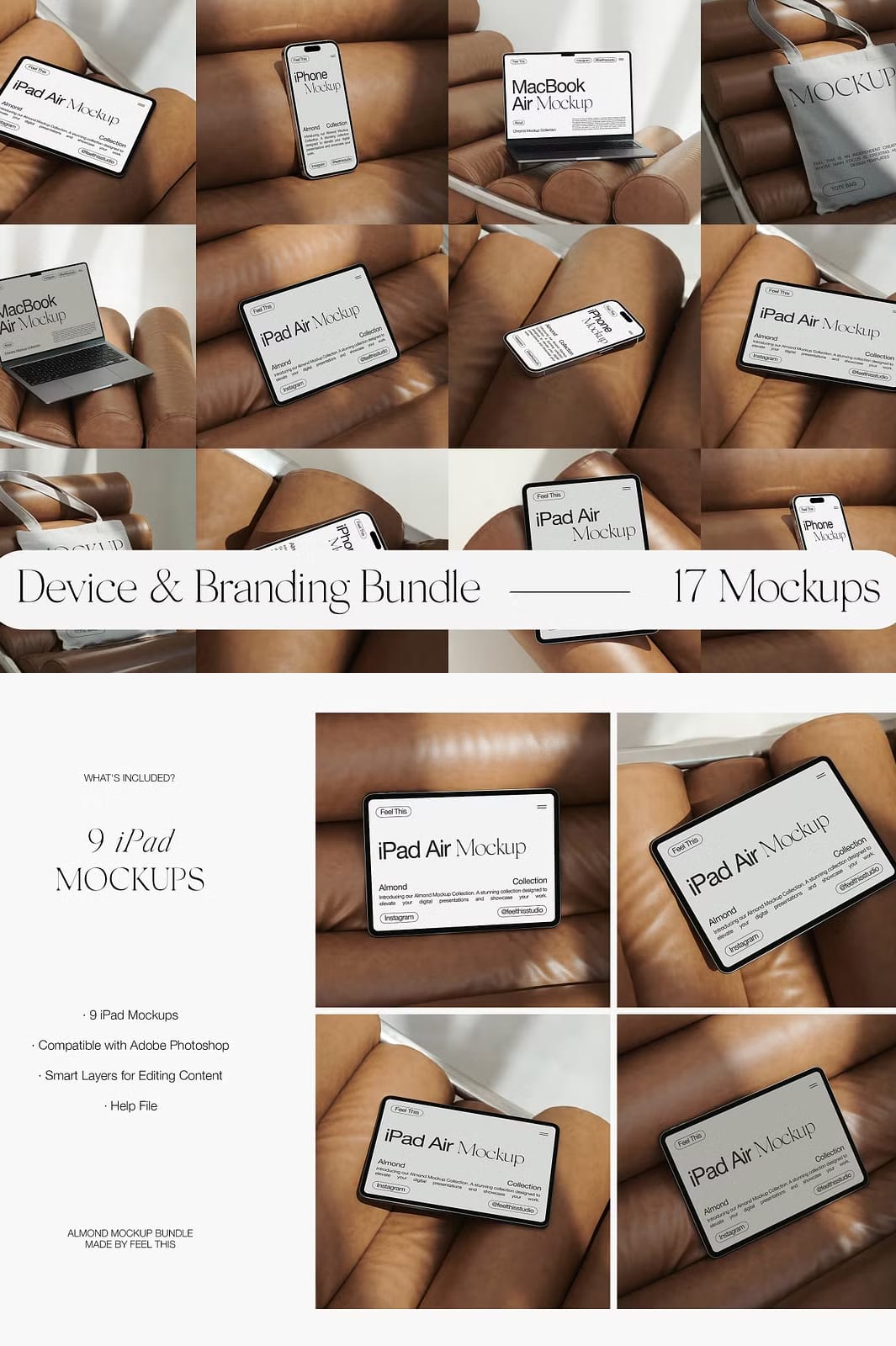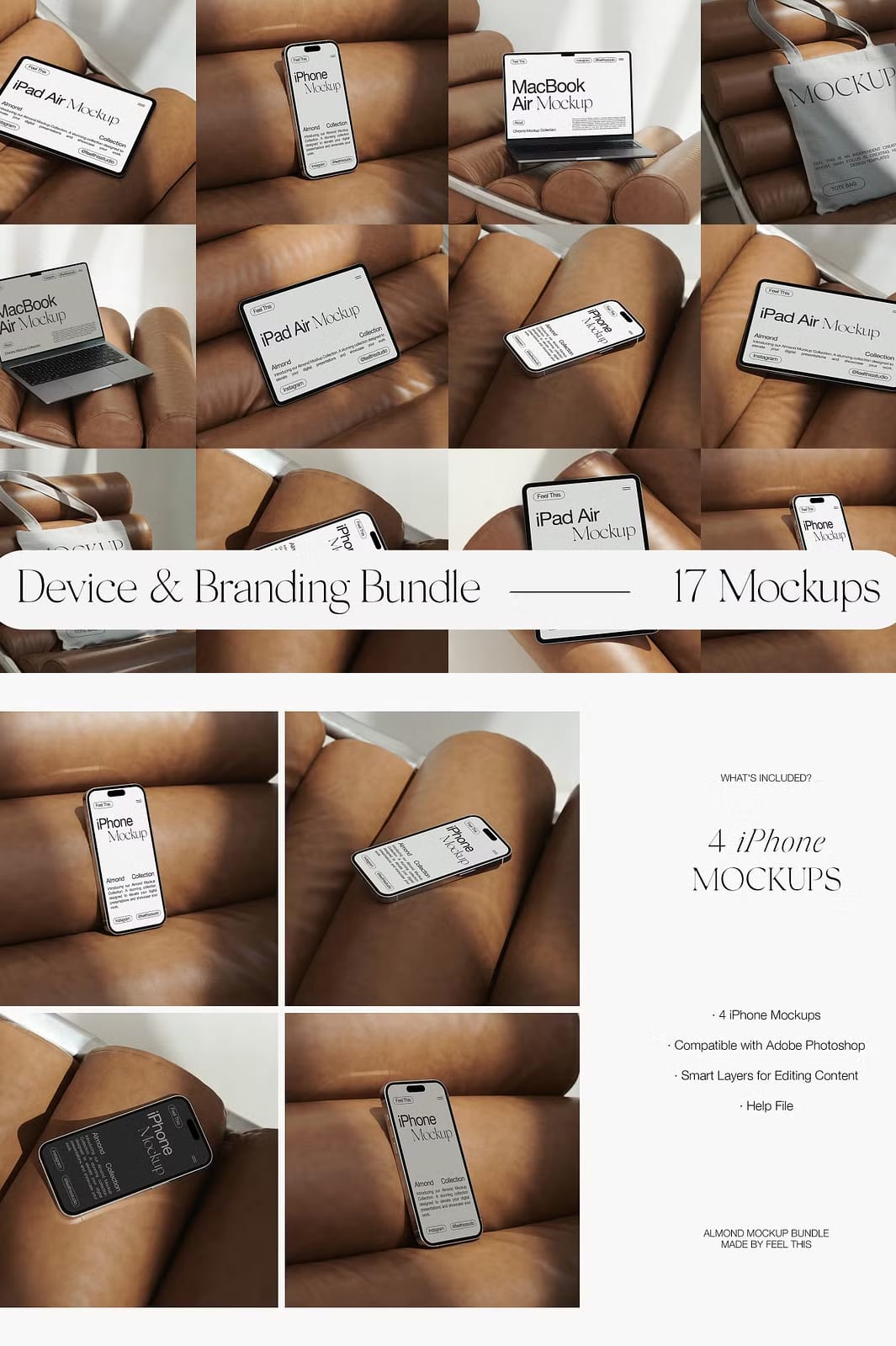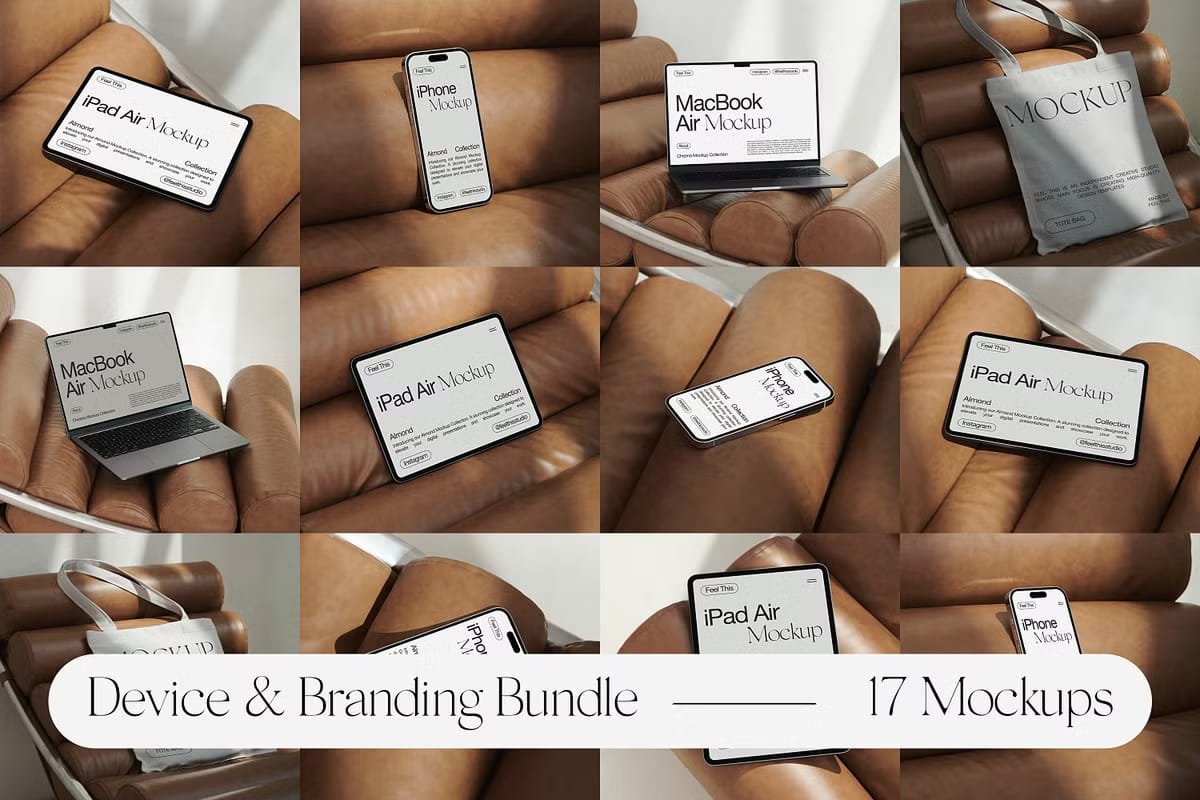
The Almond Mockup Bundle is a carefully curated collection of 17 premium, minimalist mockups designed to help you showcase your designs with elegance and professionalism. Featuring the latest Apple devices including the iPhone 14 Pro, MacBook Air M2, iPad Air, and a stylish tote bag, this bundle offers versatile presentation options that will make your apps, websites, branding materials, and portfolios stand out.
Comprehensive Collection for Diverse Design Needs
This bundle includes a total of 17 mockups, thoughtfully divided to cover a wide range of devices and presentation styles:
- 9 iPad Mockups: Display your app interfaces, websites, or digital artwork on the sleek iPad Air with high-resolution clarity.
- 4 iPhone Mockups: Showcase mobile app designs or responsive websites on the latest iPhone 14 Pro, capturing attention with realistic detail.
- 2 MacBook Mockups: Present desktop websites, branding projects, or software interfaces on the MacBook Air M2 with crisp visuals.
- 2 Tote Bag Mockups: Extend your branding presentations beyond screens by featuring your designs on stylish tote bags, perfect for lifestyle and merchandise showcases.
High-Resolution Images and Screen Sizes
Each mockup is crafted at impressive resolutions to ensure your designs appear sharp and professional:
- Vertical Images: 4000 x 6000 pixels, ideal for detailed presentations and print-ready visuals.
- Screen Sizes:
- MacBook Air: 2560 x 1664 pixels
- iPhone 14 Pro: 1179 x 2556 pixels
- iPad Air: 1640 x 2360 pixels
Effortless Customization with Adobe Photoshop
The Almond Mockup Bundle is designed for seamless editing in Adobe Photoshop. Simply open the PSD templates and replace the placeholder content with your own artwork using smart object layers. This intuitive process allows you to create realistic and polished presentations quickly, saving you valuable time while enhancing the impact of your designs.
What You Can Customize
- Replace the images on device screens and tote bags with your own designs.
- Change paper colors to match your branding or project theme.
Please note that while you can customize images and colors, the physical placement of objects within the mockups cannot be altered.
Why Choose the Almond Mockup Bundle?
This bundle is perfect for designers, marketers, and creative professionals who want to:
- Present their work in a clean, minimalist style that highlights the design itself.
- Showcase their projects across multiple device types for a comprehensive portfolio.
- Enhance client presentations with realistic, high-quality visuals.
- Expand branding presentations beyond digital screens with tote bag mockups.
By using the Almond Mockup Bundle, you ensure your designs are displayed with sophistication and clarity, helping you impress clients and audiences alike.
Important Information
- The bundle requires Adobe Photoshop for editing and is not compatible with other design software such as Canva or Procreate.
- The product includes only the mockup files and a help guide; the preview artwork is not included.
How to Use the Almond Mockup Bundle
- Open the PSD file in Adobe Photoshop (CS4 or later recommended).
- Locate the smart object layer for the device screen or tote bag.
- Double-click the smart object to open it in a new window.
- Insert your design into the smart object canvas and save your changes.
- Customize paper colors if desired using the organized layers.
- Save and close the smart object window to update the mockup automatically.
- Export your final image in the preferred format for presentations or marketing.
Take advantage of this exceptional bundle to elevate your creative projects and deliver stunning, professional presentations that truly stand out.