Comprehensive Scene Creator for Notebooks and Books
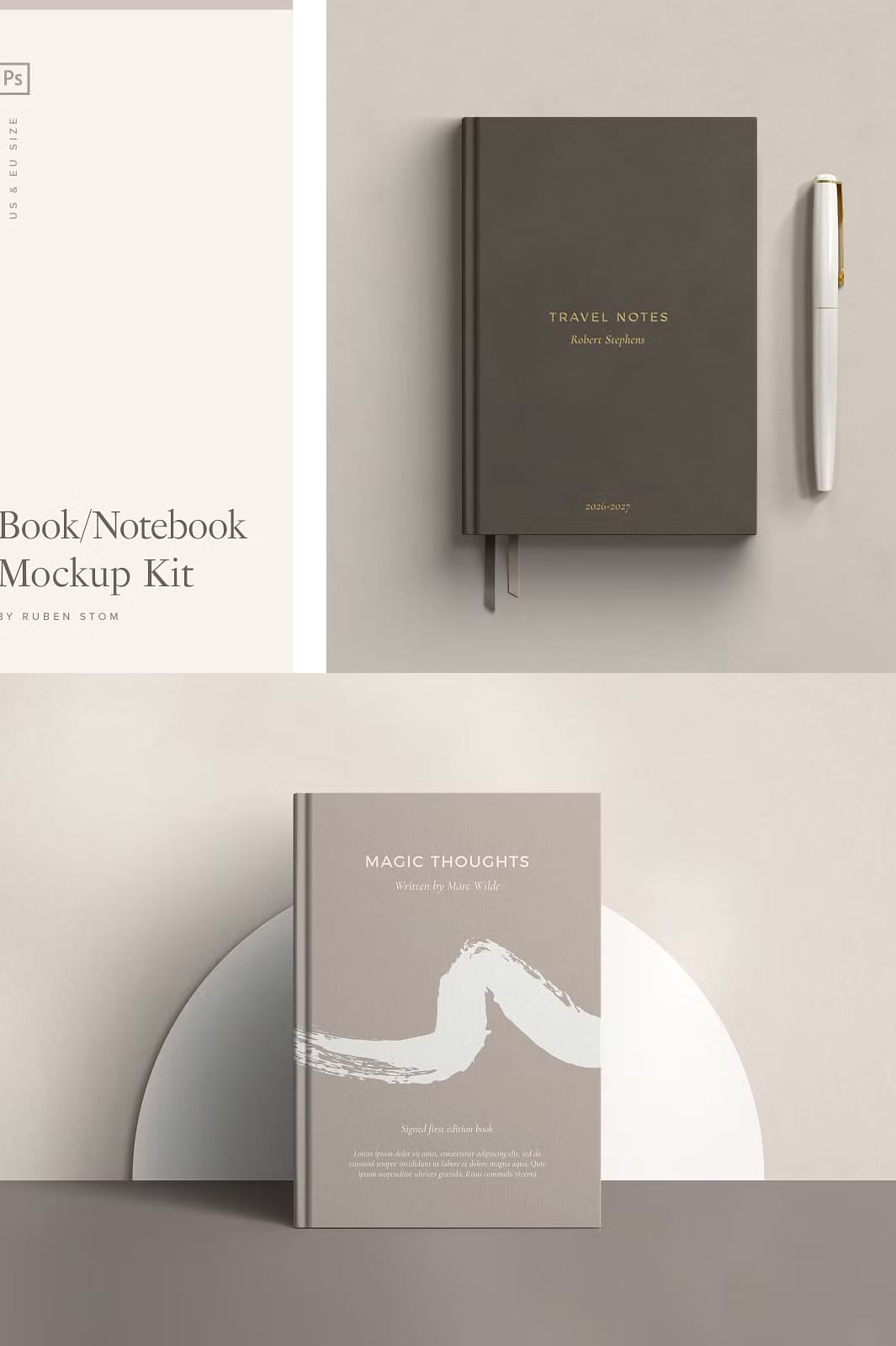
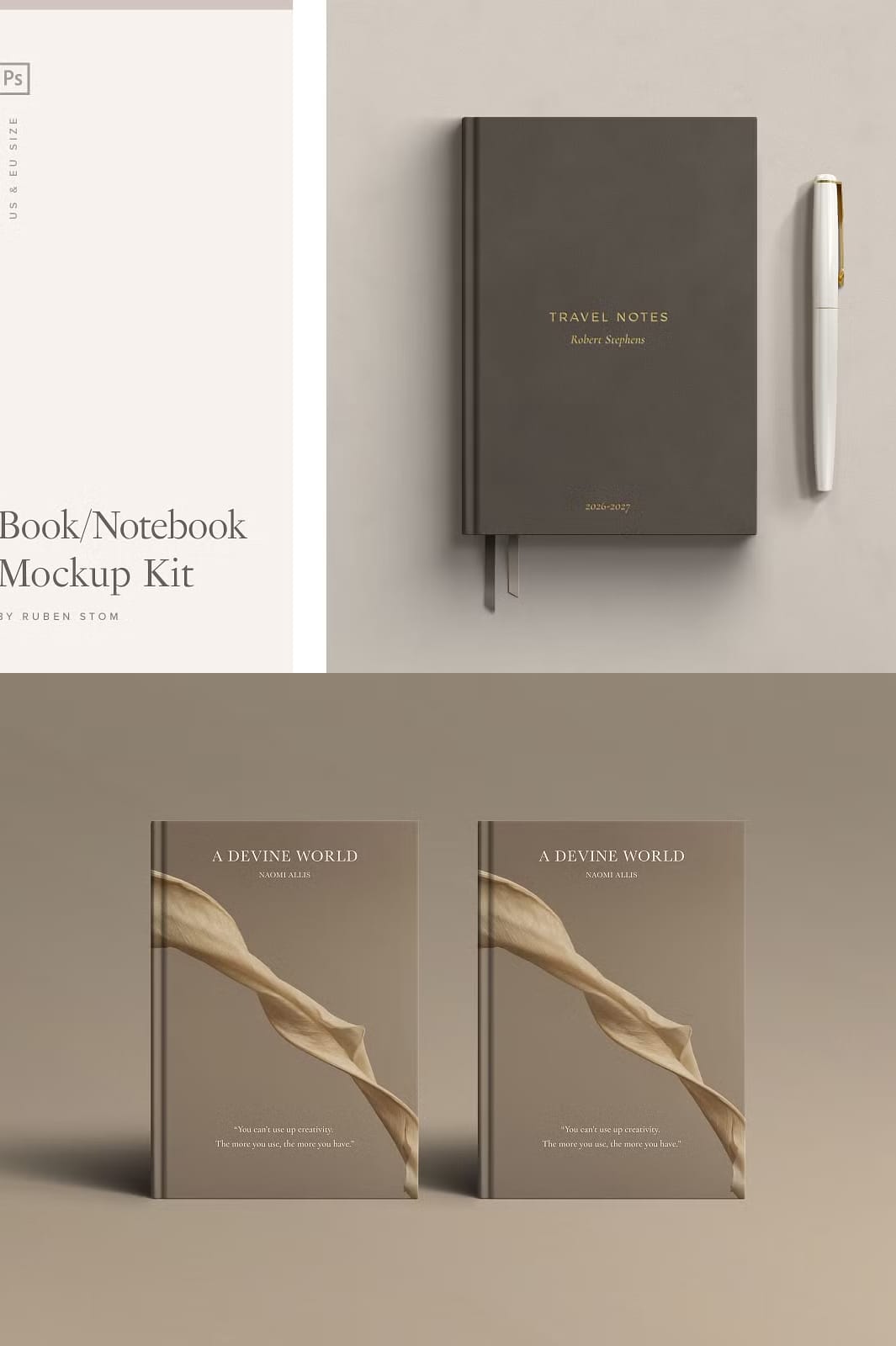
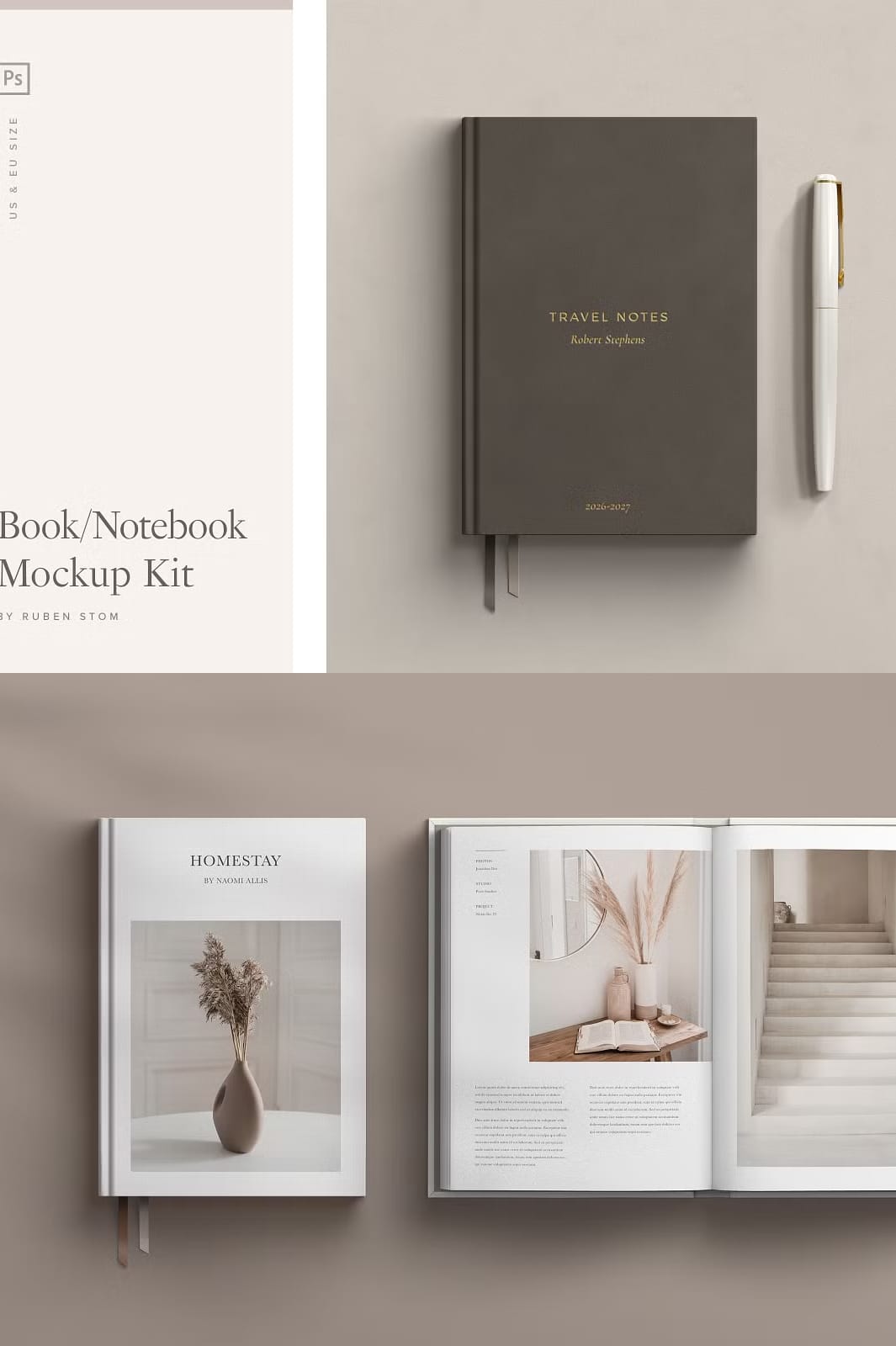
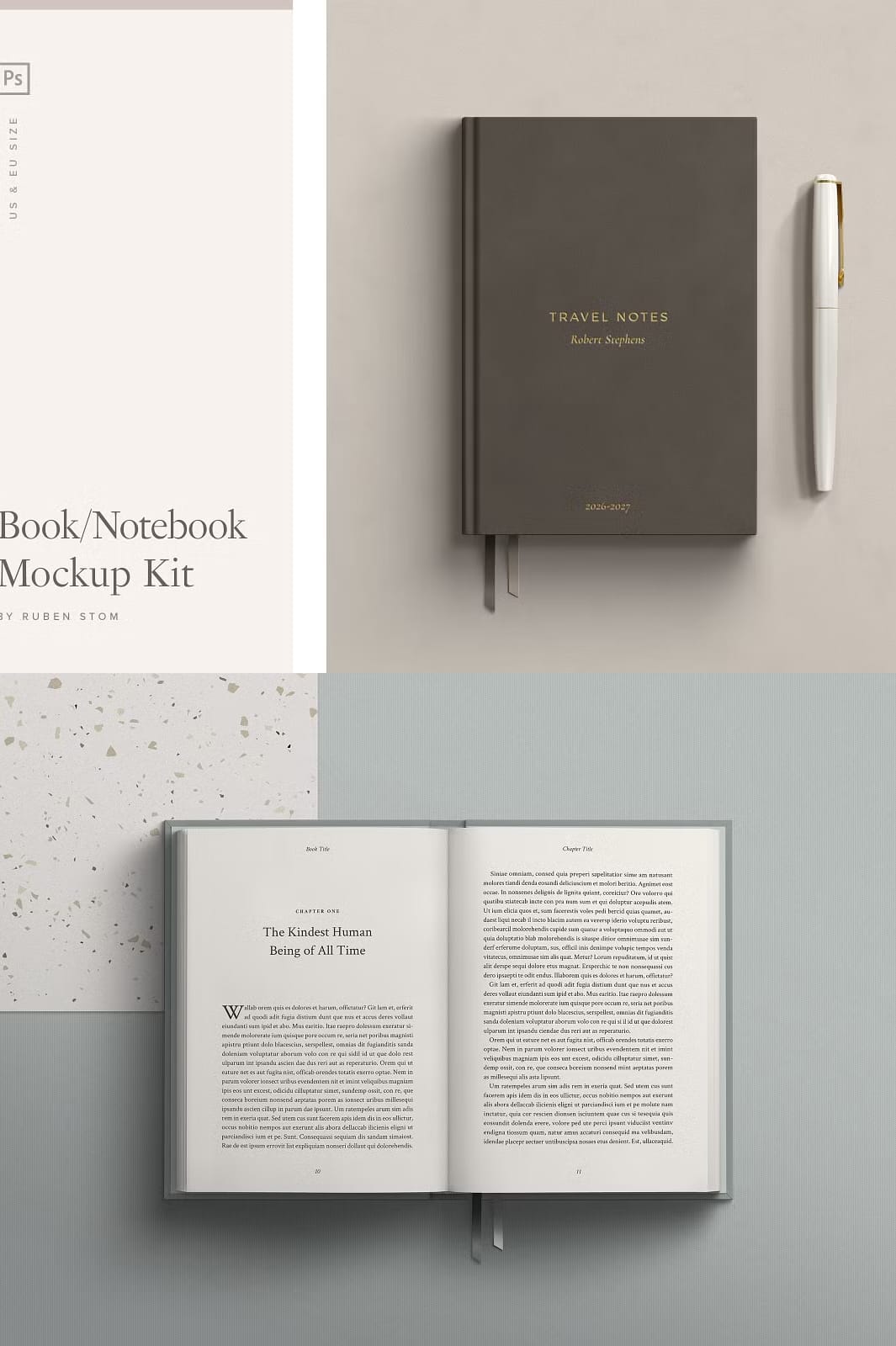
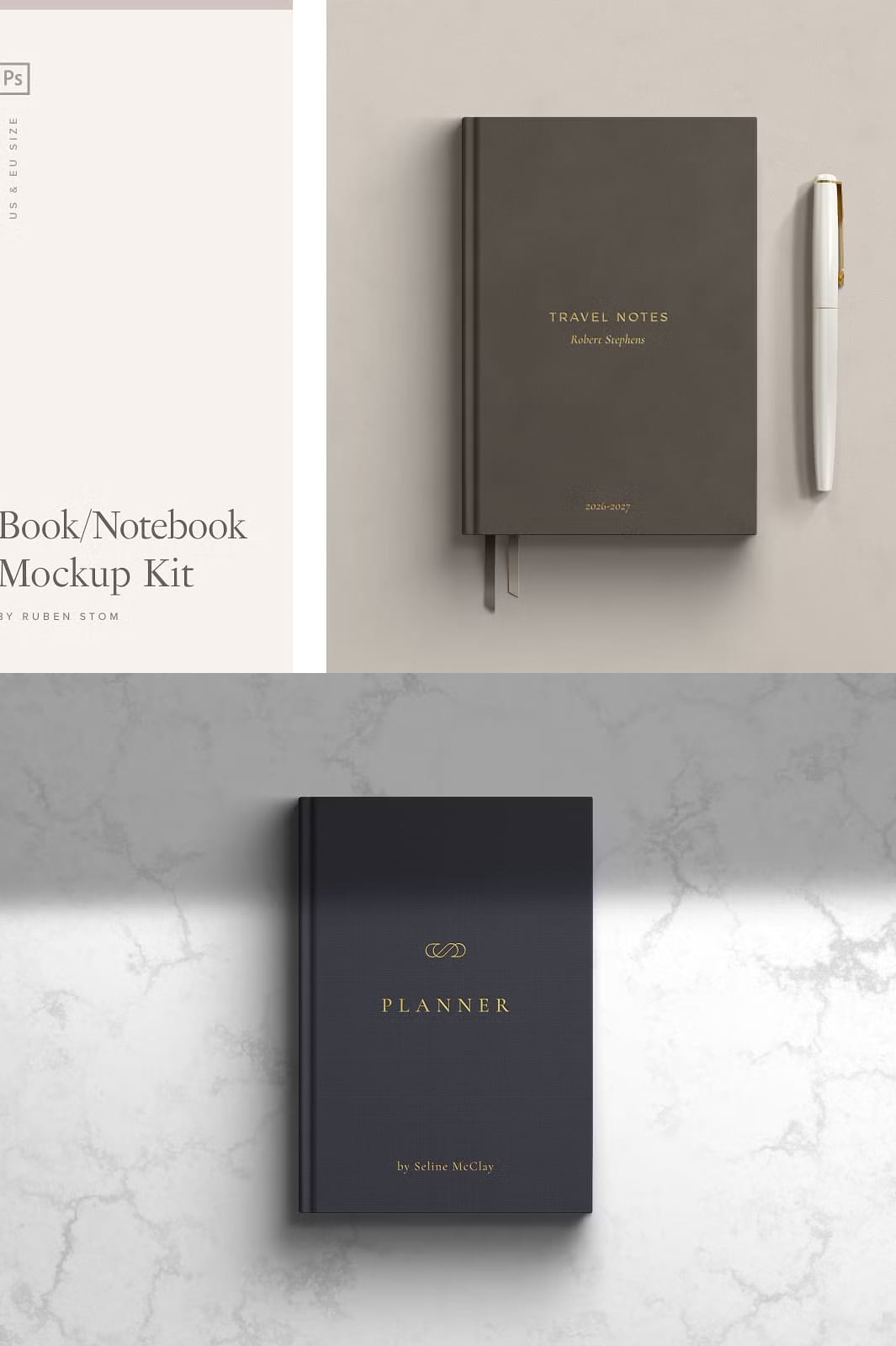
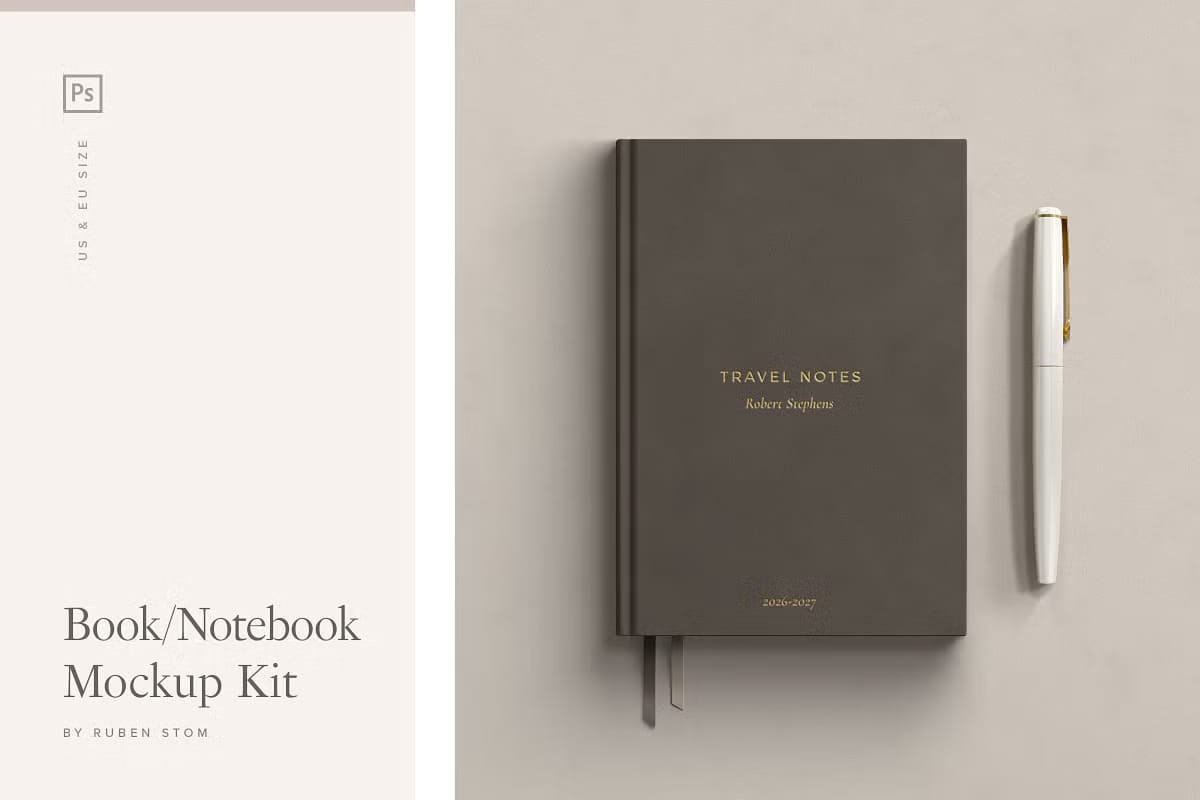
The Notebook and Book Scene Creator is a powerful and flexible tool designed to help designers, authors, marketers, and creatives produce stunning, realistic book and notebook mockups. Compatible with Adobe Photoshop, this scene creator stands out due to its natural look and extensive customization options. Whether you are showcasing a new book cover, designing marketing materials, or creating authentic presentations, this kit offers everything you need to bring your ideas to life.
Extensive Features and Customization Options
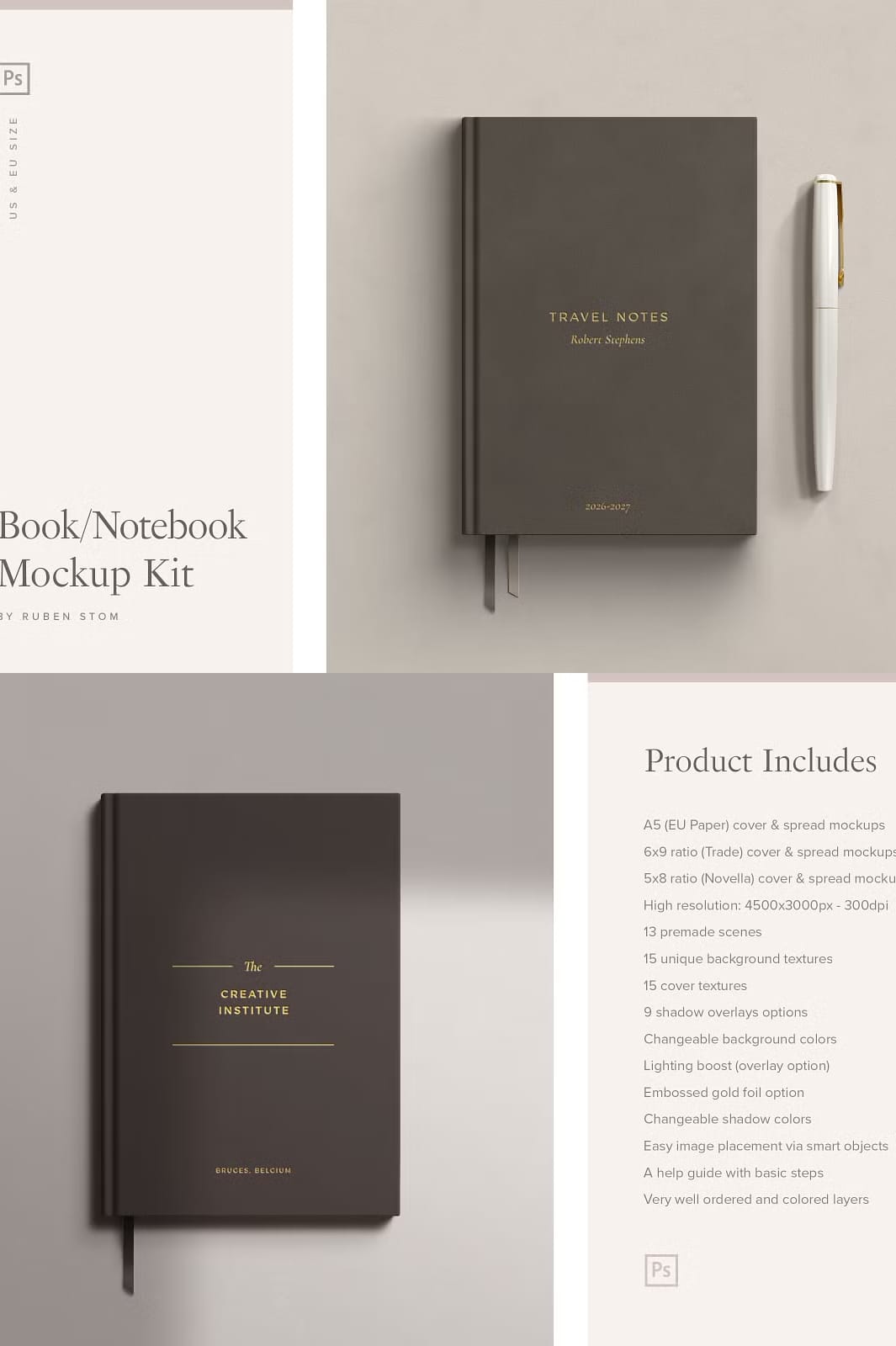
This scene creator provides a wide range of features that allow you to tailor every aspect of your mockups to fit your unique vision. The product includes:
- Multiple Sizes: Includes cover and spread mockups in three popular sizes: A5 (EU Paper), 6×9 ratio (Trade), and 5×8 ratio (Novella), ensuring compatibility with various publishing standards.
- High Resolution: All mockups are created at 4500×3000 pixels with 300 dpi, delivering crisp, professional-quality images suitable for both digital and print use.
- Premade Scenes and Backgrounds: Choose from 13 premade scenes and 15 unique background textures to create diverse and engaging presentations.
- Shadow and Lighting Controls: Customize your scenes with 9 shadow overlay options, 6 dropdown shadow settings for covers, and lighting boost overlays to enhance realism.
- Texture Variety: Includes 15 cover textures and stamped gold foil options to add depth and luxury to your designs.
- Additional Elements: Optional pen with or without cap, book markers, jacket, fold, and strap elements to enrich your scenes.
- Color Customization: Easily change background colors, paper stack colors, and shadow colors to match your branding or project theme.
- Smart Object Integration: Effortlessly place your artwork using smart objects, making the editing process fast and intuitive.
- Organized Layers: Well-structured and color-coded layers simplify navigation and editing within Photoshop.
- Vector-Based Shapes: Scalable vector shapes ensure sharpness and flexibility in your designs.
- Help Guide Included: A clear, concise guide walks you through the basic steps to get started quickly and efficiently.
How to Maximize the Use of This Scene Creator
To create compelling and authentic book or notebook mockups, follow these steps:
- Open the PSD files in Adobe Photoshop.
- Locate the smart object layers designed for easy artwork placement.
- Replace placeholder images with your own cover or spread designs.
- Adjust background textures, colors, and shadow overlays to enhance the mood and style of your presentation.
- Add optional elements like pens, bookmarks, or straps to create a complete scene.
- Use the lighting boost and gold foil options to add professional finishing touches.
- Save and export your final images in high resolution for use in portfolios, marketing campaigns, or online stores.
This workflow ensures you produce polished, realistic scenes that effectively showcase your creative work and captivate your audience.
Why Choose the Notebook and Book Scene Creator?
This scene creator is ideal for graphic designers, self-publishing authors, marketers, and anyone needing high-quality, customizable book and notebook mockups. Its extensive options and ease of use empower you to create authentic, eye-catching presentations that stand out in competitive markets. The natural look and attention to detail make your designs feel tangible and professional, enhancing your storytelling and branding efforts.
Image Sources and Licensing
All placeholder images used in the mockups are sourced from Unsplash, a platform offering free, high-quality photos under the Creative Commons Zero (CC0) license. Please note that due to licensing restrictions, these images are not included in the download package.