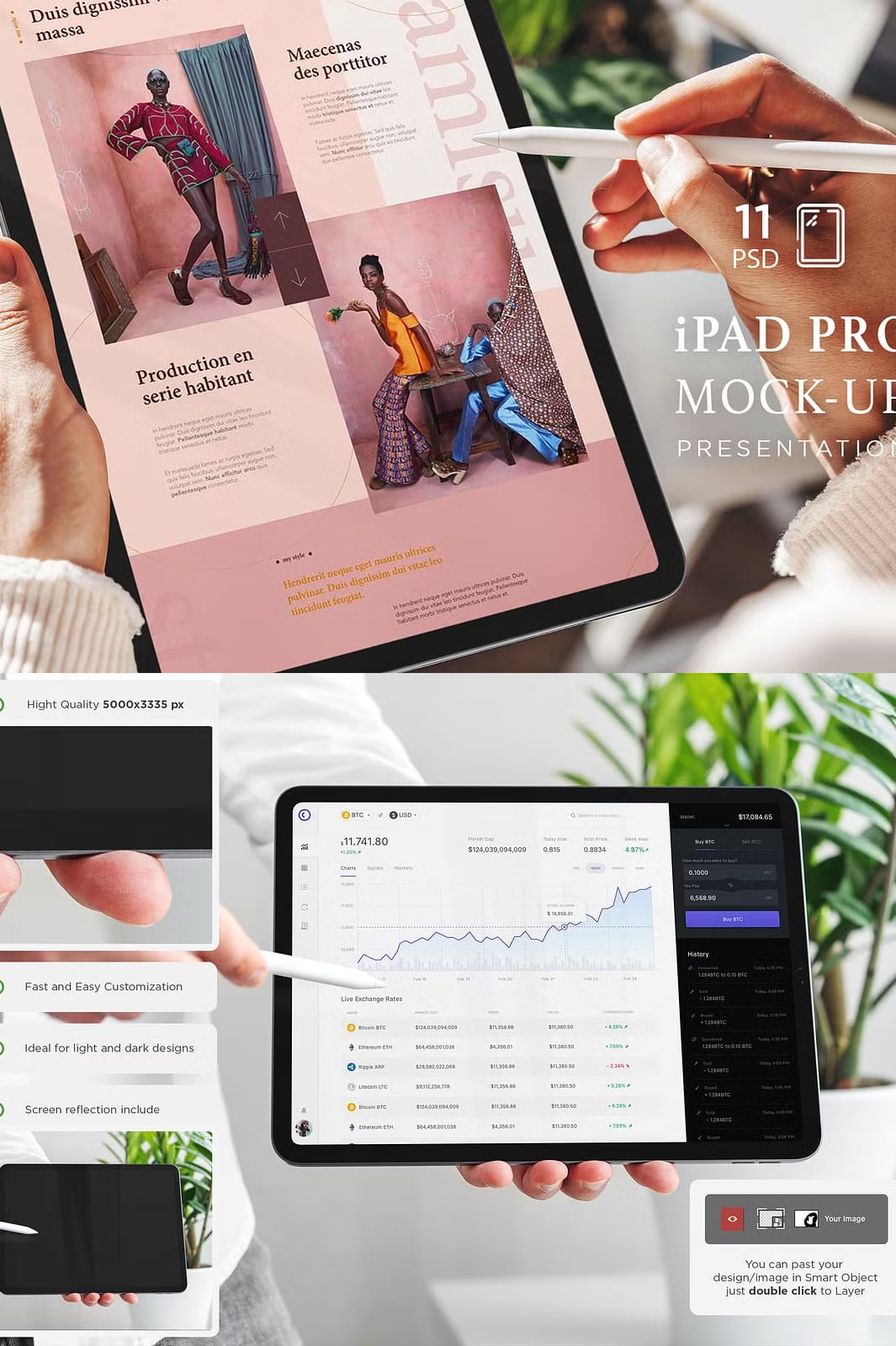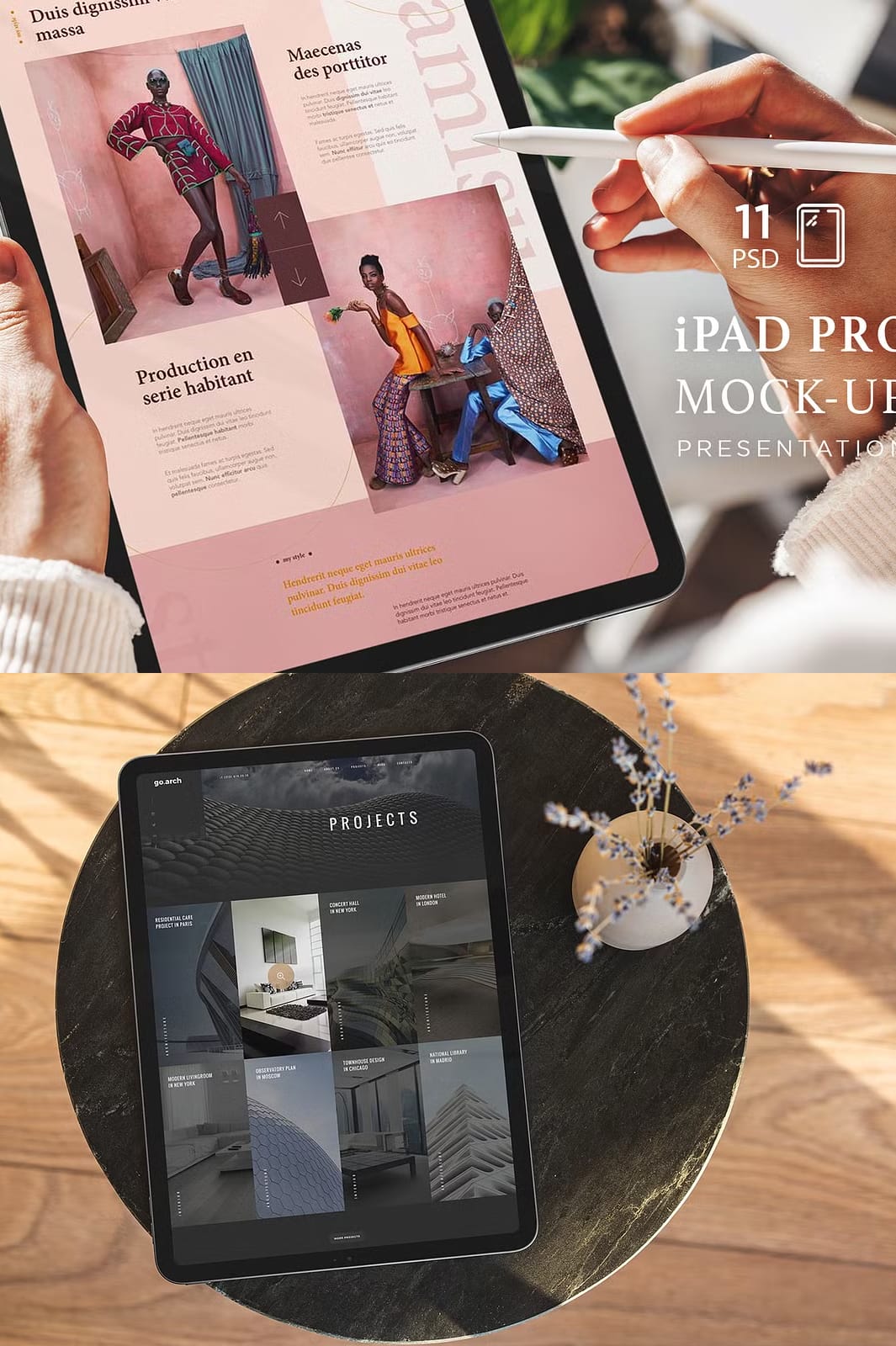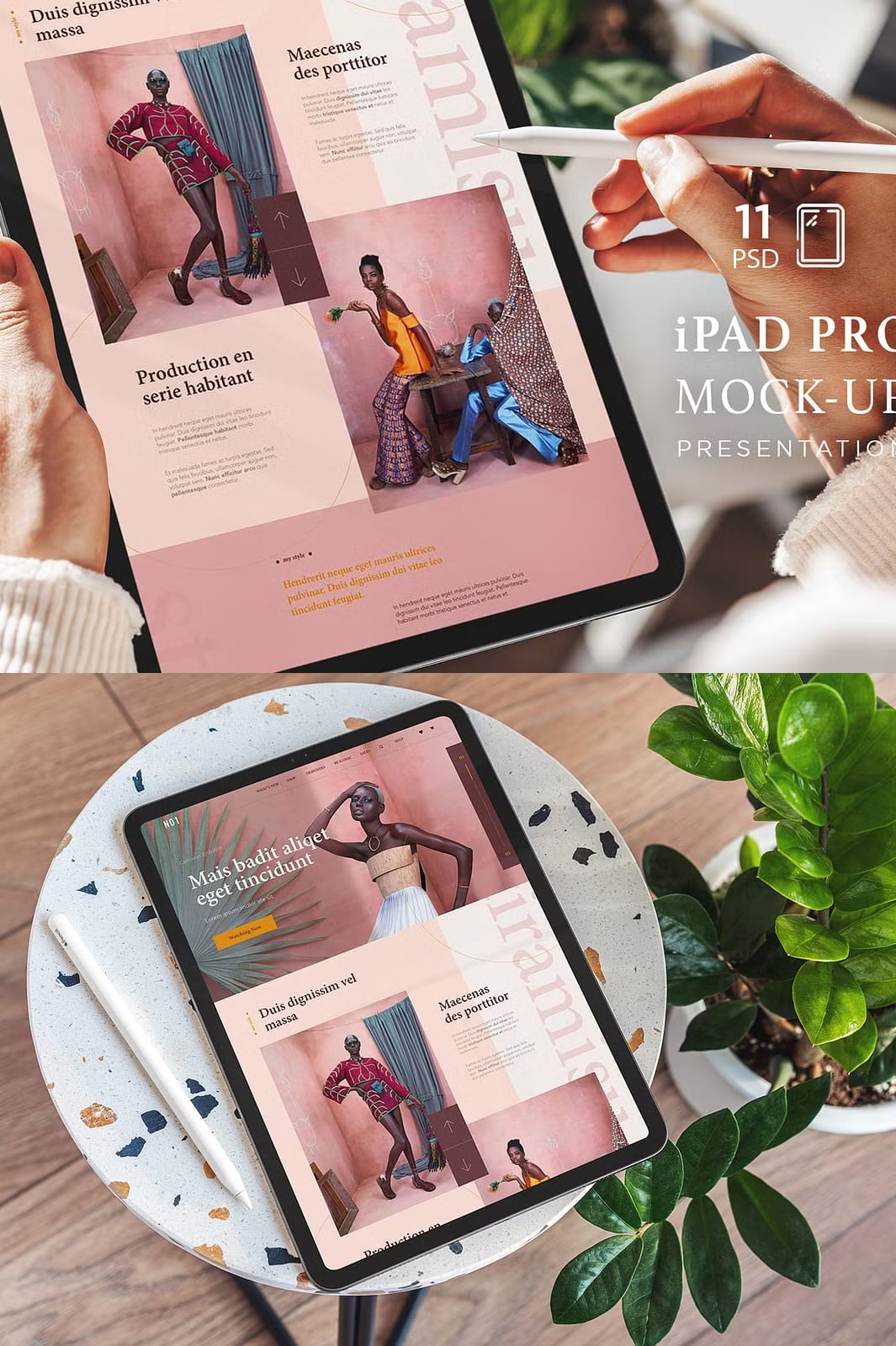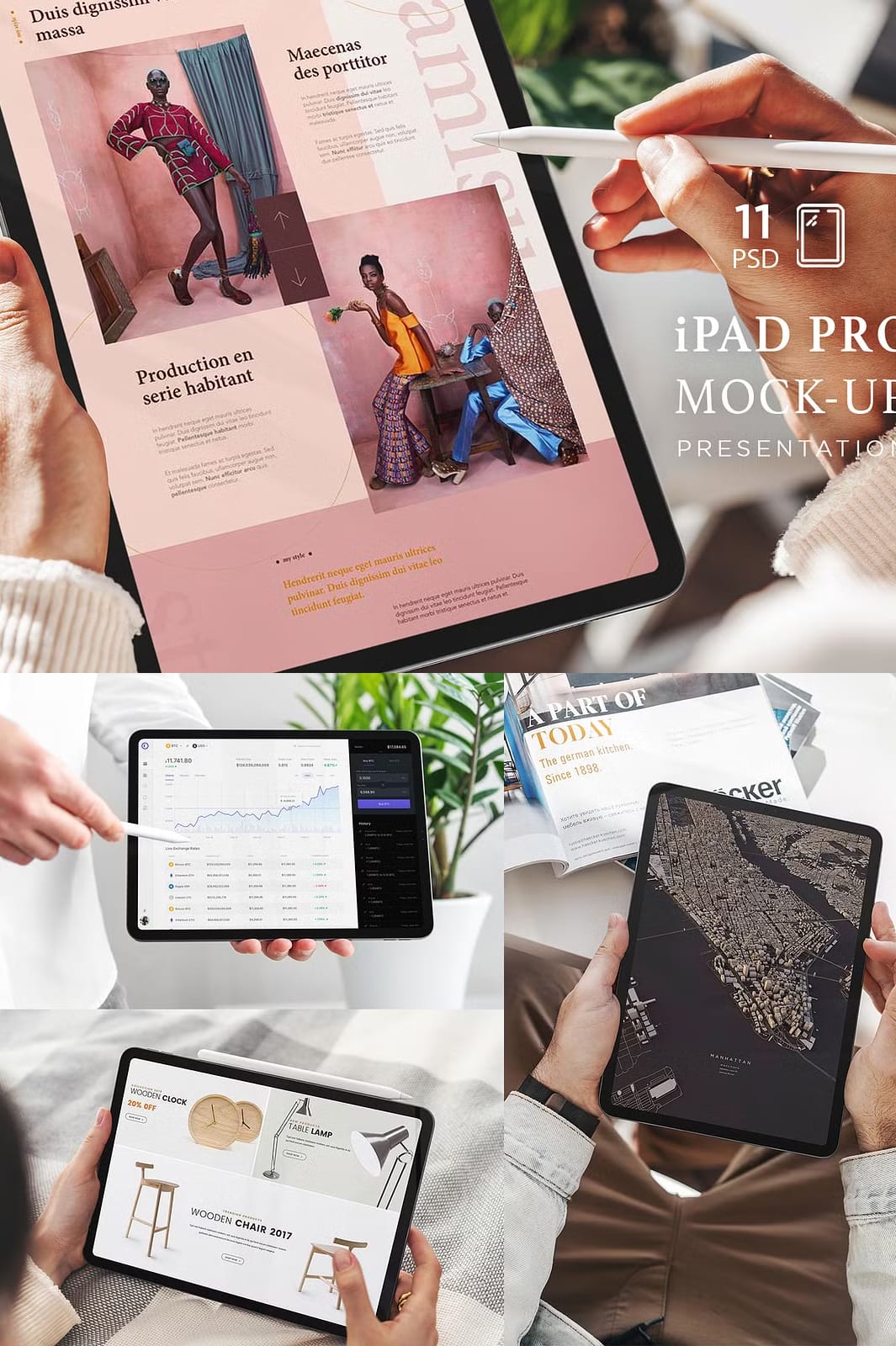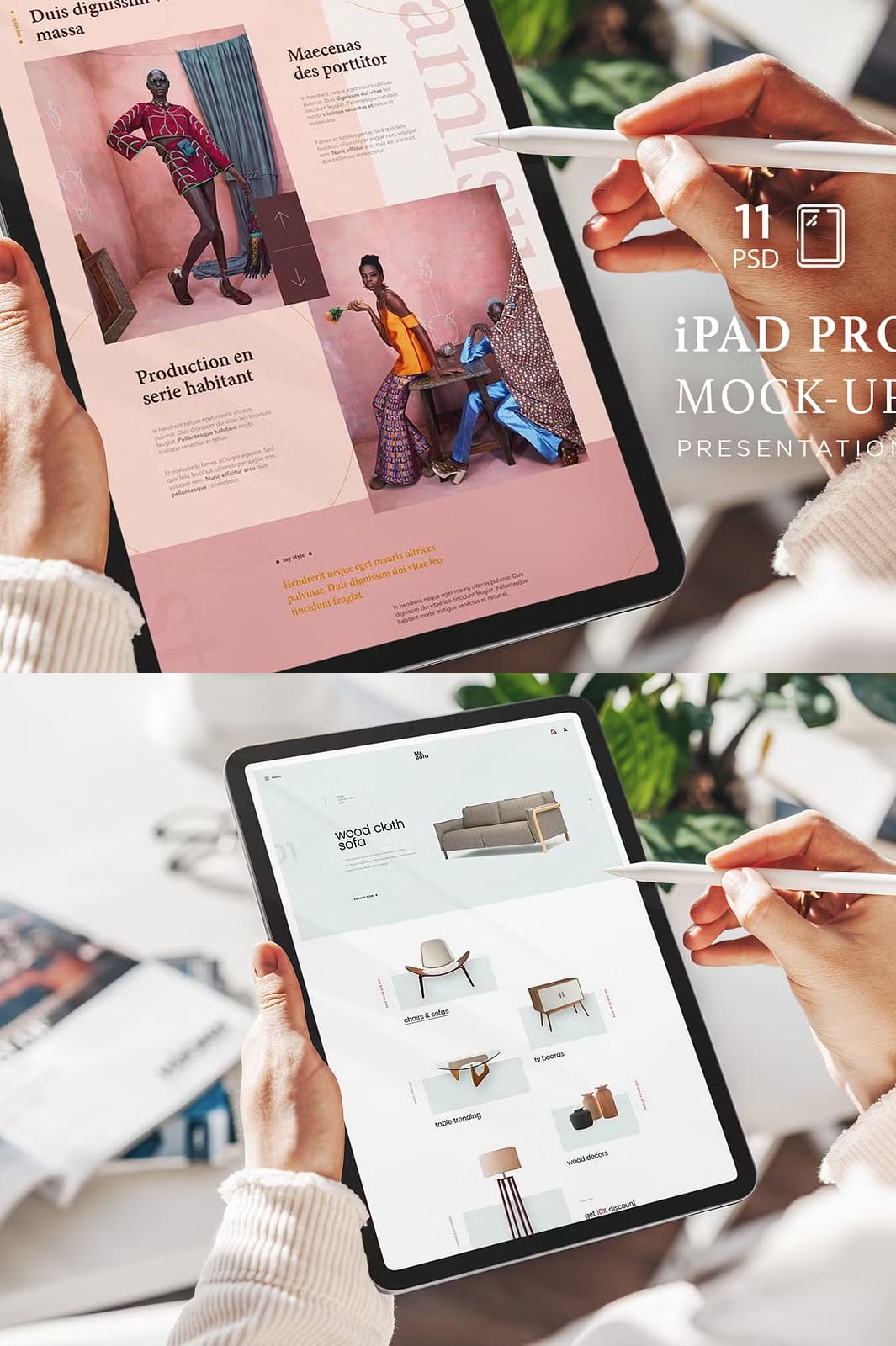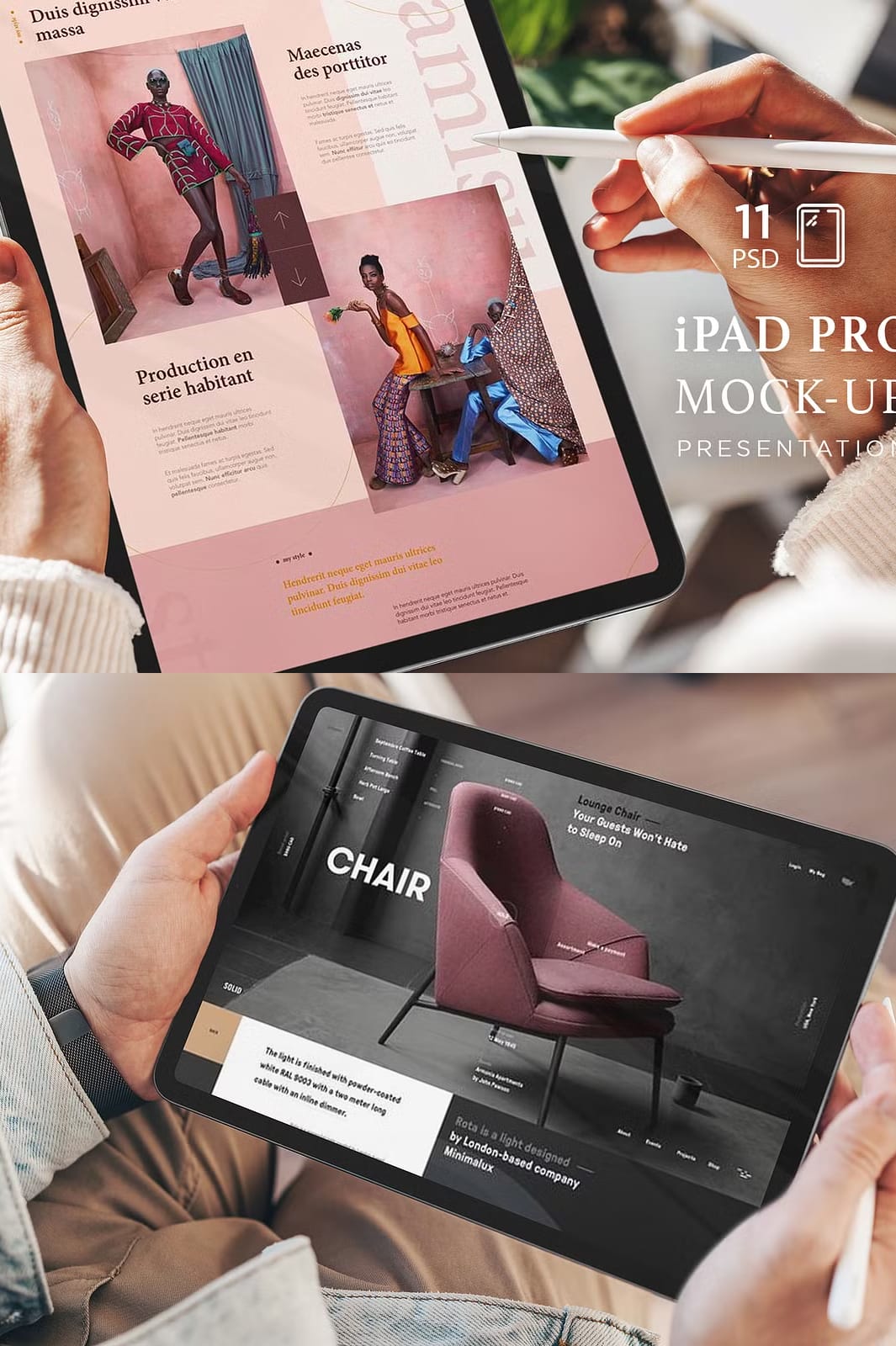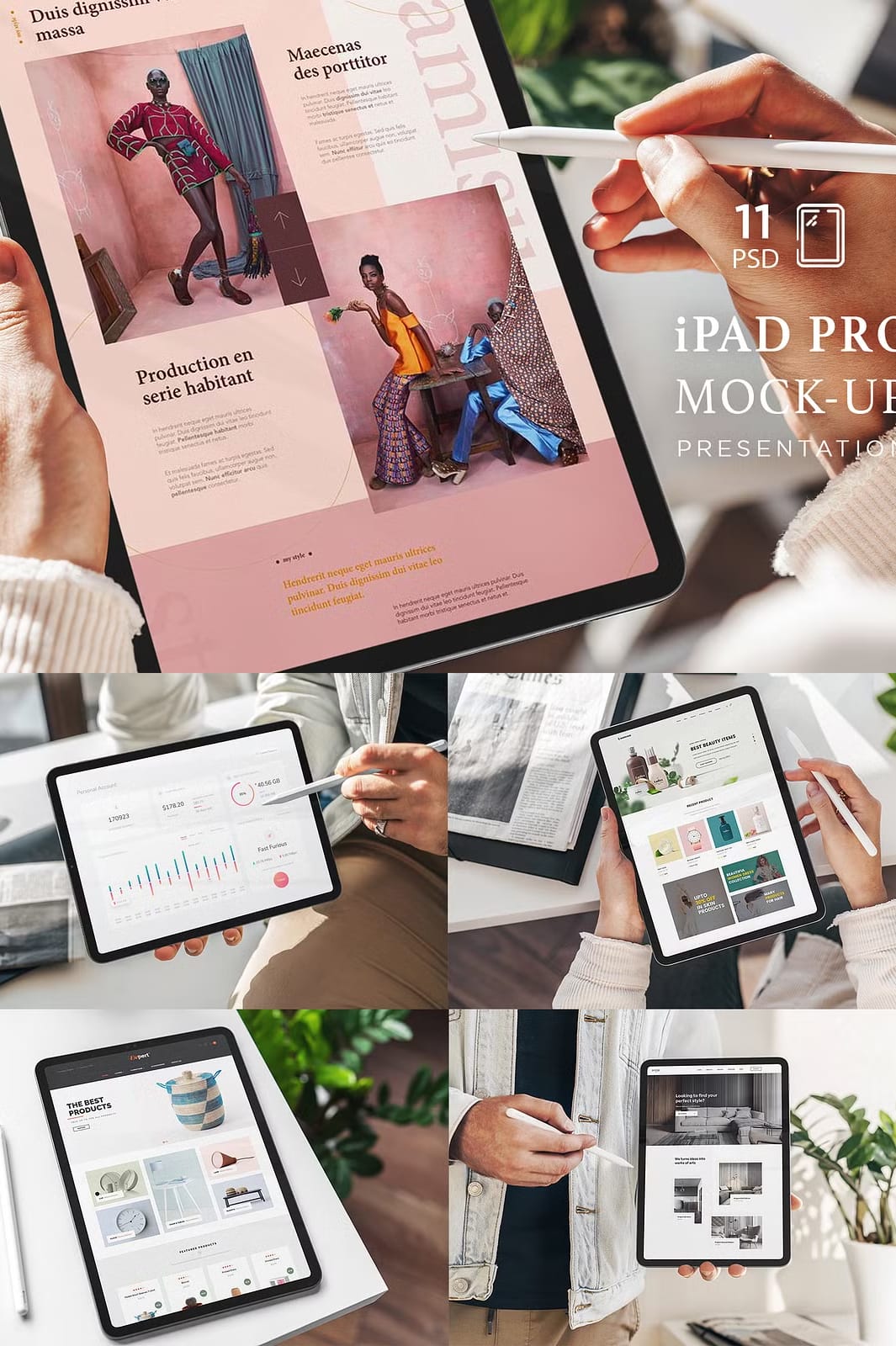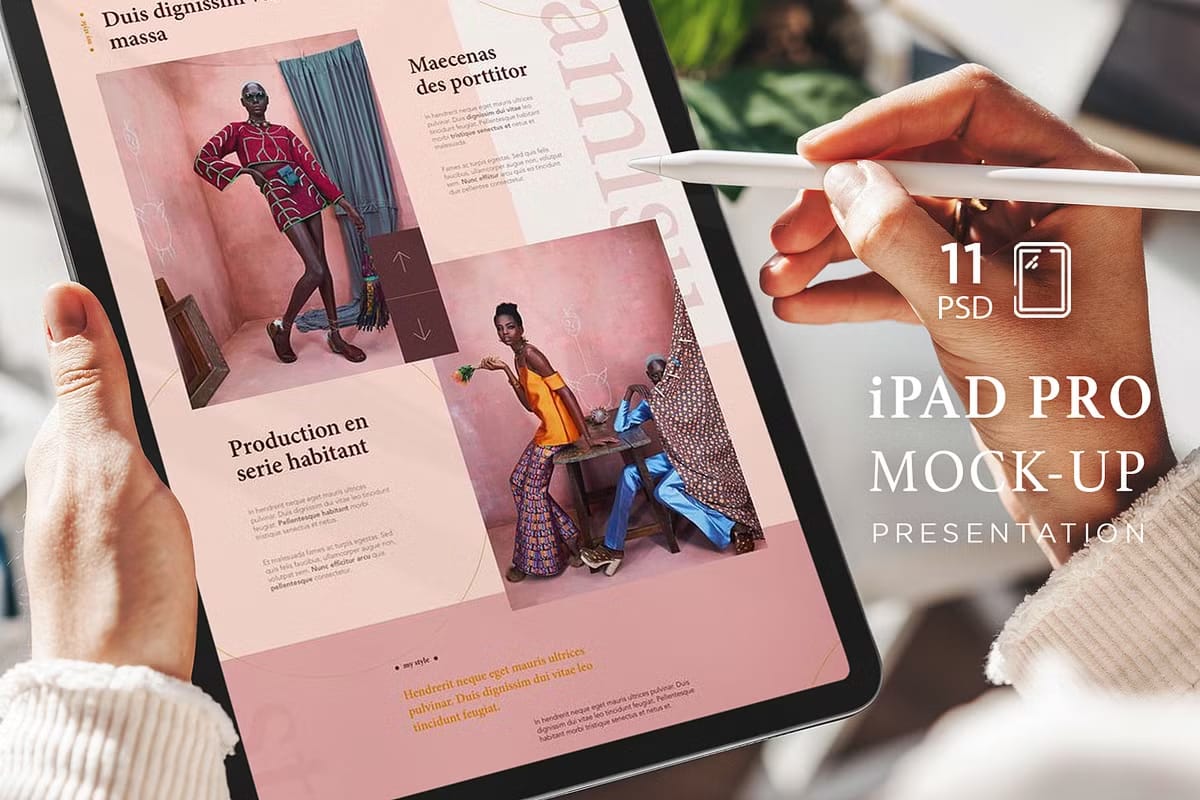
The iPad Pro Responsive Mockup is a high-quality, easy-to-edit mockup collection designed to help designers, marketers, and creatives showcase their projects with stunning realism and professionalism. Whether you are presenting app interfaces, website designs, or branding materials, this mockup set provides everything you need to create visually compelling presentations that captivate your audience.
Comprehensive Features for Effortless Customization
This collection includes 11 PSD presentation files featuring real photos with male and female hands holding the iPad Pro, adding authenticity and relatability to your designs. The mockups support both bright and dark designs, ensuring your work looks great regardless of color scheme. Organized and named layers make navigation simple, while the included JPG help file guides you through the editing process.
Key Features of the iPad Pro Responsive Mockup
- 11 PSD Presentations: A diverse range of scenes and angles to showcase your designs in various contexts.
- Real Photos: Authentic imagery featuring male and female hands holding the device for a natural look.
- Screen Reflection: Realistic reflection effects on the iPad screen enhance the visual depth and professionalism.
- High Resolution: Each mockup is created at 5000 x 3335 pixels with 240 DPI, ensuring crisp and detailed visuals.
- Fully Layered PSD Files: Organized layers allow for easy customization and editing.
- Compatible with Photoshop CS4 or Higher: Ensures broad accessibility for most users.
- Helpful Guide Included: A JPG help file assists you in navigating and customizing the mockups efficiently.
Why Choose the iPad Pro Responsive Mockup?
This mockup collection is designed to simplify your workflow while elevating the quality of your design presentations. The realistic photos and reflection effects create a professional and engaging environment that helps your work stand out. Whether you are preparing a portfolio, marketing materials, or social media content, this mockup set provides a polished and elegant solution.
Ideal For
- UI/UX designers showcasing app interfaces
- Graphic designers presenting website layouts
- Brand strategists creating marketing visuals
- Freelancers building professional portfolios
- Social media managers preparing engaging content
How to Use the iPad Pro Responsive Mockup
- Open any PSD file in Adobe Photoshop (CS4 or later recommended).
- Locate the smart object layer designated for the iPad screen.
- Double-click the smart object to open it in a new window.
- Paste or insert your design into the smart object canvas.
- Save and close the smart object window to update the mockup automatically.
- Adjust layers and effects as needed to perfect your presentation.
- Export your final image in the preferred format for presentations, portfolios, or marketing materials.
Buy now and create unique, professional presentations that make your designs shine!