15 Highly Detailed Scenes and 168 Isolated Mockups for Maximum Creative Impact
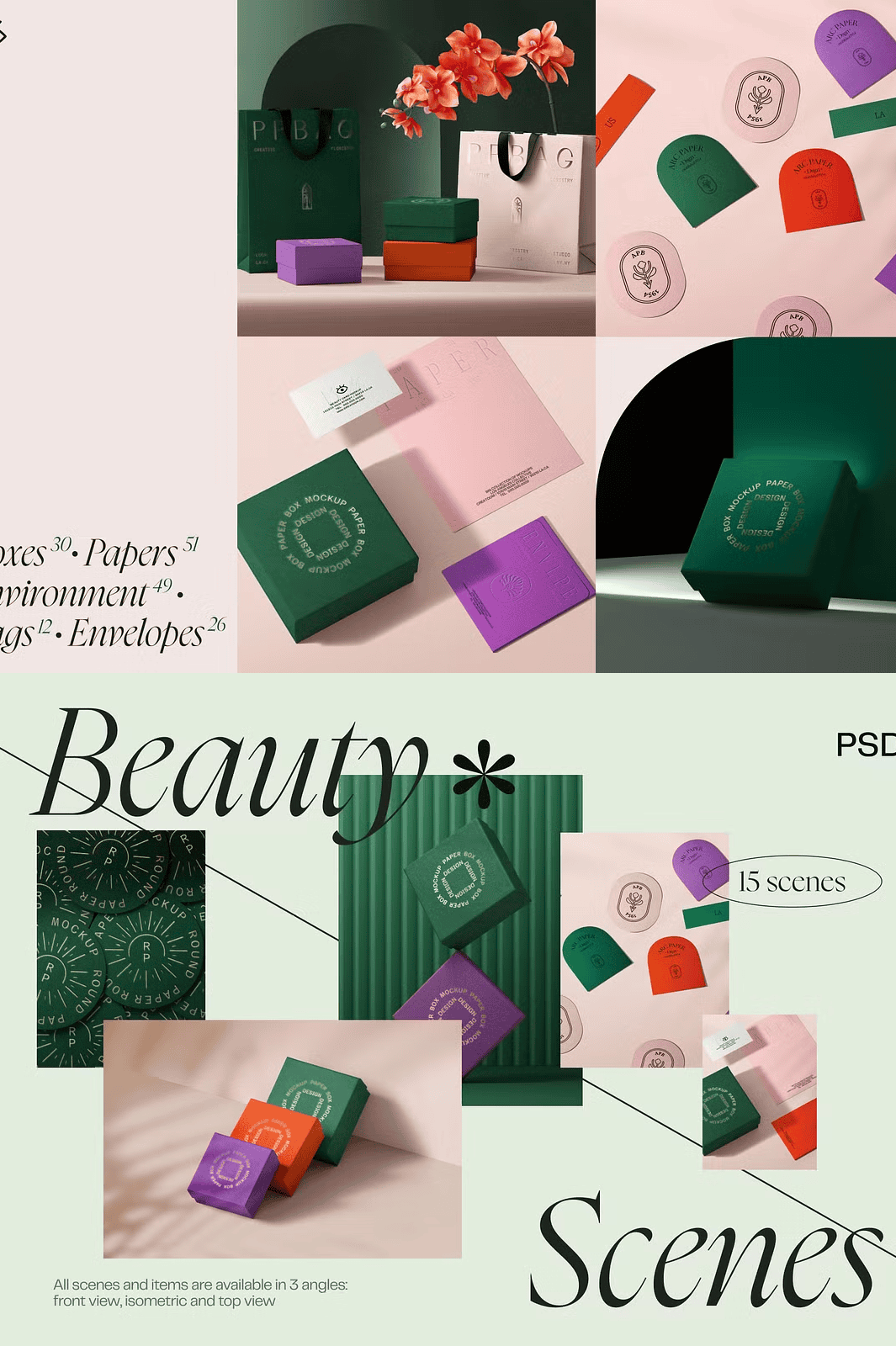
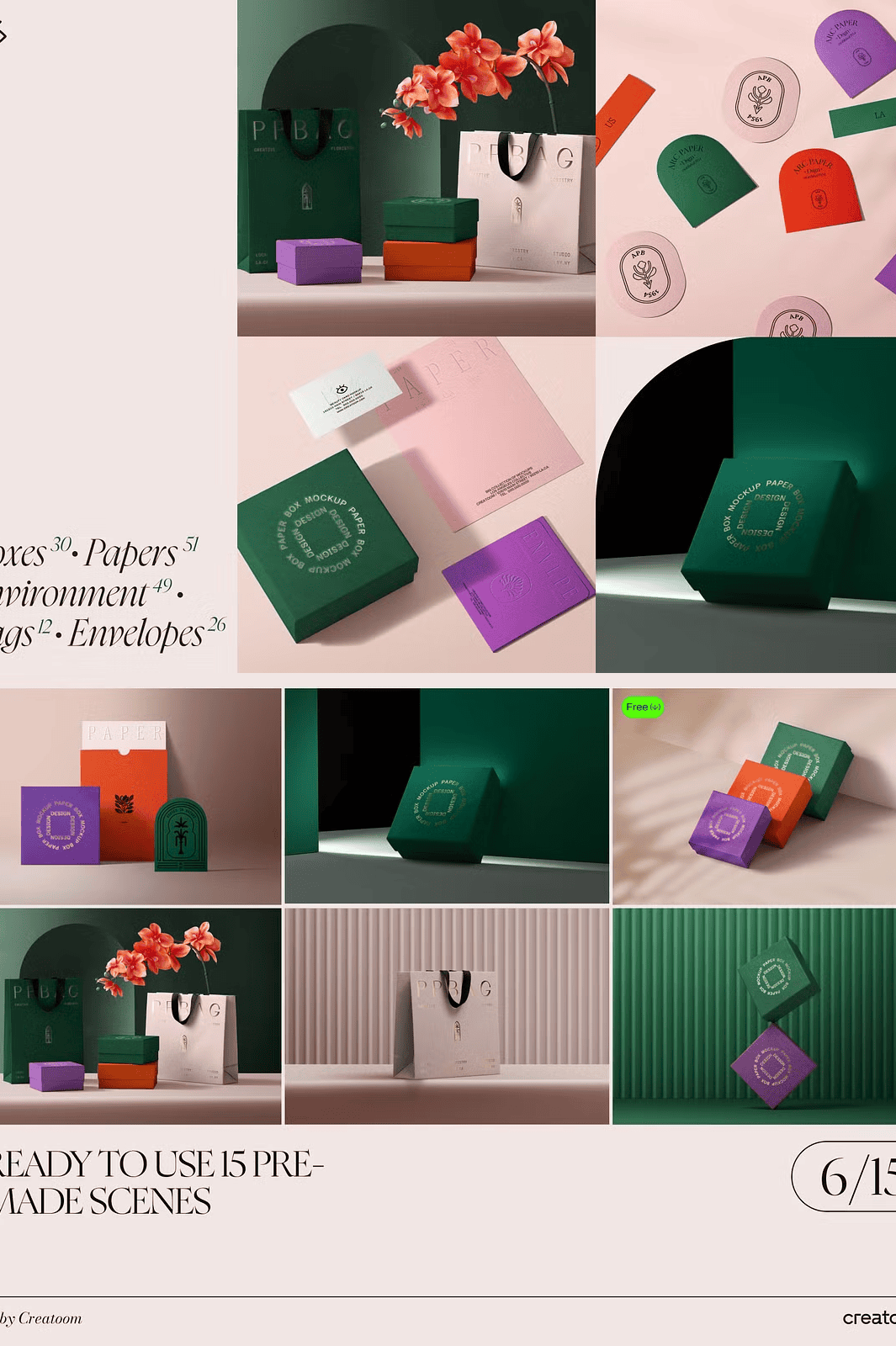
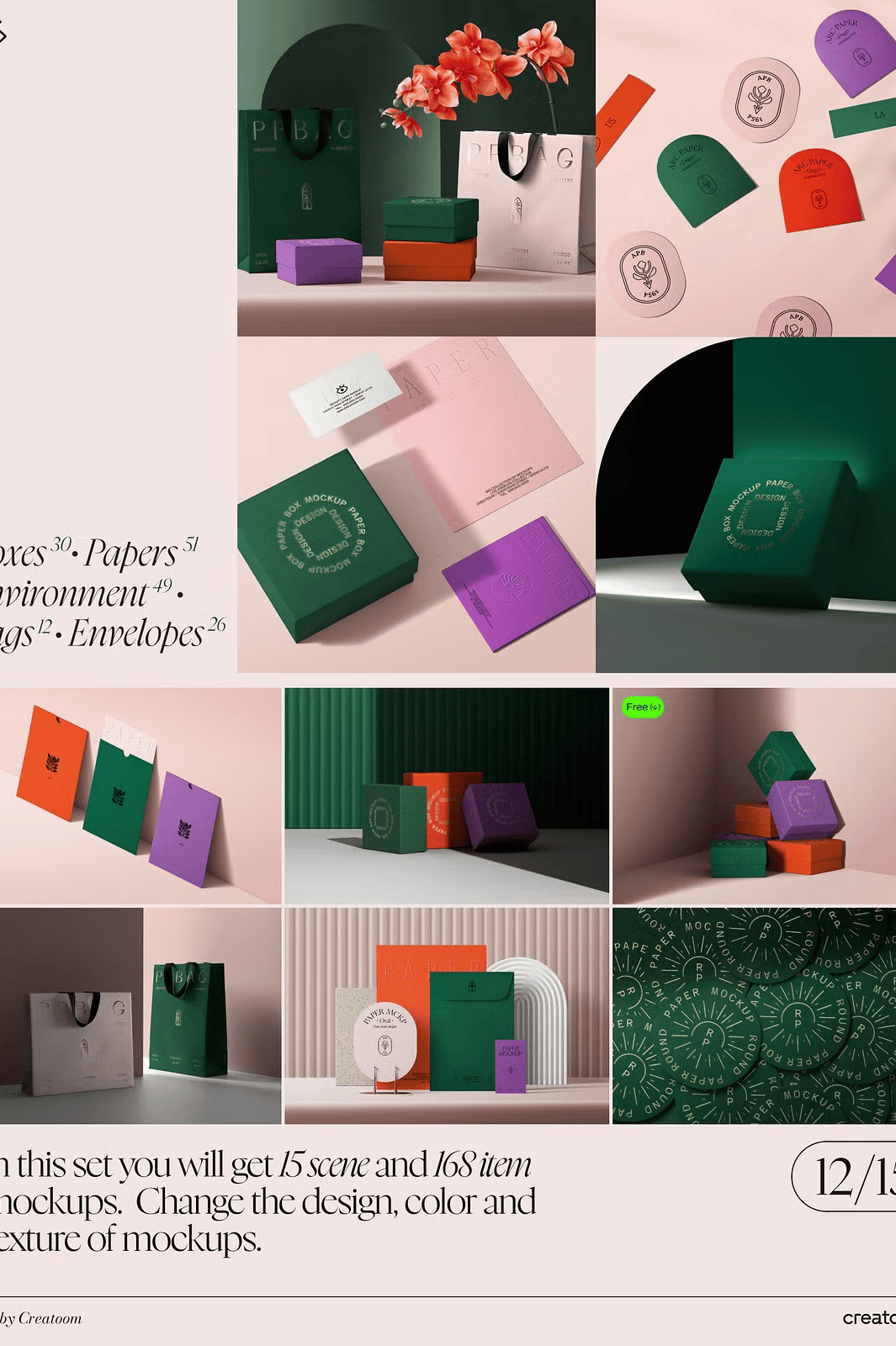
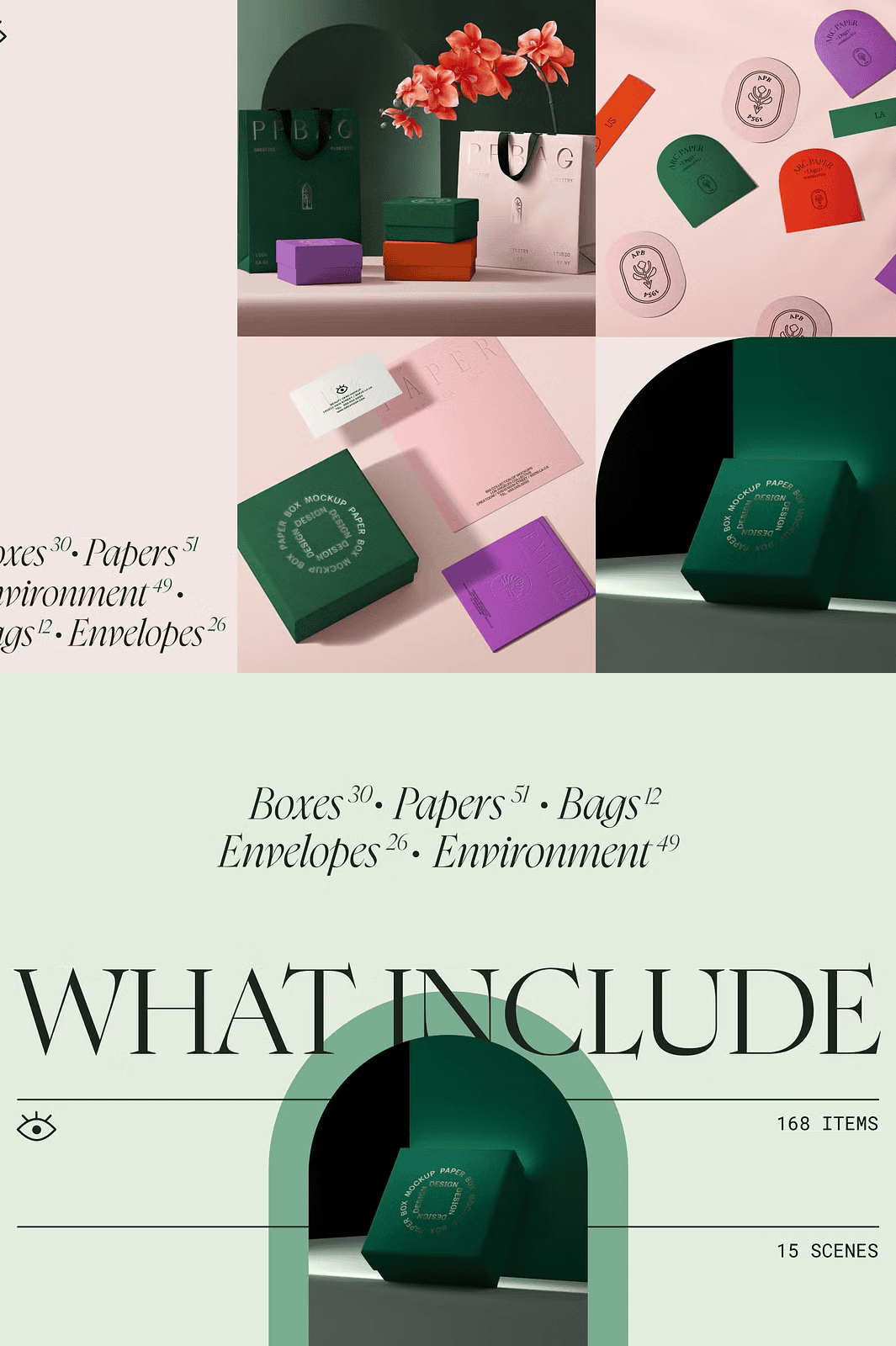
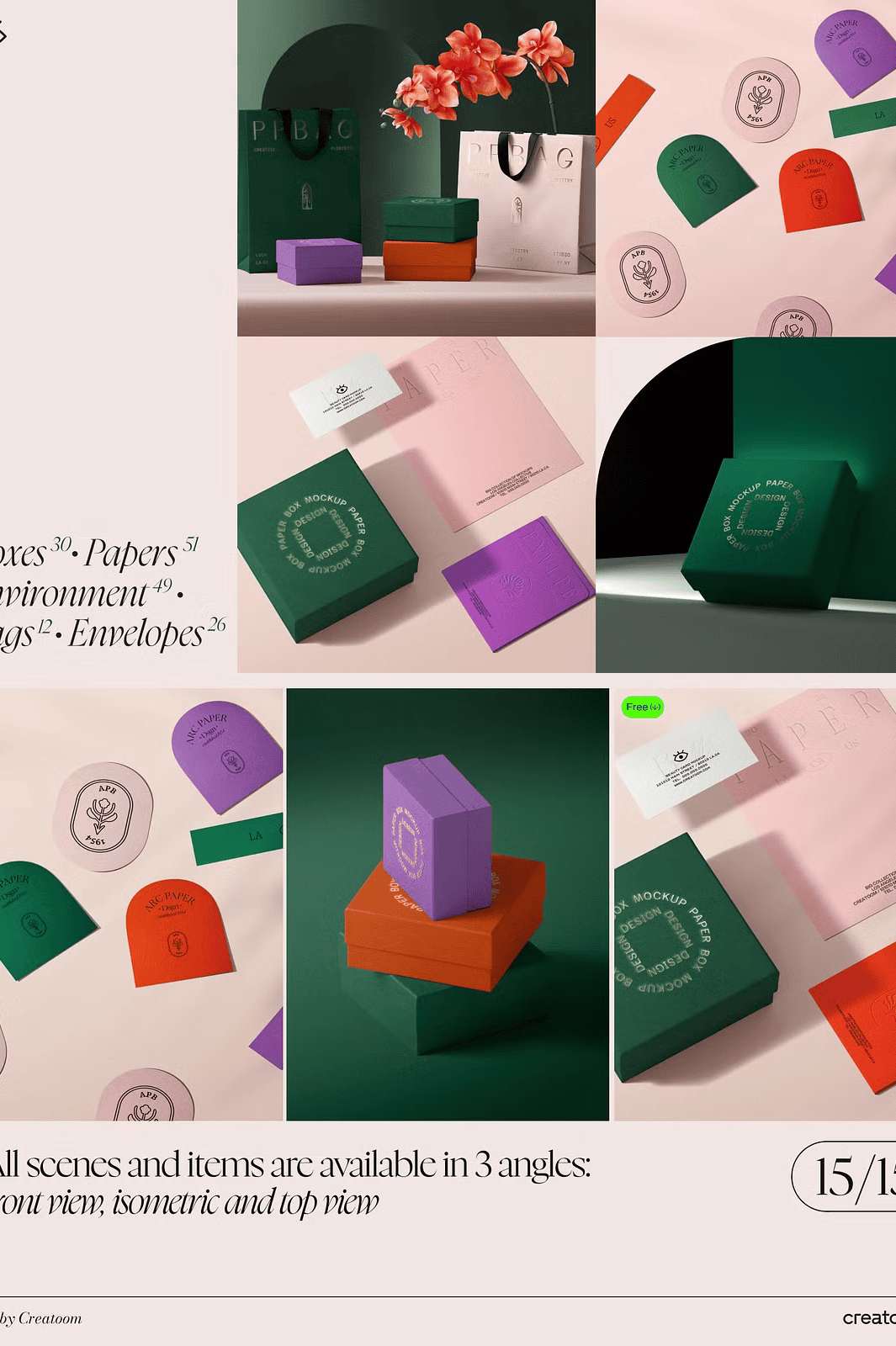
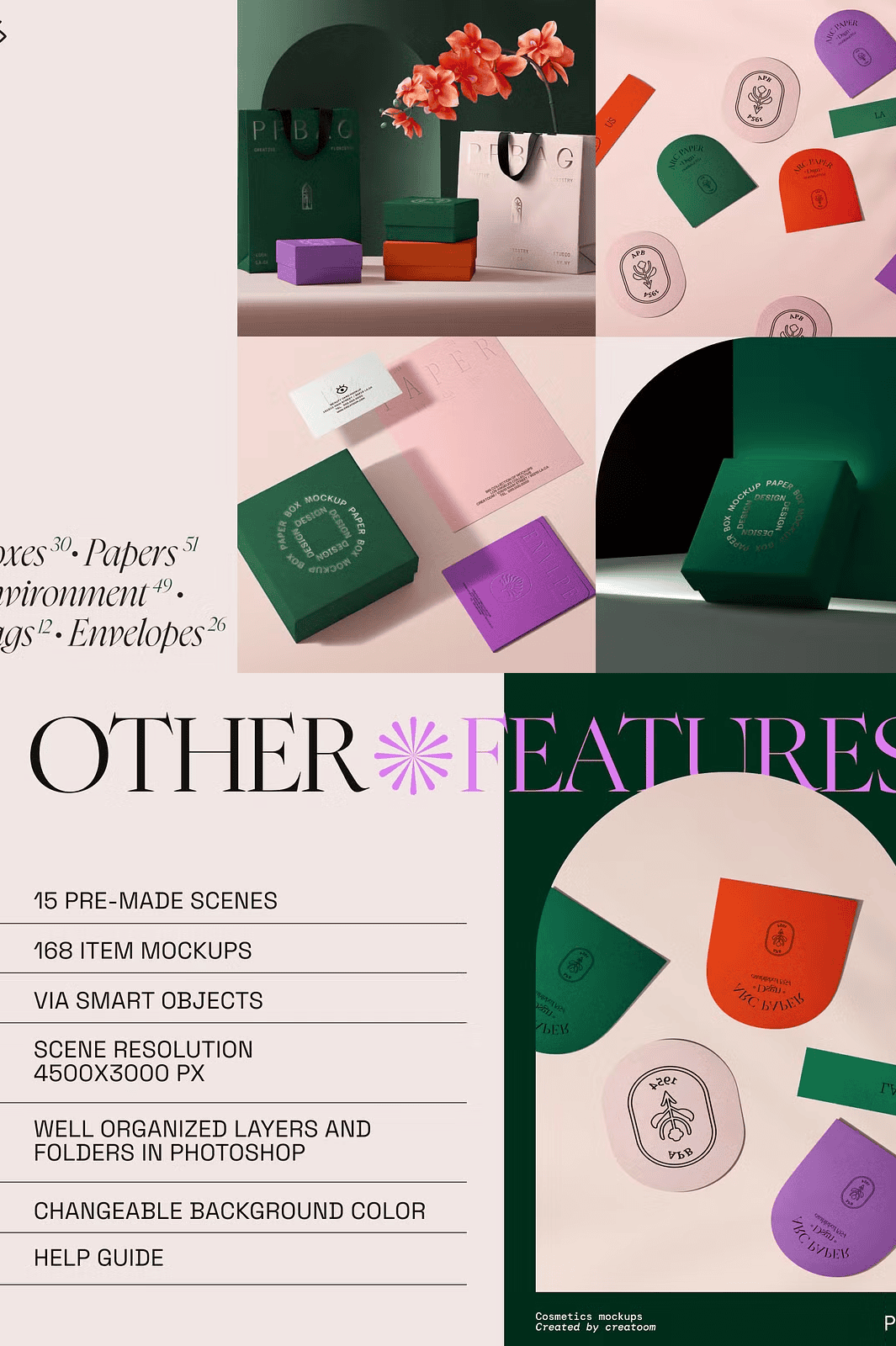
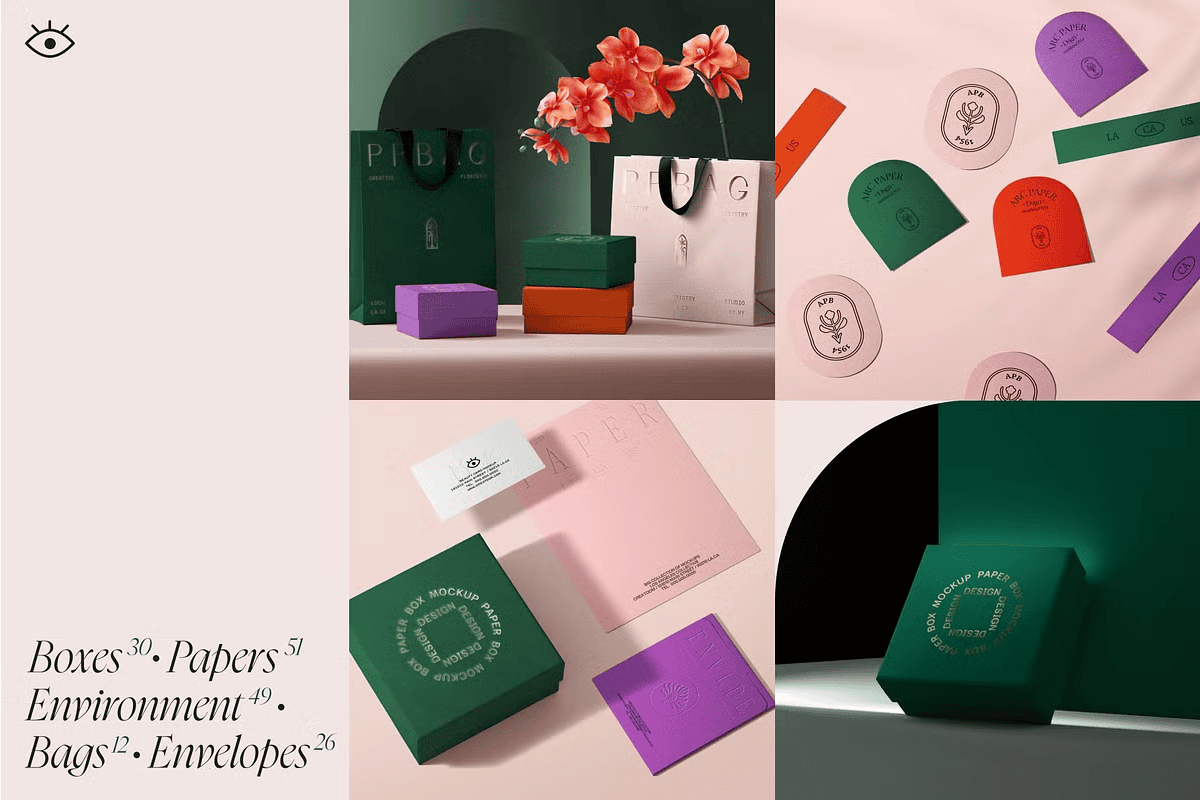
Transform your design portfolio with the **Branding Mockup Creator**, a powerful, all-in-one collection engineered for precision, speed, and visual excellence. Featuring **15 professionally composed scenes** and **168 individual item mockups**, this bundle gives you unparalleled flexibility to showcase your work with realism, depth, and attention to detail.
From close-up product renders to dynamic multi-item displays, every element is crafted at **4500x3000px resolution (scenes) and 4000x3000px (items) at 300dpi**, ensuring print-ready quality and extreme clarity—even when zoomed in.
### Master Realism with Smart Object-Driven Customization
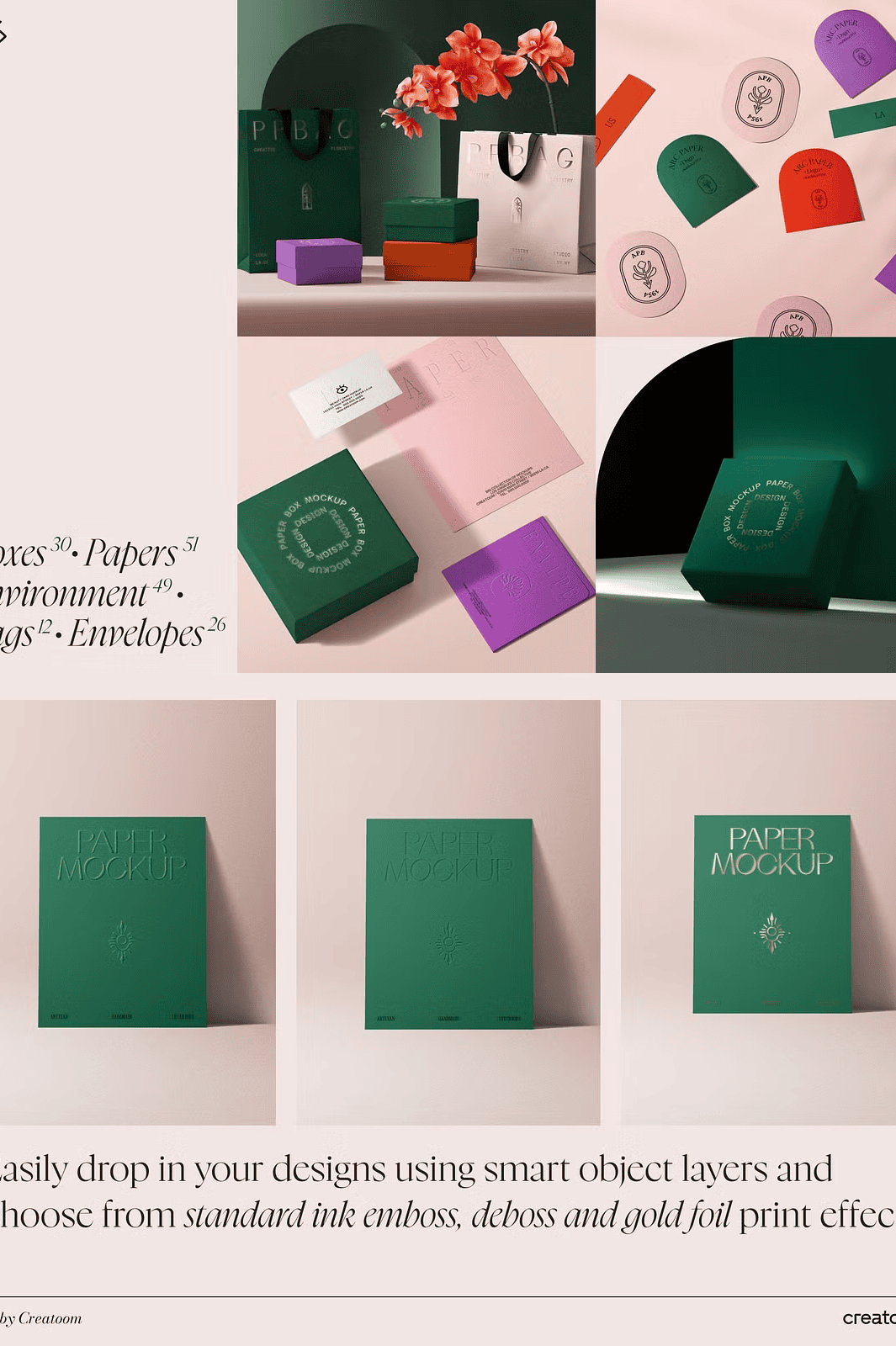
Say goodbye to manual edits and time-consuming recreations. Every component is built with **smart objects**, allowing you to replace content, adjust colors, swap textures, and update backgrounds in seconds.
– ✅ **Instant Design Updates**: Double-click a smart object to insert your artwork—no extra steps.
– ✅ **Color & Texture Swapping**: Change materials from matte to glossy with a single layer adjustment.
– ✅ **Background Customization**: Match any environment—from urban offices to minimalist studios—using integrated background layers.
– ✅ **Layered Realism**: Shadows and reflections live on separate, editable layers for natural lighting effects.
This isn’t just a mockup collection—it’s a **creative engine for professional branding presentations**.
Designed for Speed, Clarity, and Pro-Level Results
Whether you’re pitching a new brand identity, showcasing packaging designs, or building client portfolios, this kit streamlines your workflow with clean organization and intuitive structure.
– 📁 Fully segmented folders and labeled layers for quick navigation
– 📌 Non-destructive editing at every stage
– 📌 High-resolution files compatible with Adobe Photoshop CS6 and above
– 📌 No third-party plugins or complex setup required
Use it to present your designs in real-world contexts—coffee cups on a table, branded boxes on a shelf, paper bags in a hand—giving your work undeniable authenticity.
What’s Included in the Full Package?
– 📌 15 High-Detail Scene Mockups (4500x3000px, 300dpi)
– 📌 168 Isolated Item Mockups (4000x3000px, 300dpi)
– 📌 Smart Object Layers for All Editable Elements
– 📌 Realistic, Separate Shadow & Reflection Layers
– 📌 Full Customizing Capabilities: Color, Texture, Background
– 📌 Organized, Folder-Based Layer Structure
– 📌 Comprehensive Instruction Guide (PDF)
> 🔔 **Important Note**: The sample design templates, fonts, and preview images used in the included scenes **are not included** in the main file. You must provide your own creative assets to use within the mockups.
Access the Collection Easily – Even with Large File Sizes
Due to its massive size (exceeding Creative Market’s 4GB limit), this package is delivered via a **downloadable PDF** after purchase. The PDF includes a direct **Google Drive link** with folders organized for instant access—no hassle, no confusion. Everything is pre-structured so you can find what you need in seconds.
Explore Free Sample Mockups First
Get a feel for the quality and versatility before buying:
– 📷 [Top-View Box & Paper Mockups](https://creatoom.com/shop/scene-with-box-paper-mockups-v4-top-view/)
– 📷 [Isometric Scene with Three Boxes](https://creatoom.com/shop/scene-with-three-box-mockups-v12-isometric/)
– 📷 [Front-View Bag Mockups](https://creatoom.com/shop/scene-with-bag-mockups-v6-front-view/)
These free previews showcase the same high-standard design quality you’ll receive in the full product.
Stand Out in Every Presentation
This bundle is perfect for:
– Product designers launching new branding
– Freelancers creating client-ready visual decks
– Marketing teams building pitch materials
– E-commerce sellers displaying packaged goods
– Agencies crafting immersive storytelling visuals
Make every presentation bold, realistic, and unforgettable.