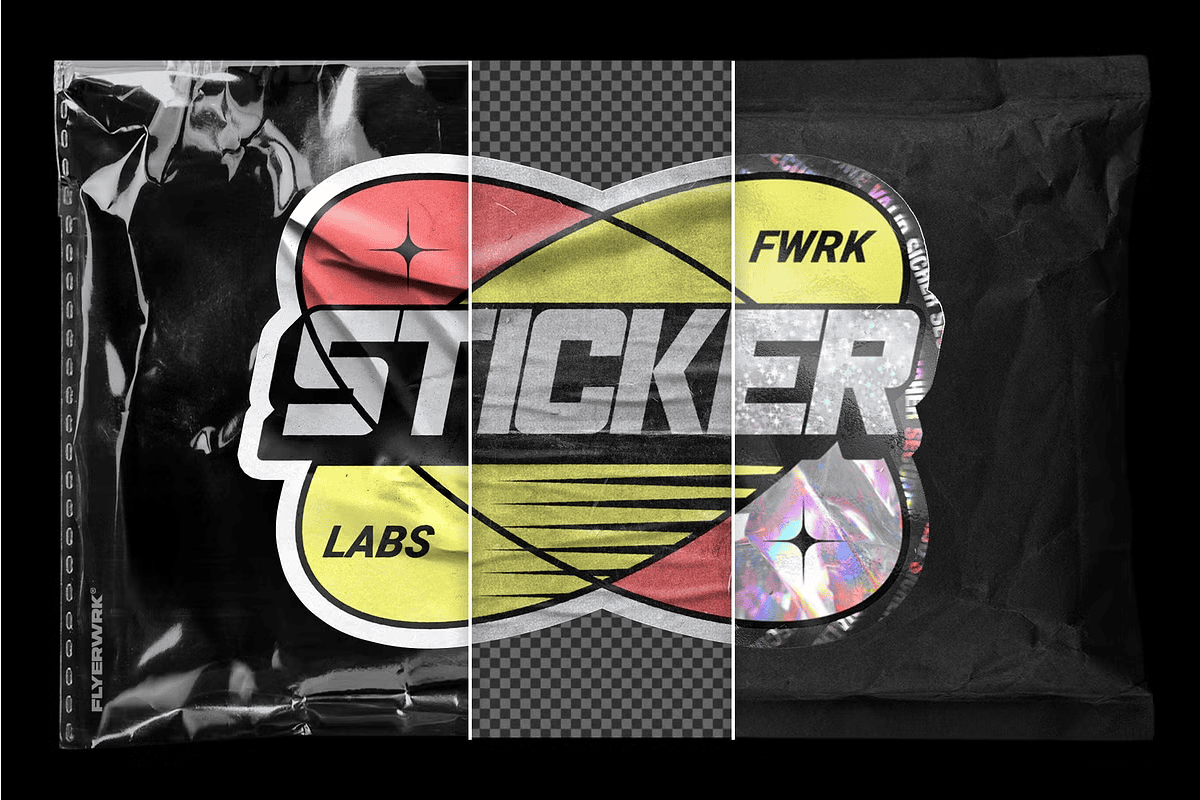
Unlock Your Creativity with Custom-Shaped Sticker Mockups
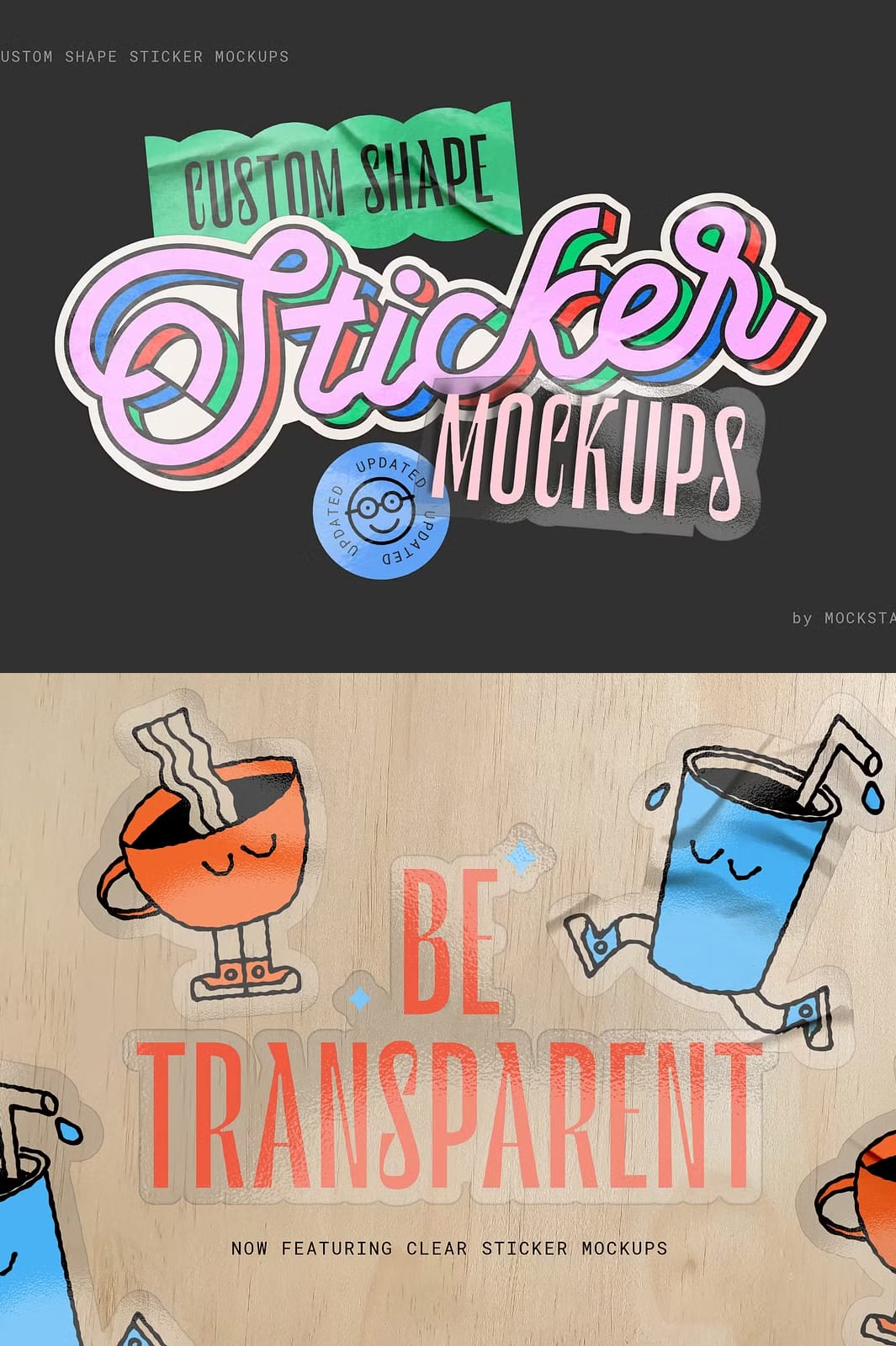
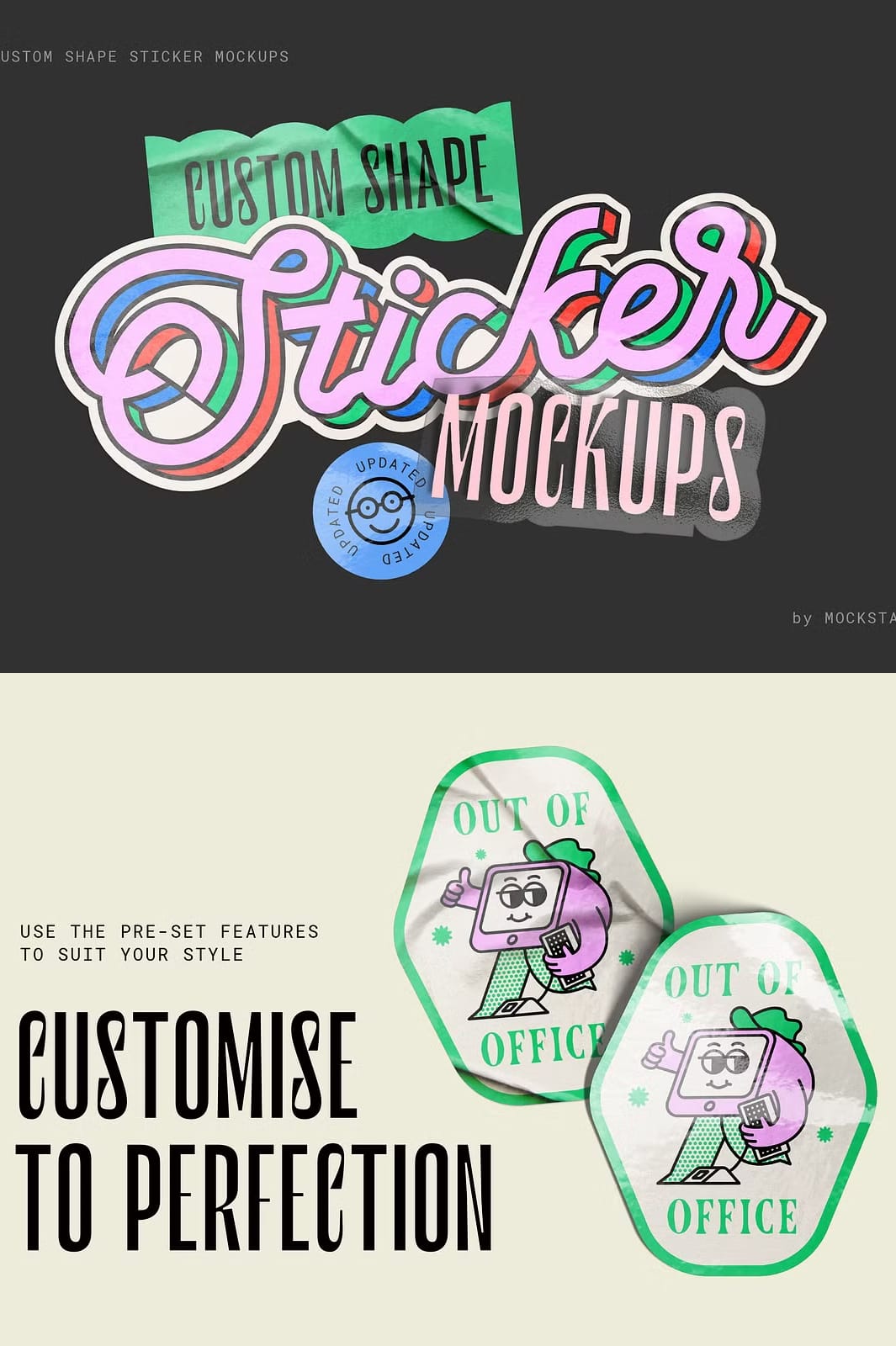
Break free from traditional sticker shapes and sizes with this highly versatile custom shape sticker mockup. Designed to work seamlessly with Adobe Photoshop and Affinity Photo 2, this mockup allows you to effortlessly create realistic, die-cut stickers that perfectly showcase your artwork. Whether you are a designer, brand owner, or illustrator, this mockup provides the tools you need to elevate your sticker presentations and impress your clients or customers.
Comprehensive Features for Maximum Customization and Control
This mockup set includes everything you need to create professional-quality sticker designs with ease. Key features include:
- High-Resolution 300dpi Templates: Compatible with Adobe Photoshop and Affinity Photo 2, ensuring crisp and clear visuals for both digital and print use.
- Easy-to-Follow PDF Instruction Guide: Step-by-step instructions to help you get started quickly and make the most of the mockup’s features.
- Video Tutorials: Detailed video guides demonstrate key features and walk you through the process of creating stunning sticker designs.
- Simple Smart Object Editing: Just add your design elements into the smart object layer and hit save to instantly update your sticker mockup.
- Multiple Metallic Effects: Add shiny, metallic finishes to your stickers for an eye-catching look. These effects work best with high-contrast artwork such as black and white designs.
- Full Scene Control: Customize wrinkle details, gloss texture, and shadow strength to create the perfect sticker presentation that matches your vision.
- Four New Scene Options: Import your saved transparent PNG sticker into any of the four included scene files for highly realistic and professional sticker displays.
How to Use This Custom Shape Sticker Mockup
Step 1: Add Your Design
- Open the mockup template in Adobe Photoshop or Affinity Photo 2.
- Locate the smart object layer labeled “Your Design Here.”
- Double-click the smart object to open it.
- Paste or create your sticker design within the smart object canvas.
- Save and close the smart object to update the mockup automatically.
Step 2: Customize Effects and Scene
- Choose from several metallic effects to add shine and depth to your sticker.
- Adjust wrinkle details, gloss texture, and shadow strength to enhance realism.
- Save your sticker as a transparent PNG file.
- Import your PNG into one of the four scene files to create a professional sticker presentation.
Why Choose This Sticker Mockup for Your Branding and Design Projects?
This custom shape sticker mockup is perfect for designers and businesses looking to showcase their branding, logos, illustrations, or text designs in a realistic and visually appealing way. The combination of easy editing, high-resolution templates, and multiple scene options ensures your stickers will stand out in presentations, marketing materials, and online portfolios. The included metallic effects add a premium touch that can elevate your designs to the next level.
Additional Resources and Support
Along with the mockup files, you receive a detailed PDF guide and video tutorials to help you master the mockup quickly. Whether you are a beginner or an experienced designer, these resources will ensure you get the best results with minimal effort.